AgencyAnalytics
AgencyAnalytics
  • Pricing
  • Login
  • Start Trial

Google Ads Dashboard for Performance Tracking and Client Reporting

Track ad spend, conversions, and ROI in a fully customizable Google Ads dashboard. Consolidate multiple accounts in one place, automate reporting, and provide clients with live insights that optimize ad performance and budget allocation.
Start Your Free Trial Preview Dashboard
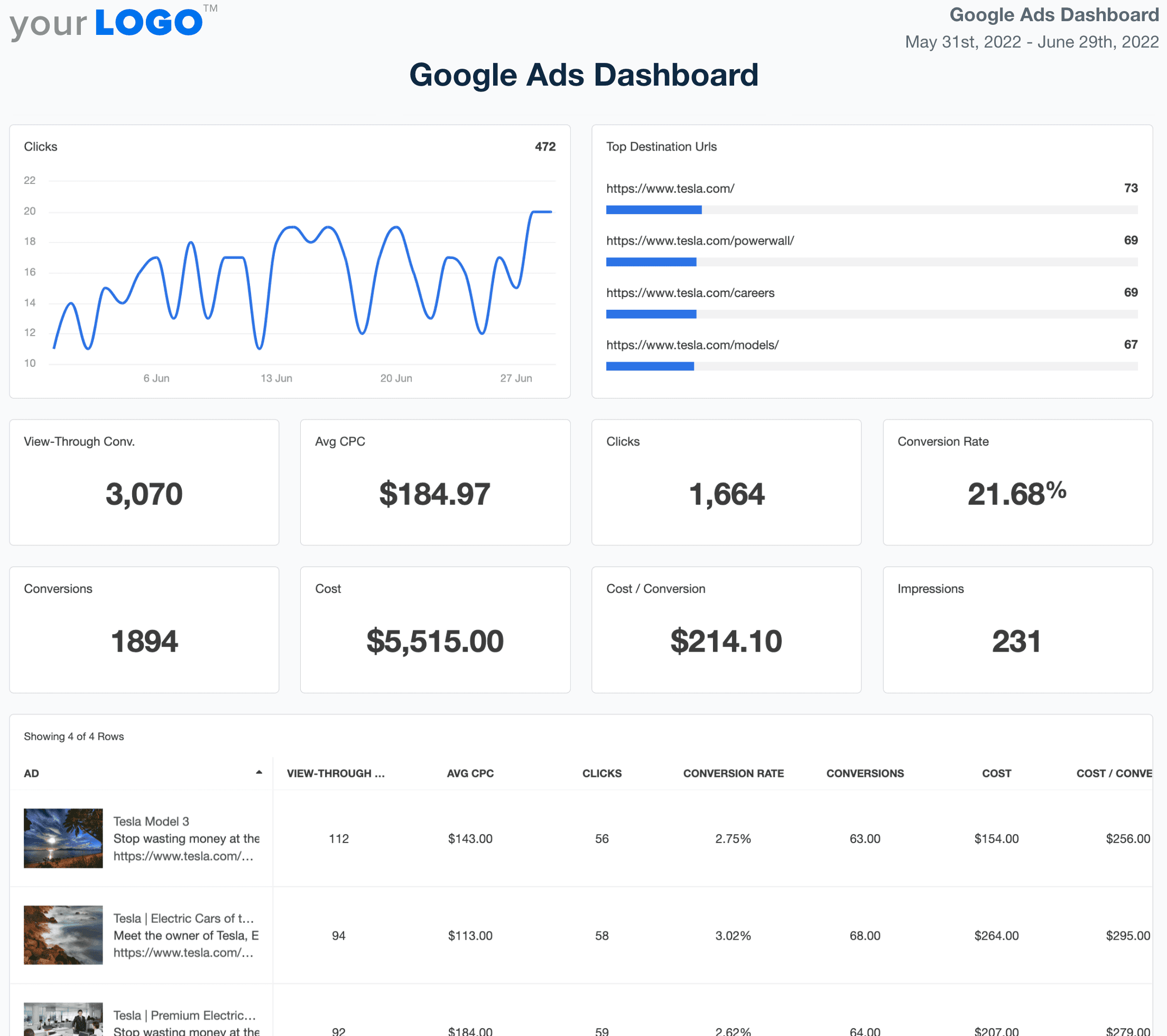
Google Ads Dashboard Template Example

Why Your Agency Needs a Live Google Ads Dashboard

Customizable Google Ads Dashboard for Smarter PPC Management

A white-labeled Google Ads dashboard centralizes ad performance data, eliminating the need to log in and out of multiple accounts. Customize widgets, white label dashboards, and track key PPC metrics like CTR, CPC, and ad spend—all in a single, easy-to-analyze platform.

Provide clients with a live, up-to-date view of their Google Ads campaigns while optimizing bids and audience targeting in real time. With automated reporting and seamless Google Ads integration, agencies spend less time compiling data and more time improving campaign performance.
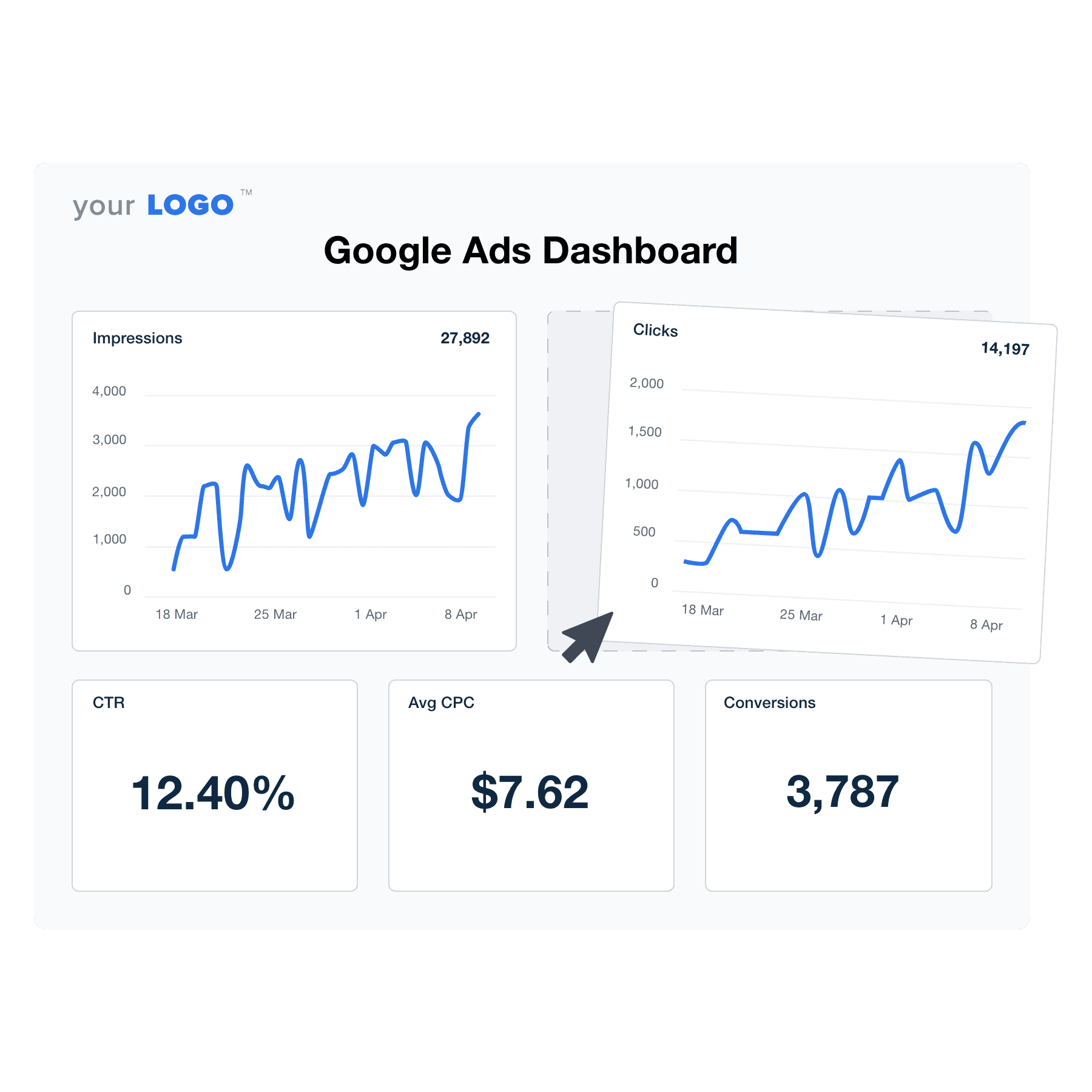

Create Professional Google Ads Dashboards in Minutes
An illustration of the drag-and-drop Google Ads dashboard builder for marketing agencies
Create Professional Google Ads Dashboards in Minutes

Easily Report on All Your Client's Google Ads Data

Start Your Free Trial

Custom Google Ads Dashboards as Unique as Your Agency

STREAMLINED GOOGLE ADS DATA

Create Custom Marketing Dashboards & Client Reports in Minutes

Save countless hours in data retrieval and client reporting. Integrate with Google Ads to access your clients’ real-time data instantly. Select the widgets you want to include and use the drag-and-drop report builder to organize each client’s data in a way that maximizes impact. Flip it into a client report in minutes, without the hassle. AgencyAnalytics gives you everything you need to put your client reporting on autopilot.
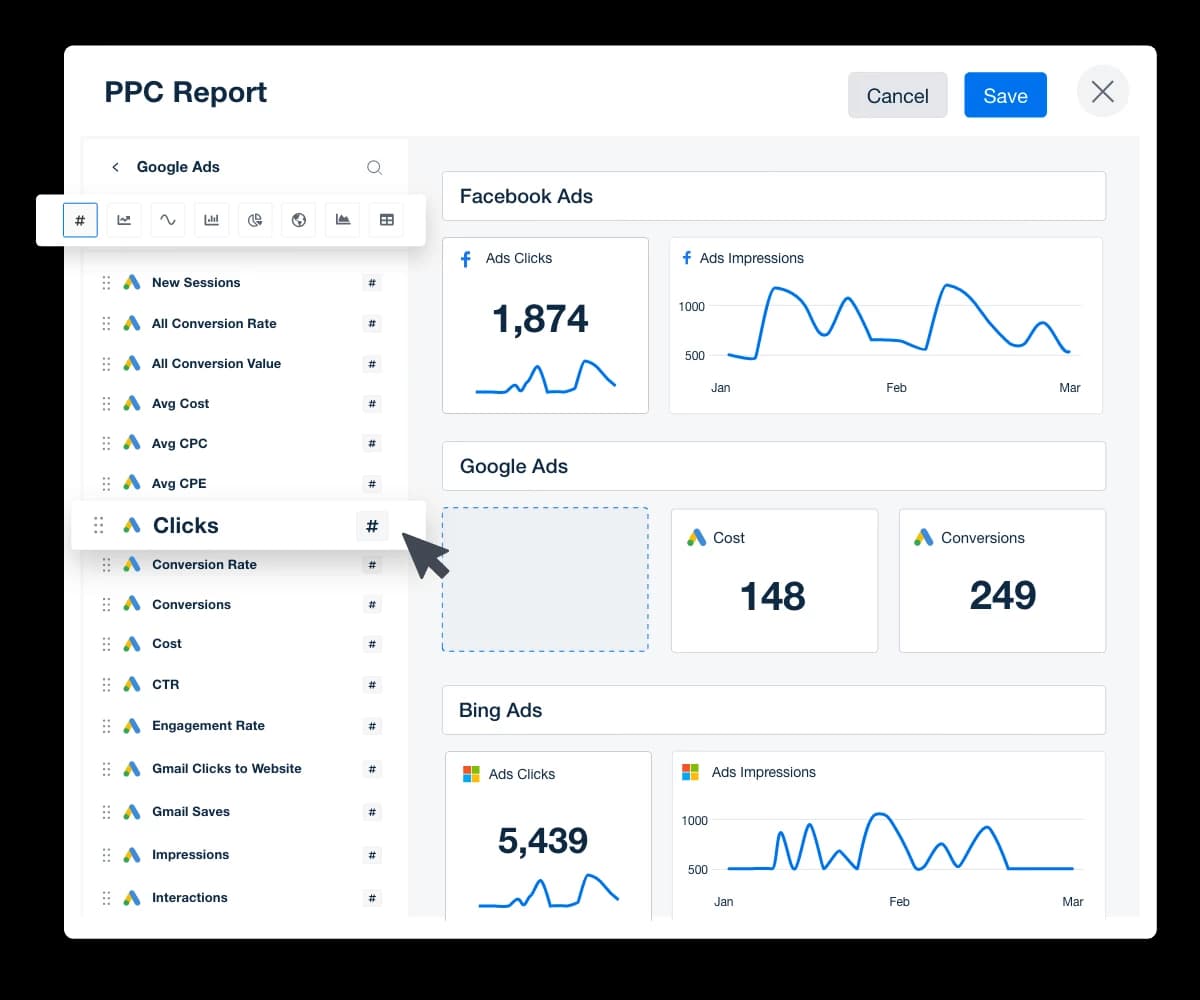
View Custom Dashboard Features
Create Custom Marketing Dashboards & Client Reports in Minutes
View Custom Dashboard Features
EASILY IDENTIFY INSIGHTS & OPPORTUNITIES

Monitor Multiple Campaigns in One Place

Keep track of all your clients’ campaigns in one place to easily identify insights and opportunities–even if a client has multiple locations or websites. Cross-campaign reporting makes it convenient to monitor all their campaigns, identify optimization opportunities, and share key insights.
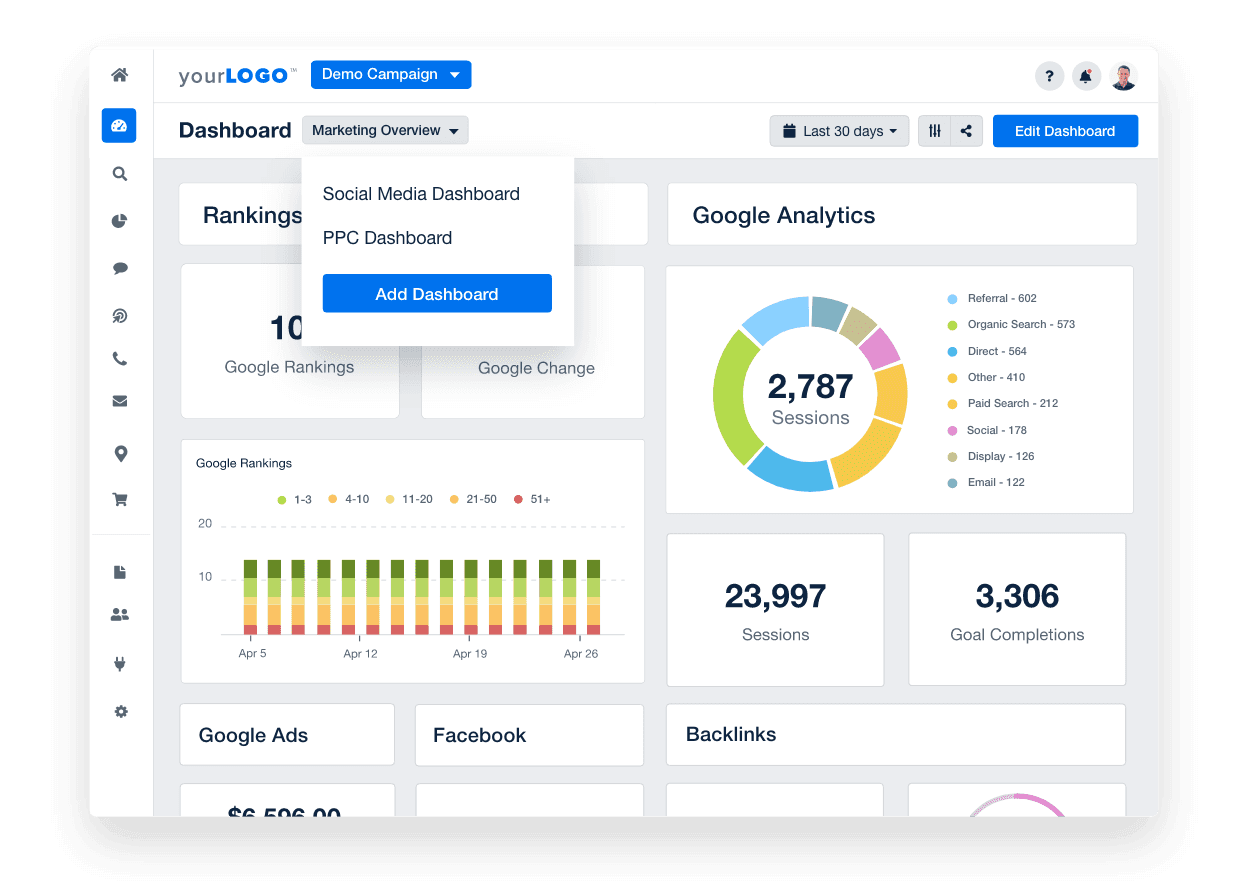
Explore Multiple Campaign Reporting
Multiple marketing dashboards
Explore Multiple Campaign Reporting
ADD YOUR PPC MARKUP AUTOMATICALLY

Streamline Your Agency’s Billing Process

Clearly communicate costs and overheads with your clients, fostering trust and clarity in your business relationships. With AgencyAnalytics, you have the flexibility to apply your PPC markup either at the campaign level or across all campaigns in your account with an account-wide markup. Include your margin in the total ad spend, providing a clear understanding of costs to your clients and avoiding potential misunderstandings.
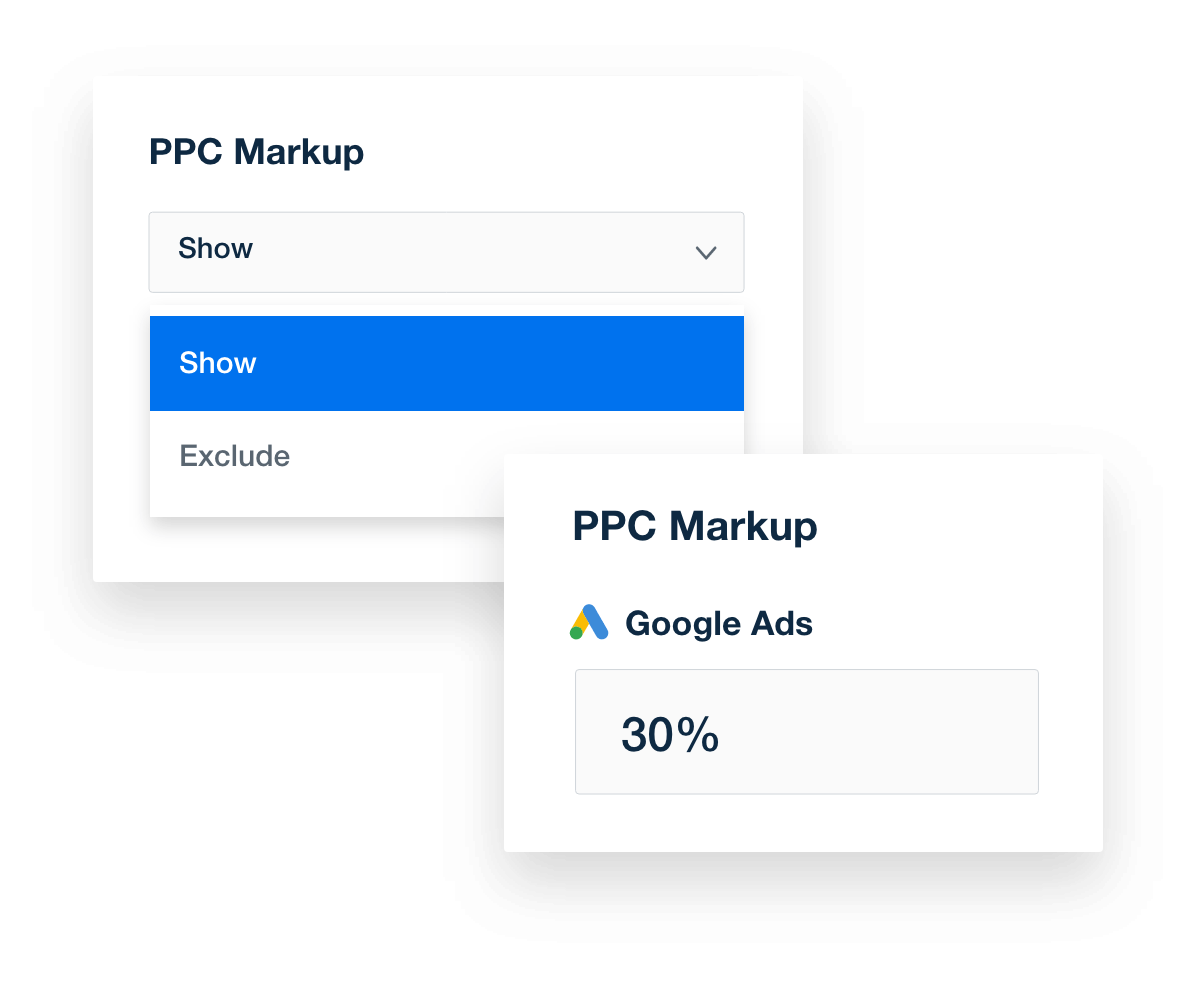
Include Your PPC Markup
A collage of PPC markup tools in AgencyAnalytics
Include Your PPC Markup
AGENCY MANAGEMENT TOOLS

Customizable Access for Clients & Staff

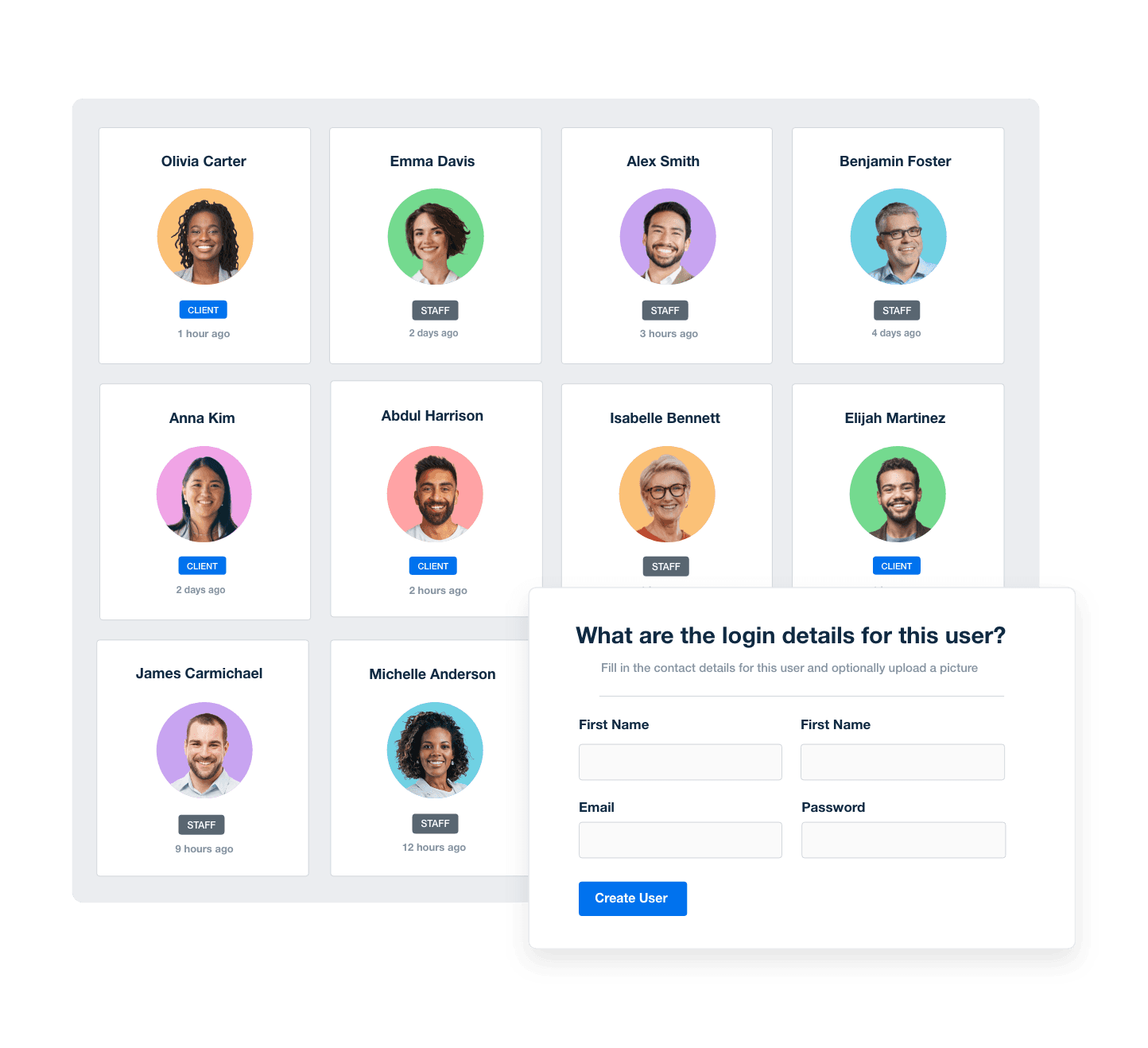
Give your clients their own login so they can access their live marketing dashboard at any time. Want to delegate tasks to your team and streamline your agency’s workflow? Granular user permissions give you complete control over exactly what each staff member can access. Assign staff members to clients and create one-off or recurring tasks for each campaign.
Manage Your Entire Agency
Screenshot of AgencyAnalytic's staff and client management software
Manage Your Entire Agency
TAKE CONTROL OF YOUR AGENCY’S BRANDING

Tie Your Results To Your Agency’s Brand

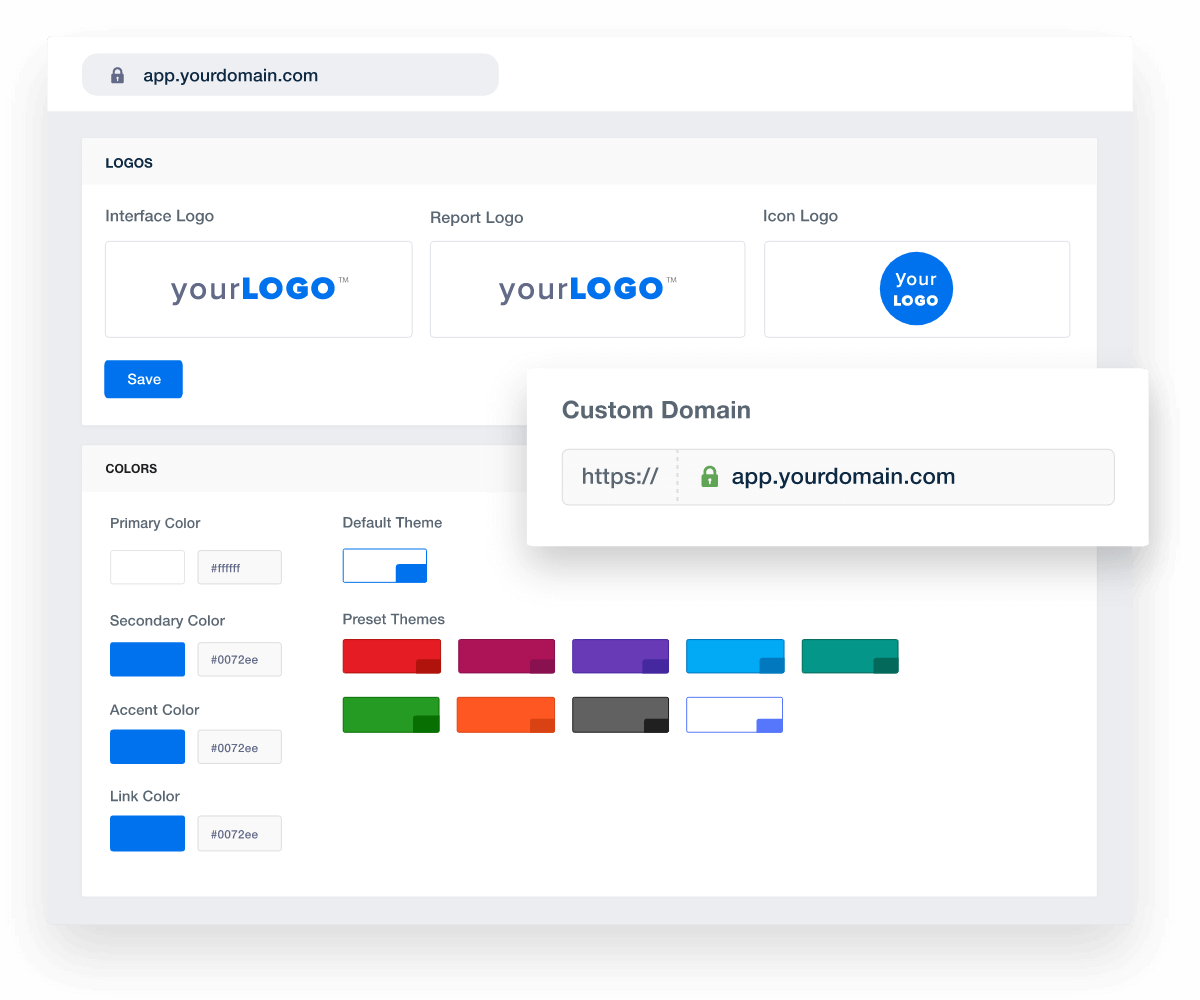
Make your brand go further with fully white-labeled dashboards and reports with your agency logo and your brand’s color palette. Take advantage of the multiple white label profiles on the Agency plan and higher for additional features like hosting your marketing dashboards on your own custom domain.
Add Your Agency's Branding
An example of how to set up white labeled marketing agency reports and dashboards
Add Your Agency's Branding
REPORT SCHEDULING

Report Smarter, Not Harder

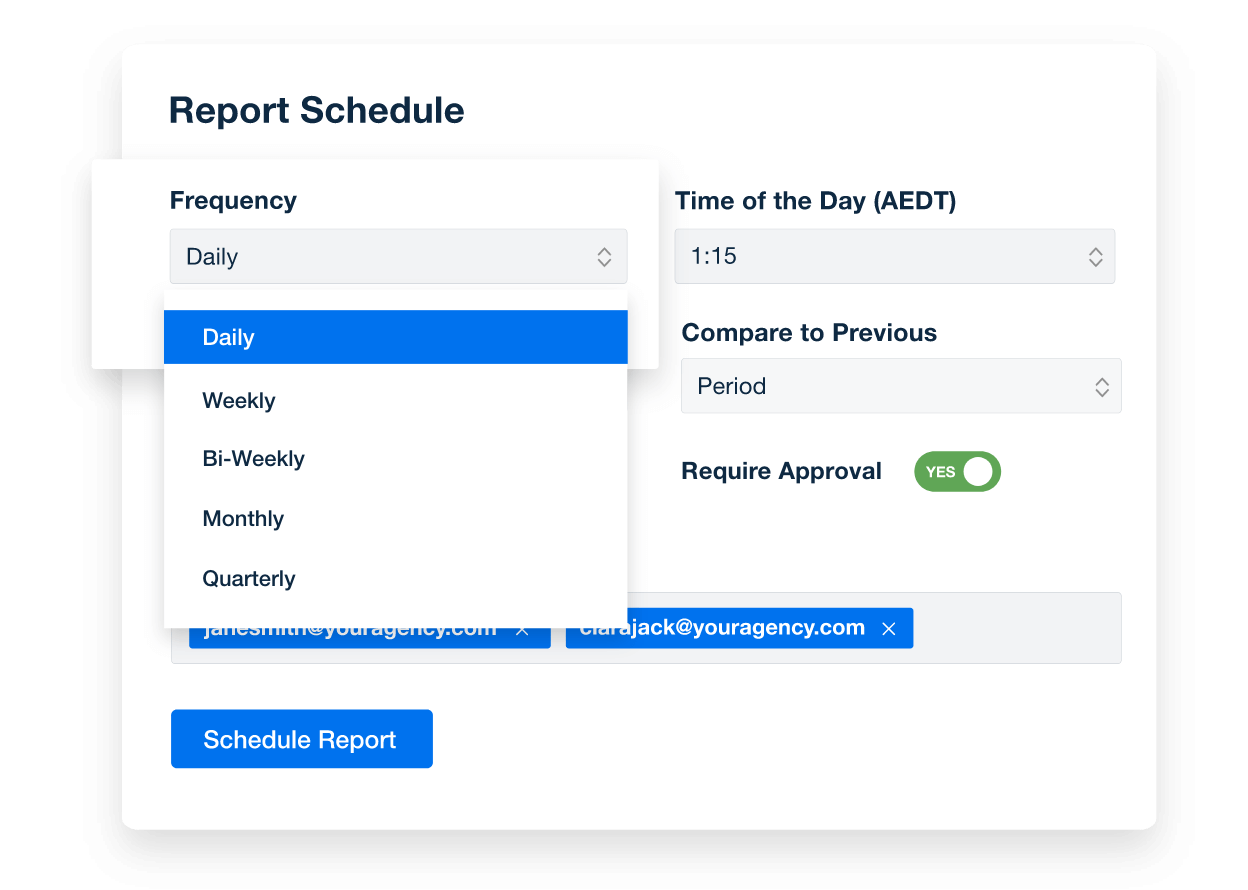
Automate your agency’s report generation and delivery on a daily, weekly, or monthly basis, freeing up time for strategic tasks. Regular, automated reports also enhance client engagement and retention.

With 80+ marketing integrations, your scheduled reports provide a comprehensive view of your clients' marketing performance across multiple platforms. Harness the power of automation and focus on delivering exceptional marketing results.

Automate Your Reporting
An example of marketing report scheduling options from AgencyAnalytics
Automate Your Reporting

Sign up for your free trial now!

No credit card required. No setup hassle. Just instant access to automated reporting, custom dashboards, and multi-channel insights.

Start Your Free Trial
An icon showing a user clicking to start a free trial
Start Your Free Trial

What's Included in the Customizable Google Ads Dashboard Template
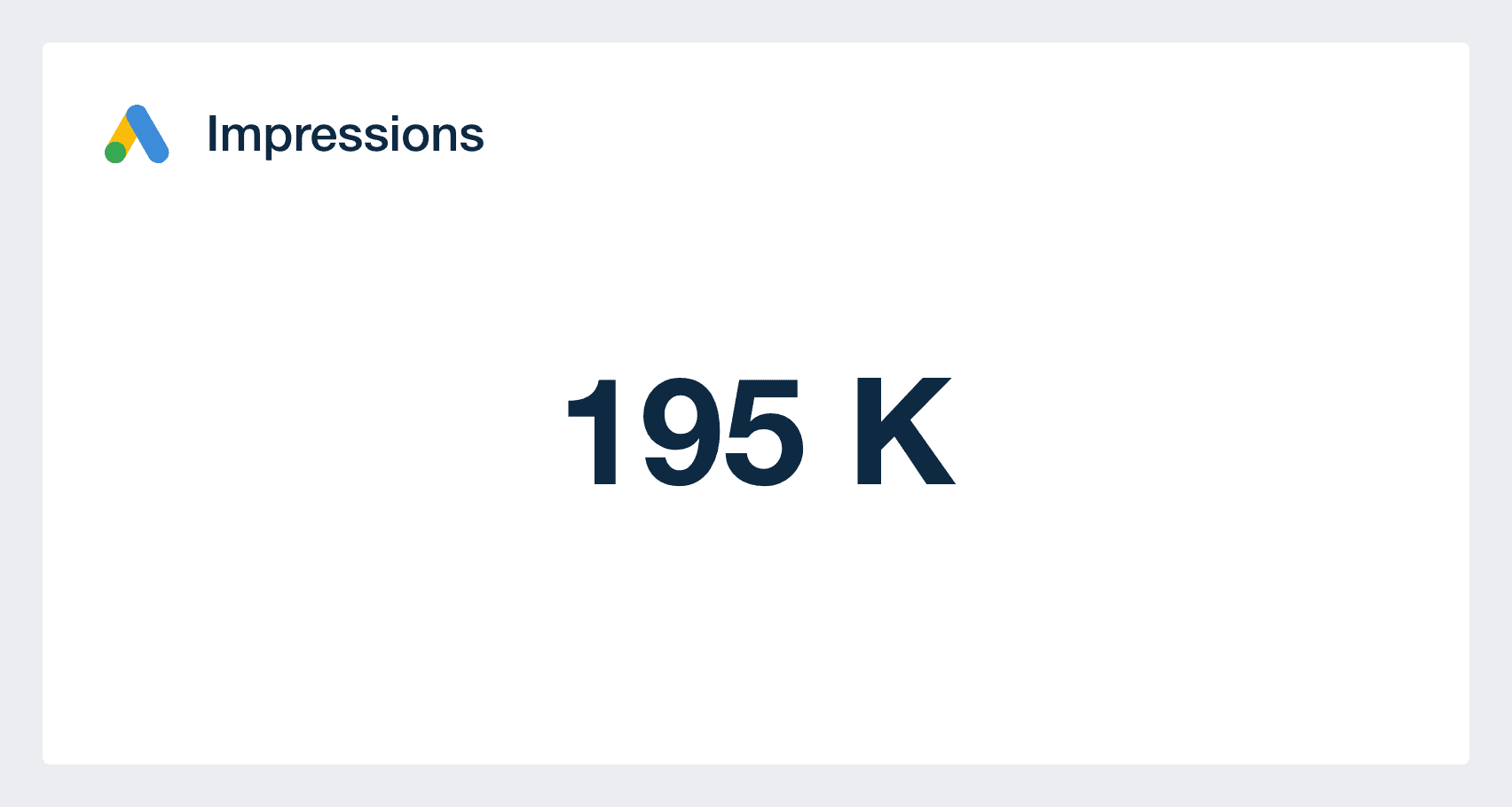
Impressions are how many times a Google Ads paid search ad has been seen among search results. For campaigns designed to increase awareness, this metric can be important as it’s an indication of interest in search terms related to the brand.

Impression volume can also provide insight into search volume trends. It's a good gauge to monitor how many eyes have seen your ads.

A click is recorded when a user clicks on a link in an ad. Clicks can be on the header of a paid search ad, or any of the extensions Google Ads supports such as location or featured products.

It’s an essential metric to monitor campaign performance, as a click is often a signal a user is interested enough to learn more about the product or service.

The Click-Through Rate (CTR) widget in your Google Ads dashboard helps you instantly understand how compelling your ad copy and targeting are. By showing the percentage of users who clicked on your ad after seeing it, this metric is a direct indicator of ad relevance and engagement.

Your dashboard visualizes CTR trends across campaigns, ad groups, and even individual ads, making it easy to spot what’s resonating with the audience—and what needs adjustment. Want to quickly identify underperforming ads? Use thresholds or set up alerts to flag any dips in CTR, so you can pivot your strategy fast.

CPC (cost per click) how much it charged on average for a click on a Google Ad. This metric often changes daily due to Google’s real-time bidding algorithm and so it’s best not to compare it week-over-week in a dashboard. The lower the cost, the more efficient your ad is at attracting website visitors, and the more of your audience you can reach within budget.

Google Ads Impressions Metric in Google Ads Dashboard Template

Build automated Google Ads reporting dashboards that deliver results

Save time and impress clients with a powerful, results-driven dashboard template. Access the free Google Ads reporting dashboard template today!

Preview the Dashboard
Illustration of a user at a marketing agency trying the client reporting features from AgencyAnalytics
Preview the Dashboard

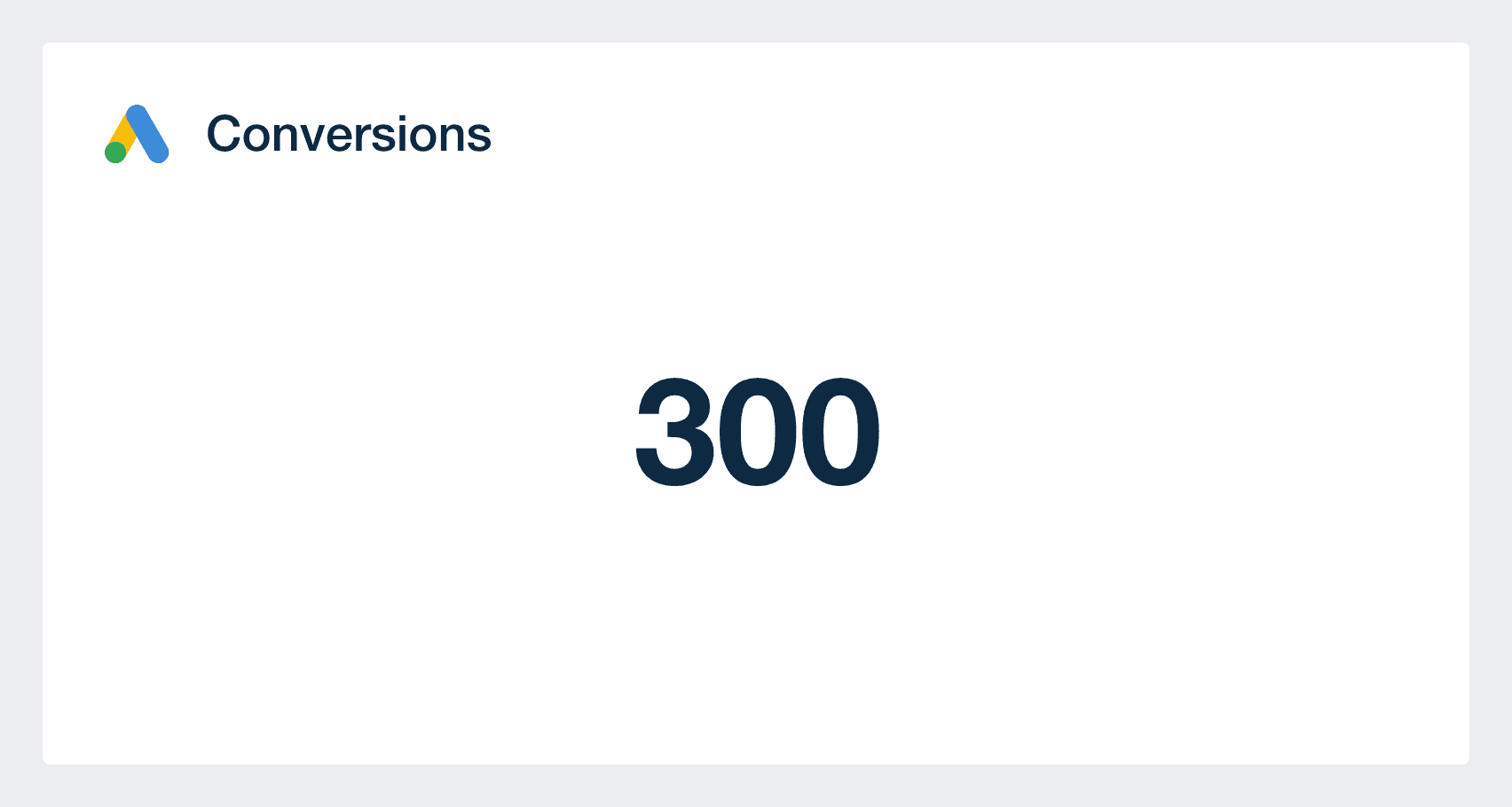
Tracking conversions makes it easy to track and report on the ROI (return on investment) of campaigns which makes it easy to prove the value of Google Ads.

Google Ads can report on several conversion events and should be the main target of any campaign. This includes calls from mobile ads, purchases, and Google Analytics custom goals. Conversions can be seen at the ad or keyword level in addition to at the campaign level, and allow you to track the real impact of marketing dollars.

As many paid search campaigns exist to drive consumer action, their effectiveness is an important KPI. Conversion rate shows the rate that clicks lead to conversions.

A Google Ads conversion rate can be calculated for various conversion metrics, and for purchase driven campaigns is often the main KPI. In a dashboard, the conversion rate can be broken into several granularities, including individual ads, ad group and more.

Metrics such as conversions, cost, CPC, and CTR (click-through rate) can be viewed by the Google Ads keywords level. Data at this granularity can help agencies identify trends and insights into customer desires, guiding optimizations and/or the creation of new ads.

Top performing keywords are a frequent client ask, and including them in a Google Ads dashboard allows you to anticipate questions.

Google Ads Conversions Metric in Google Ads Dashboard Template

FAQs About Custom Google Ads Dashboards

Still have questions about how to create and use custom Google Ads Dashboards? Don’t worry, we’ve got you covered.

  • A Google Ads Dashboard is a reporting tool that connects directly to your client’s Google Ads account. It consolidates data across ad campaigns, ad groups, and conversions, giving marketing agencies a clear, actionable view of performance without needing to log into multiple platforms.

  • To create a white label Google Ads Dashboard, connect your client’s Google Ads account to a reporting platform like AgencyAnalytics, select a dashboard layout, and apply your agency’s branding. On eligible plans, fully white label the dashboard with your logo, color scheme, and domain. Easily replicate this setup across multiple Google Ads accounts.

  • Track key metrics like ad impressions, clicks, cost-per-click, click-through rate, total conversion value, and total conversion count. Review ad group performance, individual Google Ads campaign metrics, and tie performance data back to broader KPIs using integrations with Google Analytics.

  • With real-time data, AI analytics tools, and visual insights across the entire process—from ad group performance to total conversions—the dashboard helps agencies make faster, more confident decisions. It eliminates guesswork and ensures every dollar spent on an existing or new Google Ads campaign is optimized for impact.

  • Yes. Tailor each dashboard to align with a client’s goals by selecting relevant metrics, widgets, and layouts. Whether they want a high-level overview or granular data on individual ad campaigns, the dashboard can be adapted to show what matters most.

  • Popular dashboards include the social media reporting dashboard for tracking social media performance, the online marketing dashboard for measuring digital marketing impact, and the PPC dashboard for PPC campaign reporting. Agencies also use the web analytics dashboards to provide web analytics overviews and the SEO monitoring dashboard to review SEO metrics.

More templates
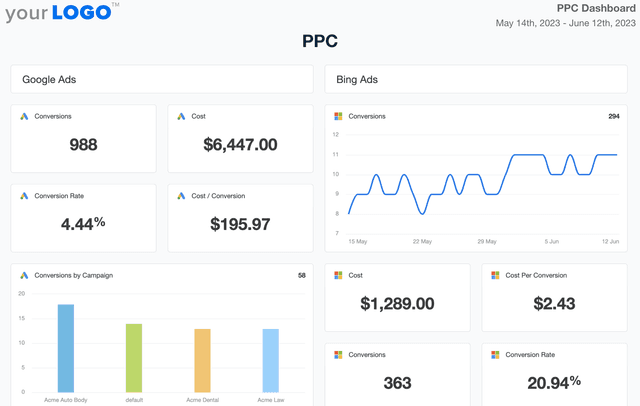
PPC Dashboard Template Example

PPC Dashboard

Track spend, conversions, and click-through rates in a fully customizable PPC dashboard. Automate reporting, provide clients with live insights, and optimize paid media strategies across platforms like Google Ads, Facebook Ads, and Microsoft Ads—all from one place. Monitor PPC campaign results without the hassle of manual data collection.
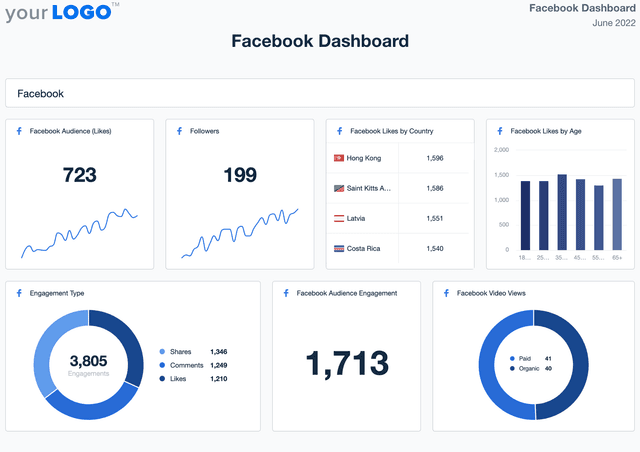
Example of the Facebook dashboard template

Facebook Dashboard

Track Facebook engagement, reach, and overall performance in a fully customizable dashboard. Monitor key metrics, automate reporting, and provide clients with live insights that highlight the impact of your social media efforts.
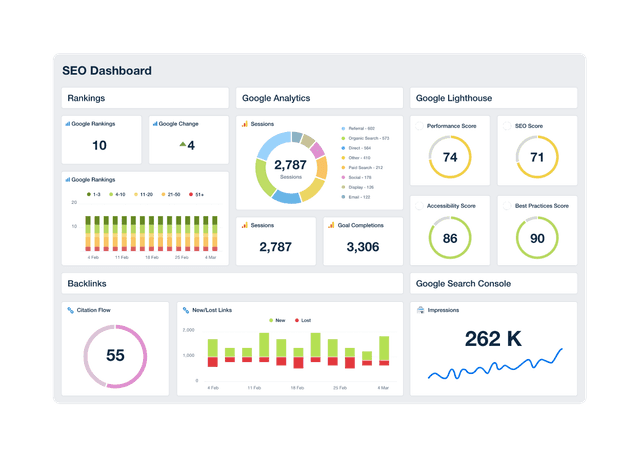
An example of a professional and customizable SEO dashboard template

SEO Dashboard

Track keyword rankings, organic traffic, backlinks, and goal completions in a customizable SEO reporting dashboard. Automate reporting, give clients live access to campaign data, and use up-to-date insights to improve performance and prove ROI. Join over 7,000 satisfied customers and experience the benefits of using an SEO dashboard!
View All Templates

See how 7,000+ marketing agencies help clients win

Start Your Trial Now

Free 14-day trial. No credit card required.

Callout Get StartedSwoosh
Logo
G2 Users Love Us
AgencyAnalytics - G2 Leader Winter 2026
AgencyAnalytics - G2 Momentum Leader Winter 2026
G2 Crowd

4.7 out of 5

Capterra

4.8 out of 5

Product
Platform features
Agency solutions
Data integrations
Compare platforms
Reviews
Pricing
Company
About
Careers
Hiring
Media Kit
Contact
Get Started
Start Free Trial
Book a Demo
Quick Start Guide