AgencyAnalytics
AgencyAnalytics
  • Pricing
  • Login
  • Start Trial

Ready-To-Use PPC Report Template for Agencies, Freelancers & Marketers

Monthly PPC reports shouldn't take all weekend. The customizable PPC Report Template gathers key metrics like cost-per-click, conversions, and ROI—so reporting takes minutes, not hours.
Preview TemplateStart Your Free Trial
Screenshot of an example PPC Report Template

Customizable PPC Report Templates That Prove Paid Campaign Results

Turn complex ad data into clear, client-ready reports with a fully customizable PPC report template. Highlight key insights from Google Ads, LinkedIn Ads, and any other paid platform using data from 80 marketing integrations.

Automate data collection, customize layouts, and deliver professional, branded reports that make your agency’s expertise impossible to miss—without wasting time on manual reporting.
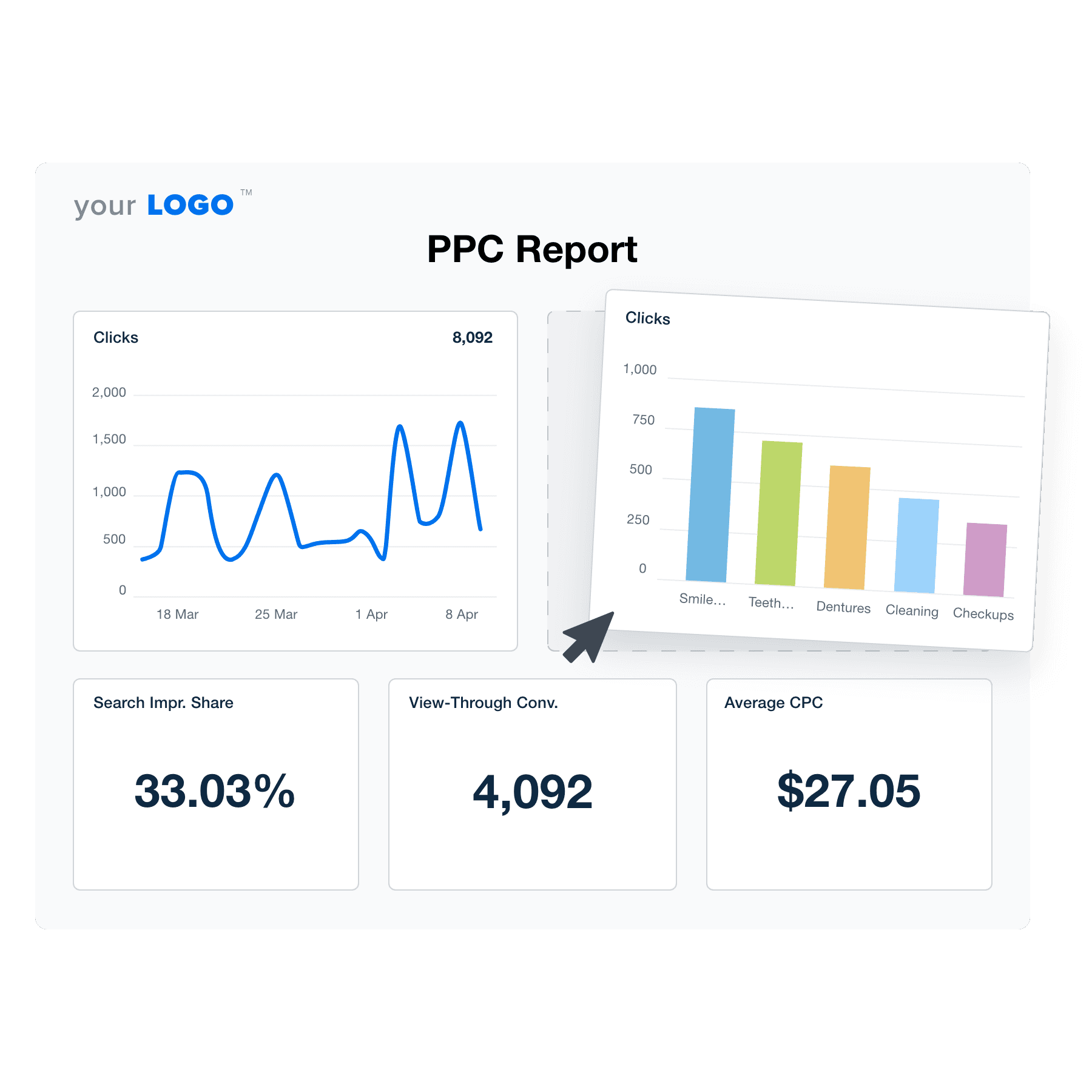

Create Professional PPC Reports in Minutes
An example of the drag-and-drop PPC report template builder
Create Professional PPC Reports in Minutes

Easily Report on Your Client's PPC Campaign Performance

Start Your Free Trial

Custom PPC Reports as Unique as Your Agency

DRAG AND DROP REPORTING

Win Back Billable Hours By Streamlining Your PPC Reporting

Spend your agency's time delivering results, not just reporting on them. Drag and drop key metrics into visual graphs and configure your PPC reports in minutes!

They'll always be ready to go while you're working on your revenue-driving activities.
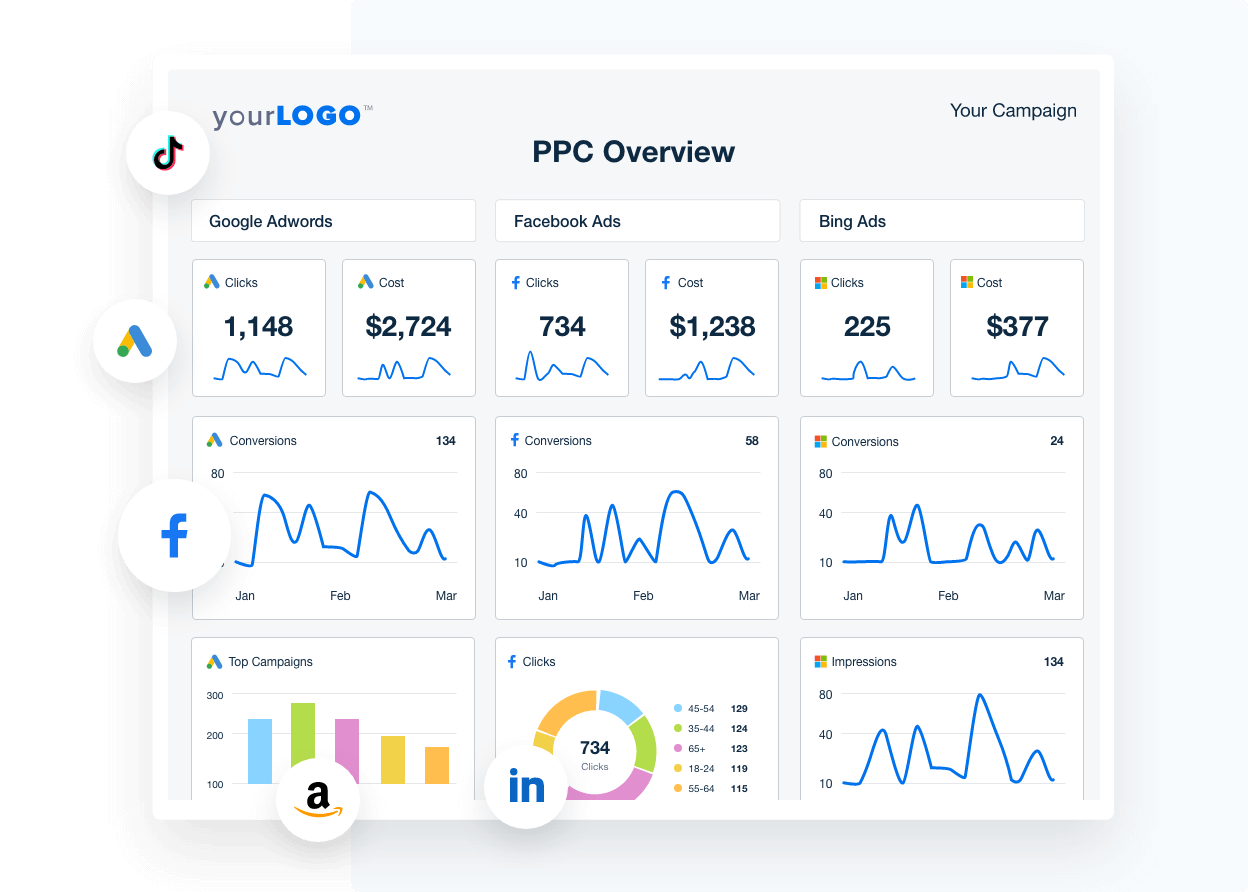
Get Started With Automated Reporting
A screenshot of a sample PPC report
Get Started With Automated Reporting
ADD YOUR AGENCY’S MARGIN

Campaign or Account-Wide PPC Markups

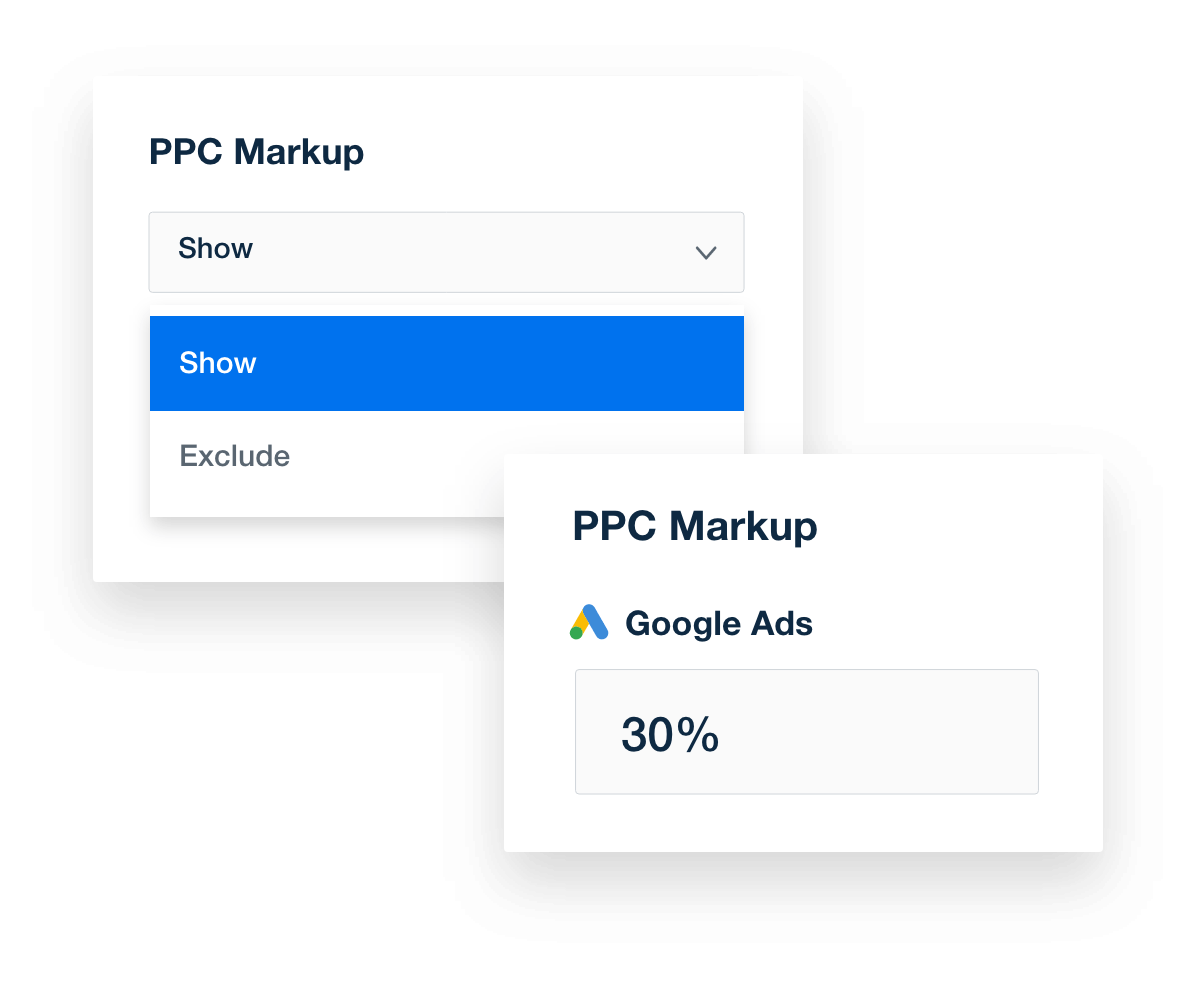
Eliminate confusion and build trust with fully transparent reporting. The PPC markup feature automatically rolls your agency’s management fee into the total ad spend, so clients see one clear number.

By keeping the focus on total investment and campaign performance, you reduce back-and-forth questions and position your agency as a trusted partner that makes reporting easy to understand and easy to trust.
Discover PPC Markup Features
A collage of PPC markup tools in AgencyAnalytics
Discover PPC Markup Features
80+ MARKETING INTEGRATIONS

Instantly Access All Your Clients’ Campaign Data

Switching between multiple marketing platforms wastes valuable time. With AgencyAnalytics, access all your clients’ campaign data in one streamlined platform.

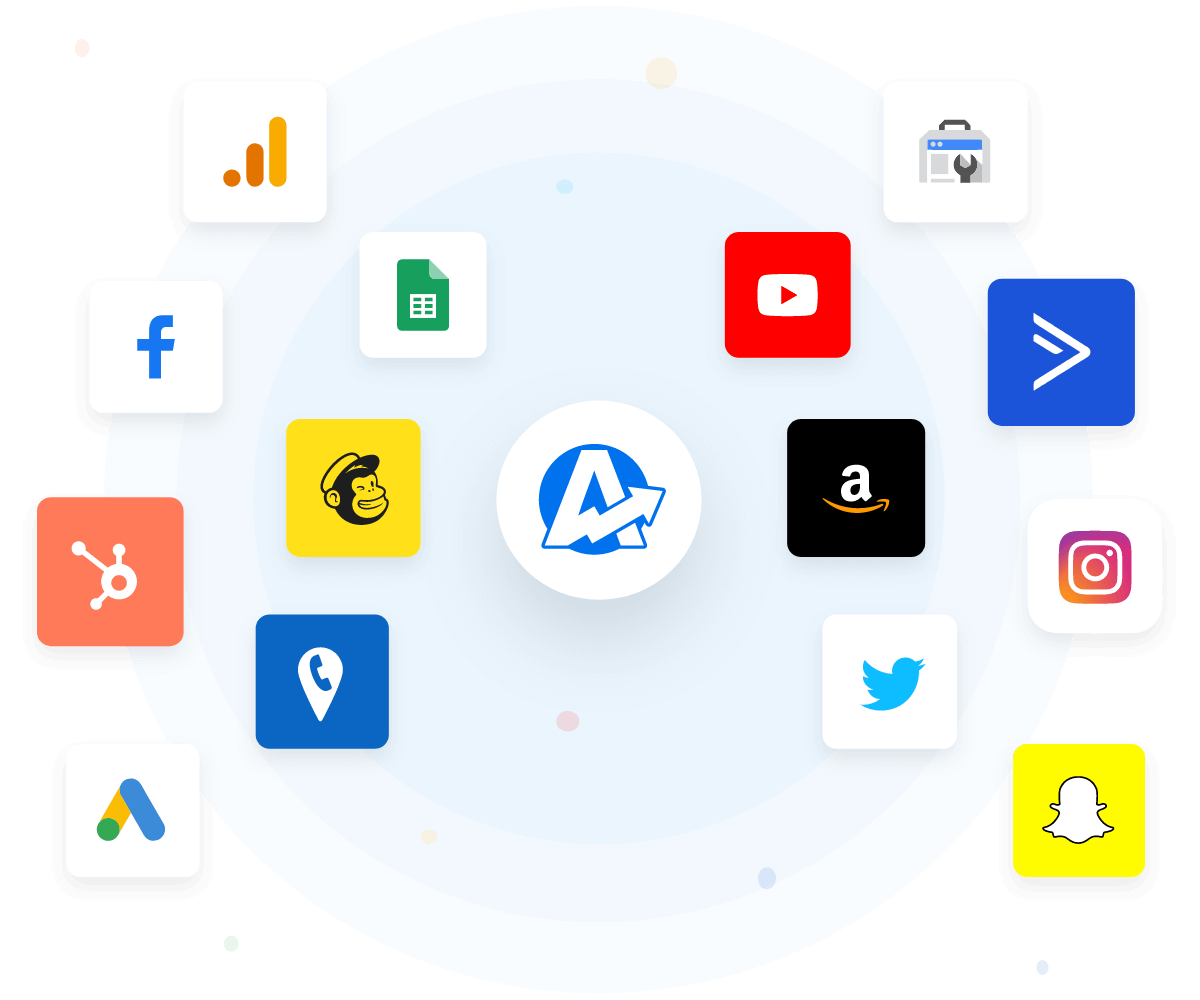
Create reports that paint a complete picture of your agency's performance by tapping into the over 80 platform integrations included on all AgencyAnalytics plans. Managing your client’s PPC strategy has never been easier.
View All Integrations
A sample of third-party marketing platform integrations that are on the AgencyAnalytics client reporting software
View All Integrations
ADD IN SOME SEO

Show the Big Picture of Clients’ Online Performance

What completes a PPC report better than SEO? Access a full suite of SEO tools to complement your PPC results. Automatically track keyword rankings, perform a site audit, and monitor backlinks. Schedule them to send on a daily, weekly, or monthly basis even if you don't manage a client's SEO... yet!

A comprehensive digital marketing report template consolidates all your client's marketing data into one centralized hub, driving efficiency, improving targeting, and maximizing conversions.
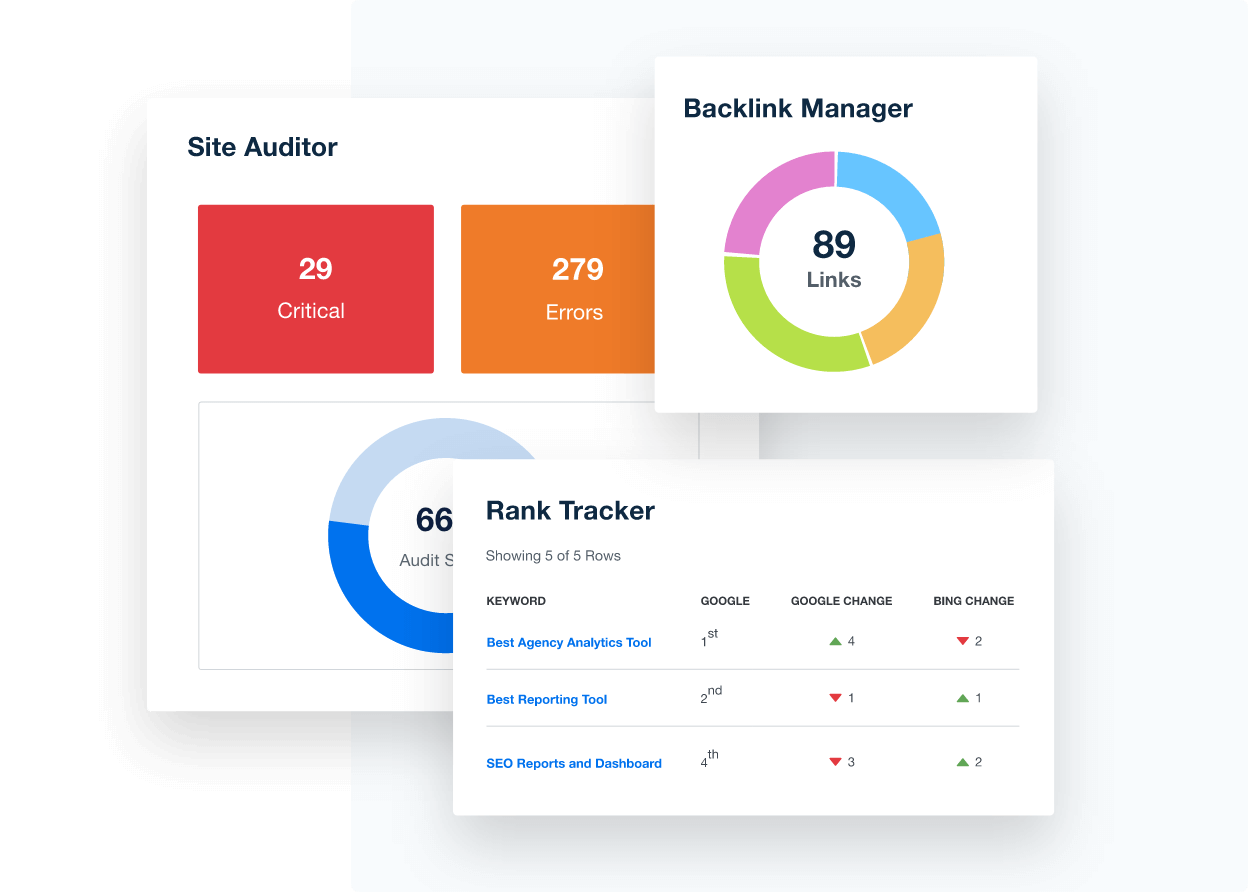
Discover All SEO Tools
Collection of SEO analytics tools for marketing agencies
Discover All SEO Tools
PUT YOUR BRAND FORWARD

White Label Your PPC Reports

Every report you send is an opportunity to strengthen your agency’s brand. With fully white-labeled PPC reports, your logo, colors, and messaging stay front and center—no mention of third-party tools.

On select plans, send reports directly from your own email domain to create a seamless client experience that feels 100% owned by your agency. Build trust, reinforce your professionalism, and remind clients exactly who’s delivering their results.
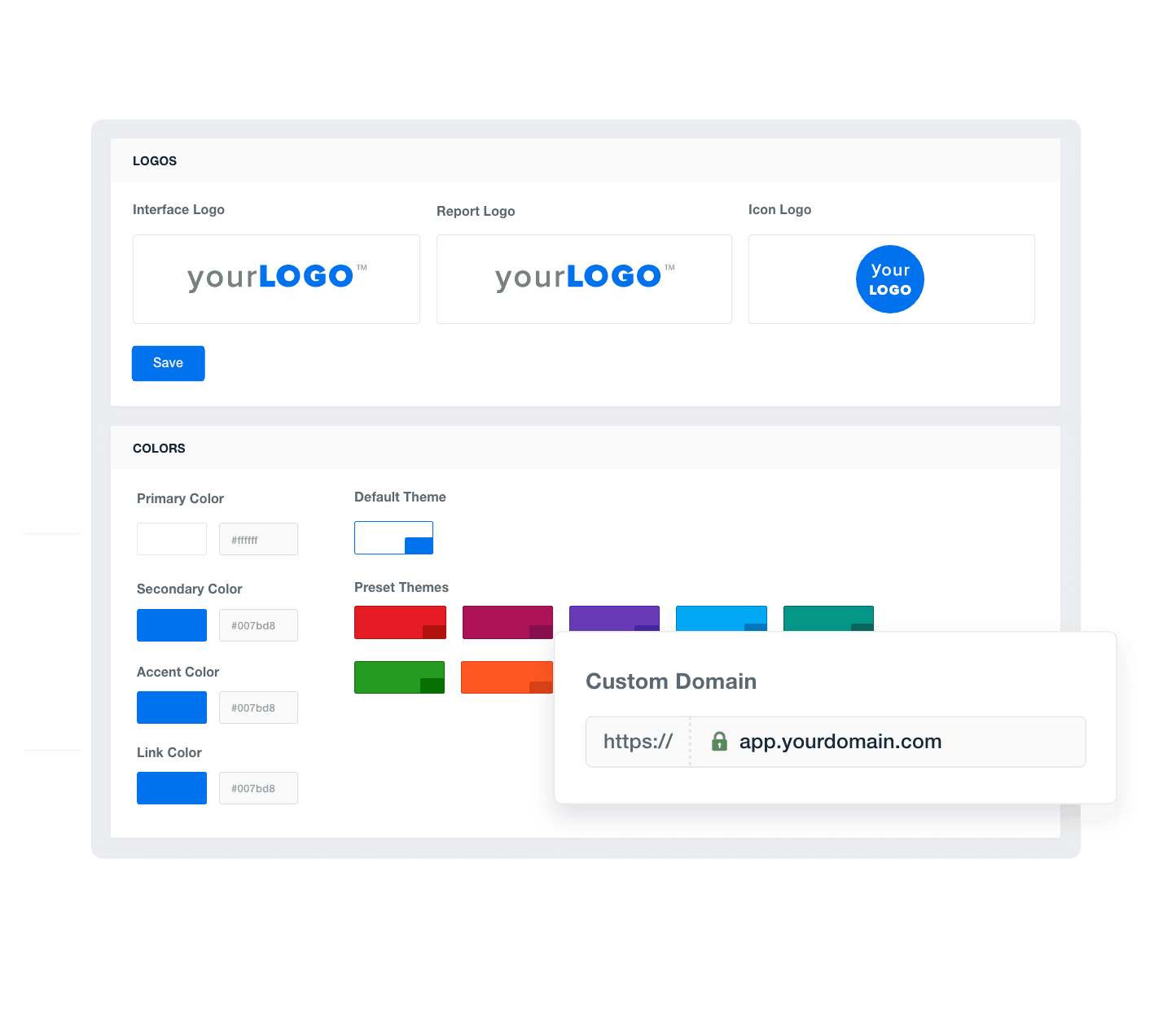
Discover All White Label Features
An example of how to add your marketing agency's branding to customizable marketing reporting software
Discover All White Label Features
Report Smarter. Not Harder.

Automate Reporting and Focus On What Matters

Refine your PPC reporting process and free up precious time to focus on what your agency does best. It's not just about working smarter; it's about making an impact where it counts.

Streamline PPC reporting by pulling in key metrics like clicks, conversions, cost-per-click, and ROAS—alongside data from 80 other marketing platform integrations. Give clients a complete view of their paid advertising performance in one place.
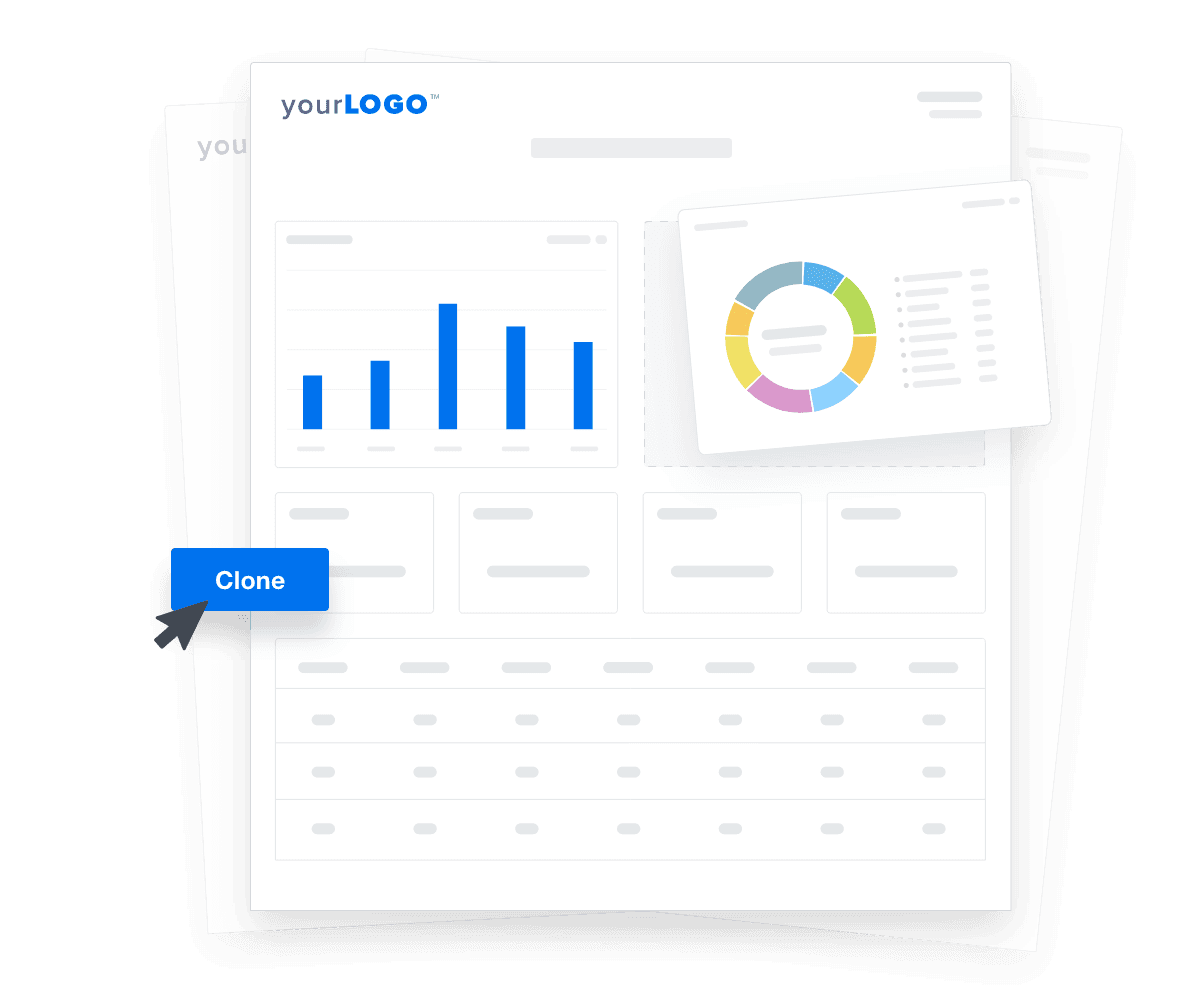

Create Custom Dashboards
An illustration of cloning marketing reports and dashboards for faster client onboarding
Create Custom Dashboards

Sign up for your free trial now!

No credit card required. No setup hassle. Just instant access to automated reporting, custom dashboards, and multi-channel insights.

Start Your Free Trial
An icon showing a user clicking to start a free trial
Start Your Free Trial

14 Sections Included in the Customizable PPC Report Template
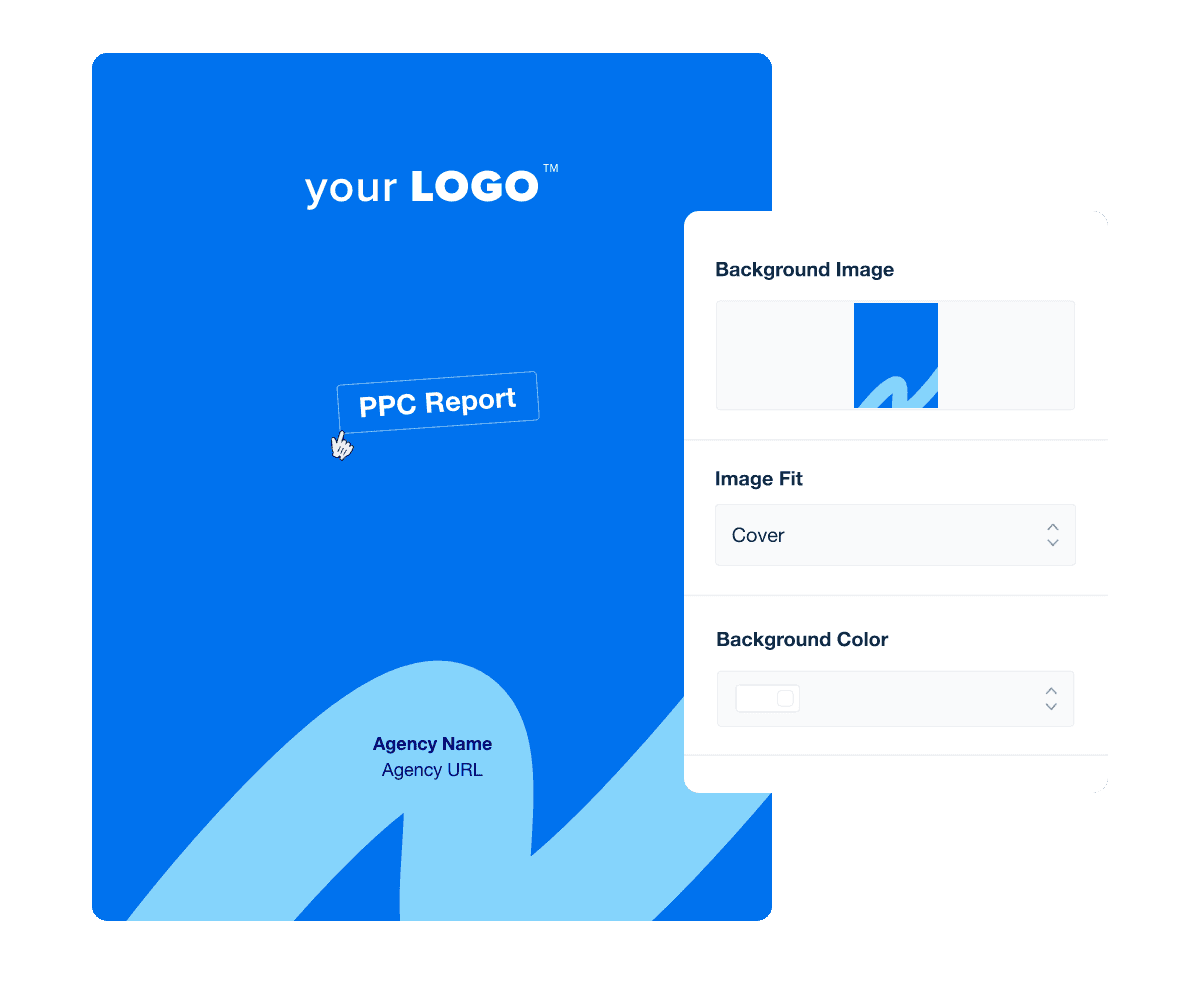
The cover page of a PPC Report is the first touchpoint when presenting your client's ad campaign data. Use the Report Cover and Section Design Customization Feature to choose a background color or upload a custom image that reflects your agency's brand. Apply that design concept page-by-page. And continue this branding through customizable title and image widgets throughout the PPC report.

Saving a well-executed design as a template ensures consistent branding and streamlines the reporting process for future projects.

The first page of a PPC Report template sets the initial tone for the in-depth analysis and insights that follow. And a professionally designed PPC report, from start to finish, serves as a critical tool for establishing your agency's credibility and enhancing the overall client experience

In the monthly write-up section of the PPC report, there is a custom text field for you to provide an overview of the effectiveness of your agency's PPC campaign strategies during the reporting period. We recommend you use this section of the report to analyze the past month’s overall performance to show your clients how the budget is looking and how you plan on optimizing individual ads or campaigns to improve their performance.

Use the monthly (or whatever reporting cadence your agency uses) write-up section to strategize for next month and give your clients an idea of the action steps you’re going to take to improve upon their account’s performance. You can also use this section to show how you’re planning on meeting your clients’ long term goals moving forward.

PPC advertising can seem complicated for clients who are already managing a lot. This section helps by clearly explaining the key metrics that matter most. Instead of leaving clients to figure out unfamiliar terms, it breaks each data point into plain language that shows what it means for their campaign.

When clients understand why a metric matters and how it supports their goals, the results become much easier to appreciate. This clarity builds trust in your PPC strategy and gives clients confidence in their advertising investment.

This section provides a clear, high-level look at how all PPC campaigns are performing across a client's account. Instead of focusing on individual platforms or isolated metrics, it highlights the overall trends that matter most—what’s improving, what may need attention, and how their advertising efforts are performing as a whole.

By presenting the data in a simple, easy-to-understand format, this overview offers a true bird’s-eye view of campaign health. With this big-picture perspective, it becomes easier for clients to understand the impact of their PPC investments and the direction their campaigns are taking.

This section breaks down Google Ads performance in a clear, client-friendly format. Start with a summary of key metrics like conversions, cost, impressions, clicks, CTR, CPC, and cost per conversion—followed by a detailed view of each campaign.

Easily compare campaign and ad group performance to spot what’s working and where to optimize. Use this section to show clients exactly how their Google Ads investment stacks up—both across campaigns and against other ad platforms.

This section highlights Facebook Ads performance with key metrics like clicks, CPC, CTR, CPM, and total impressions—everything you need to track campaign results and control costs.

Easily monitor and report on individual campaigns and ads to show clients exactly what’s running, how it’s performing, and what they’re getting for their investment. Detailed ad-level insights help you spot high costs or low engagement, so you can make quick adjustments that improve results.

Whether you build a dedicated Facebook Ads report or include it in a full PPC report, these customizable templates keep clients informed and your team focused on performance.

Microsoft Ads deserves a place in your client’s PPC strategy, and this section helps you prove it. Highlight key metrics like conversions, spend, clicks, and impressions—presented in a clear, client-friendly format.

While many clients focus on Google first, this section shows the value of reaching audiences on Microsoft’s search network. Use it to compare performance across platforms and demonstrate how Bing captures leads they might otherwise miss.

Custom design your PPC Report cover, section pages, and more!

Build custom PPC campaign reports that deliver results

Save time and impress clients with a powerful, results-driven report template. Access the free PPC report template today!

Preview the Template
Illustration of a user at a marketing agency trying the client reporting features from AgencyAnalytics
Preview the Template

The Instagram Ads Campaigns section gives you the opportunity to show your clients how well your campaigns are performing on this popular social media platform. Easily highlight your client KPIs like click-through rate, impressions, clicks, and more.

This section pulls its data from the Facebook Ads dashboard with the Publisher Platform filter enabled to display Instagram only.

This section highlights Reddit Ads performance by showcasing key metrics like clicks, conversions, impressions, spend, and engagement. It helps clients quickly see how their campaigns are connecting with targeted Reddit communities.

Reddit’s audience is highly active and interest-driven, making it a valuable channel for reaching niche groups. This overview makes it easy to compare Reddit results with other paid platforms and show how the channel supports brand awareness, qualified traffic, and engagement within topic-focused subreddits.

This section tracks TikTok Ads performance with key metrics like impressions, video views, clicks, engagement rate, and conversions—giving clients a clear view of how their campaigns are capturing attention on one of the fastest-growing platforms.

TikTok’s audience and format are different from traditional ad channels, making it essential to show clients how these campaigns expand reach and engage new audiences. Use this section to highlight performance alongside other paid platforms and demonstrate how TikTok supports both awareness and lower-funnel results.

This section highlights LinkedIn Ads performance with key metrics like clicks, conversions, spend, impressions, and engagement—helping your clients see the impact of reaching professional audiences.

While LinkedIn often comes with higher costs, this section makes it easy to show the value of highly targeted, business-focused campaigns. Use it to compare LinkedIn performance alongside other paid channels and demonstrate how it supports lead generation, brand awareness, and B2B growth.

This section breaks down how visitors interact with your landing pages, using metrics like conversion rate, bounce rate, time on page, and overall engagement. It gives clients a clear picture of how effectively each page turns ad clicks into meaningful actions.

By highlighting which pages perform well and which may need improvement, this overview helps show how landing page experience influences the success of all PPC campaigns. It also makes it easy to compare performance across pages and understand how layout, messaging, and user experience contribute to results.

Goal & budget tracking offers a clear and holistic view of how closely a PPC campaign's progress aligns with the client's overall marketing objectives. Include an easy-to-understand snapshot of progress towards goals, budgets, or milestones, making it easy to spot any adjustments needed to stay on course.

This section helps clients quickly understand whether their campaigns are pacing correctly and delivering expected outcomes, ensuring transparency and confidence in how resources are being used.

This section brings together the key takeaways from the reporting period, giving clients a simple overview of what performed well, what changed, and what deserves attention moving forward. It highlights the most important insights without overwhelming them with details.

Next steps outline the recommended actions to keep campaigns progressing toward their goals. This may include optimization opportunities, testing ideas, budget adjustments, or new strategies based on performance trends. By clearly presenting what comes next, clients know exactly how their PPC efforts will continue to improve in the upcoming period.

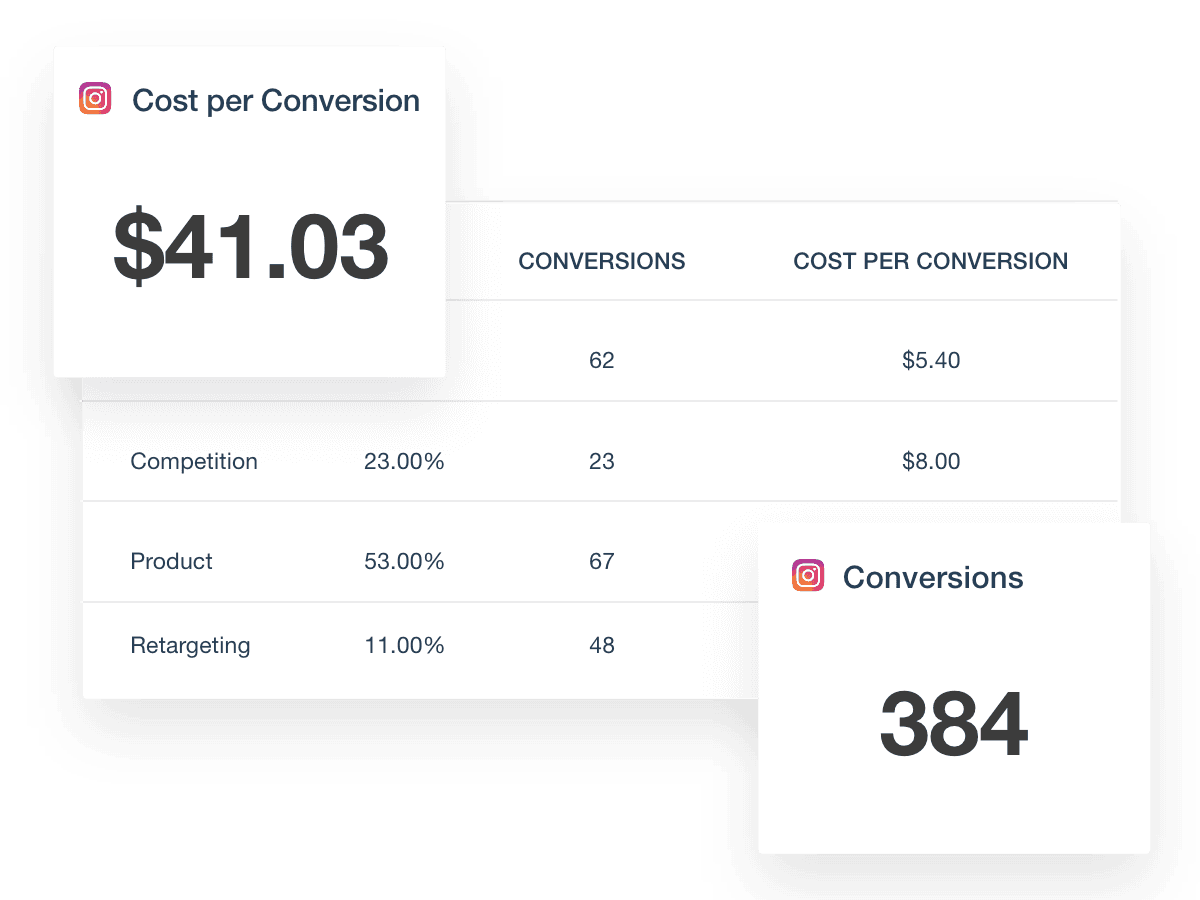
Instagram Ads dashboard conversion metrics

FAQs About Automated PPC Report Templates

Still have questions about how to create and use automated PPC Report Templates? Don’t worry, we’ve got you covered.

  • A PPC report template helps agencies organize all the PPC data from their client’s Google Ads campaigns, Bing Ads data, and other paid campaigns into a clear, high-level report. It brings together results from PPC campaigns across platforms like Google Ads, Bing Ads, Facebook Ads, and LinkedIn Ads, making it easier for agencies to measure performance, optimize marketing efforts, and deliver professional client reporting.

  • Agencies should include important KPIs like impressions, ad clicks, click through rates, cost per conversion, conversion rate, conversion value, and ad costs. Including landing page performance, engagement rate, and other metrics ensures the PPC reporting template covers all the data needed to improve PPC campaign strategies. Also track keyword performance, ad group results, and landing page effectiveness to get a complete view of campaign performance.

  • PPC reports give marketing teams the insights they need to adjust targeting, creative, and budget based on actual PPC performance. By analyzing which ads generate the most engagement, clicks, or conversions, agencies improve PPC efforts and maximize ROI across multiple channels.

    Also tracking performance metrics over time helps agencies identify underperforming ads, allocate budgets more efficiently, and fine-tune targeting strategies to drive better results for clients.

  • Yes. AgencyAnalytics automates PPC reporting by pulling accurate data from platforms like Google Ads, LinkedIn Ads, Facebook Ads, Microsoft Ads, and more into one PPC report. Agencies schedule automated delivery to clients, saving time compared to building reports manually in Google Sheets, Excel, or Google Data Studio.

  • Yes. Agencies can choose from dedicated templates like the Google Ads report template, Facebook Ads report template, or the LinkedIn Ads report template to deliver platform-specific insights. These ads report templates help marketing teams dig deeper into PPC ads performance on each channel.

  • Using a PPC report template saves agencies time by combining PPC data from multiple channels into one report. It helps marketing teams share important metrics with clients and prove the impact of their digital marketing efforts with less effort and more accuracy.

  • Absolutely. AgencyAnalytics makes it easy for agencies to build custom PPC reports using the drag-and-drop report builder and white label branding. With custom marketing dashboards and automated client reporting, agencies tailor PPC reporting templates to focus on the most important KPIs, target audience insights, and campaign performance—all in one platform.

  • Many marketing agencies rely on templates like the social media marketing report for social insights, the SEO monthly report template for SEO results, and the PPC reporting template to report on paid campaigns. The digital marketing monthly report template offers a complete digital marketing summary, and the website analytics report template tracks website visitor data.

More templates
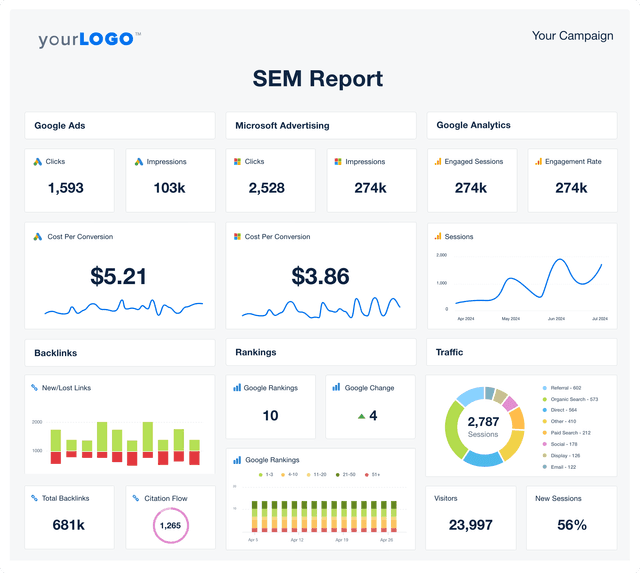
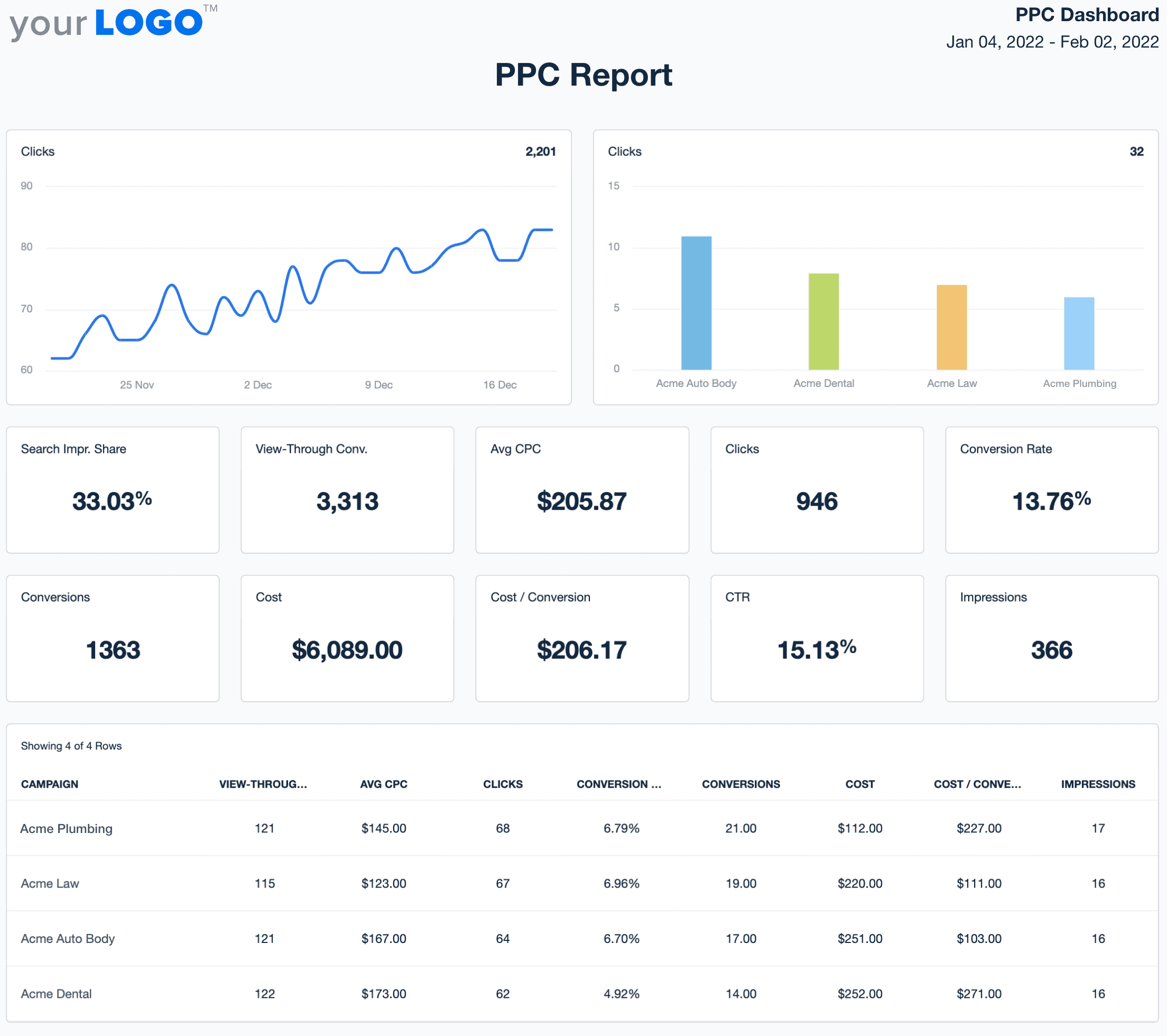
SEM Report Template Example

SEM Report

Eliminate manual data work and generate SEM reports in minutes. The customizable SEM Report Template pulls together PPC and SEO performance metrics so you deliver quick, professional reports with real client impact.
PPC Dashboard Template Example

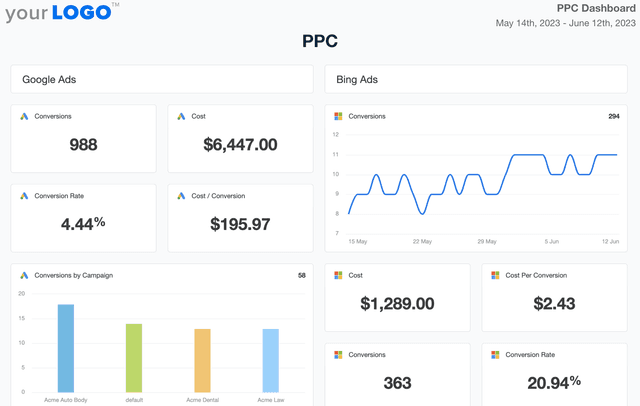
PPC Dashboard

Track spend, conversions, and click-through rates in a fully customizable PPC dashboard. Automate reporting, provide clients with live insights, and optimize paid media strategies across platforms like Google Ads, Facebook Ads, and Microsoft Ads—all from one place. Monitor PPC campaign results without the hassle of manual data collection.
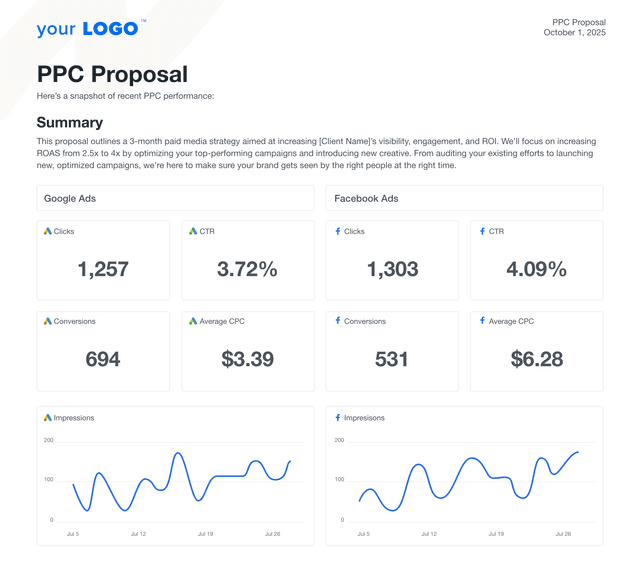
An example of the PPC proposal template built for marketing agencies

PPC Campaign Proposal

Pitch with clarity, speed, and confidence. This PPC campaign proposal template helps marketing agencies clearly outline their ad strategy, budgets, timelines, and results, without building from scratch. Whether you’re presenting a Google PPC proposal, a social media advertising strategy, or a multi-platform ad campaign, this template speeds up your sales process and helps you land more clients.
View All Templates

See how 7,000+ marketing agencies help clients win

Start Your Trial Now

Free 14-day trial. No credit card required.

Callout Get StartedSwoosh
Logo
G2 Users Love Us
AgencyAnalytics - G2 Leader Winter 2026
AgencyAnalytics - G2 Momentum Leader Winter 2026
G2 Crowd

4.7 out of 5

Capterra

4.8 out of 5

Product
Platform features
Agency solutions
Data integrations
Compare platforms
Reviews
Pricing
Company
About
Careers
Hiring
Media Kit
Contact
Get Started
Start Free Trial
Book a Demo
Quick Start Guide