AgencyAnalytics
AgencyAnalytics
  • Pricing
  • Login
  • Start Trial

Google Business Profile Dashboard for Local SEO Success

Track search visibility, customer engagement, and local rankings in a fully customizable Google Business Profile dashboard. Automate reporting, provide clients with live insights, and optimize local strategies to improve performance and demonstrate results.
Start Your Free Trial Preview Dashboard
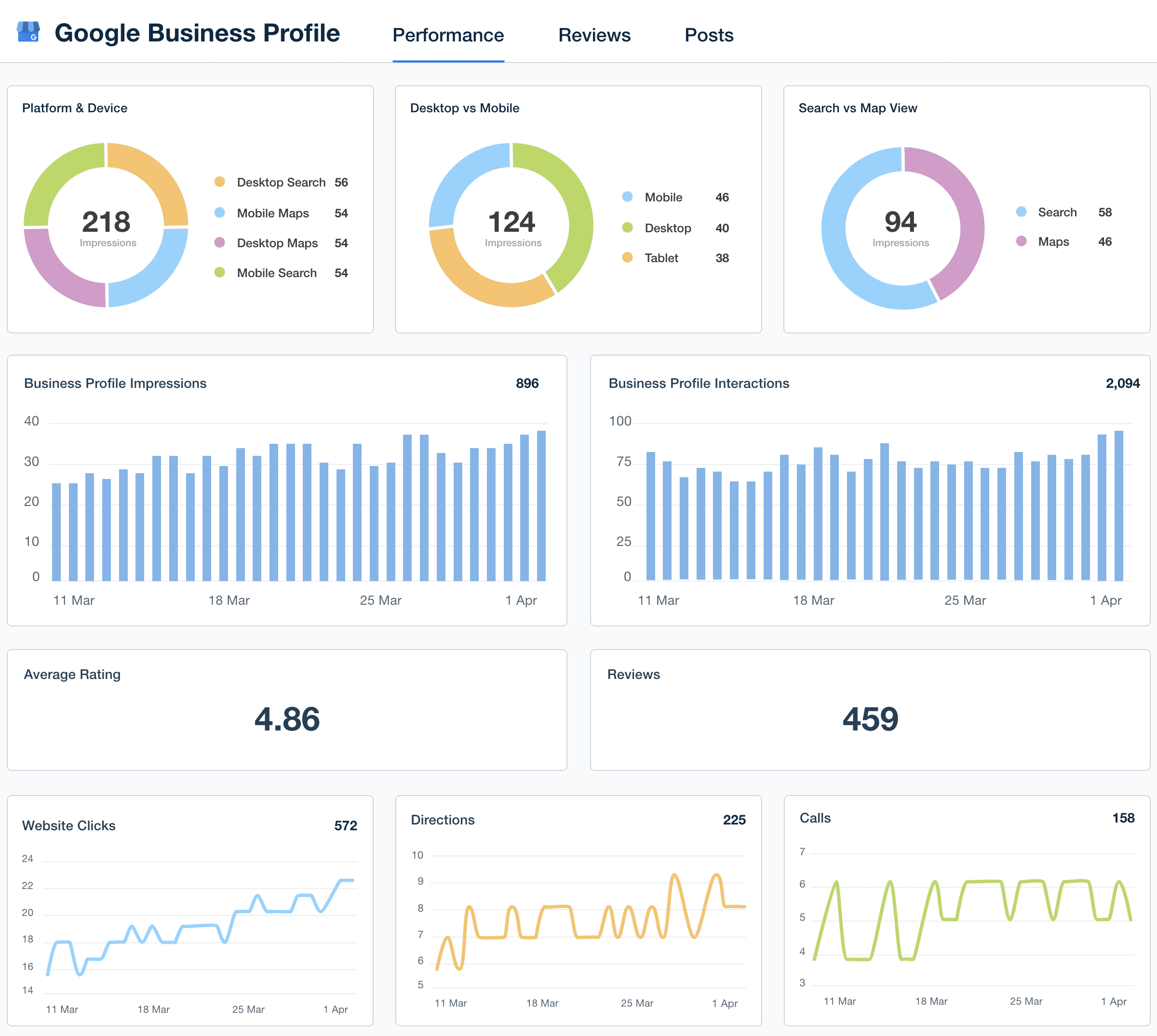
Google Business Profile Dashboard Template Example

Custom Google Business Profile Dashboards as Unique as Your Agency

Customizable Google Business Profile Dashboard Built for Agencies

Track the data that drives local success—profile views, search queries, customer actions, and reviews—all in one intuitive dashboard. Customize widgets, white label dashboards, and highlight key KPIs that show clients how your strategies drive local search success.

Provide clients with a live, up-to-date view of their Google Business Profile performance while streamlining internal analysis. This live dashboard enhances transparency, reduces time spent on manual tracking, and reinforces your agency’s role in helping clients grow locally.
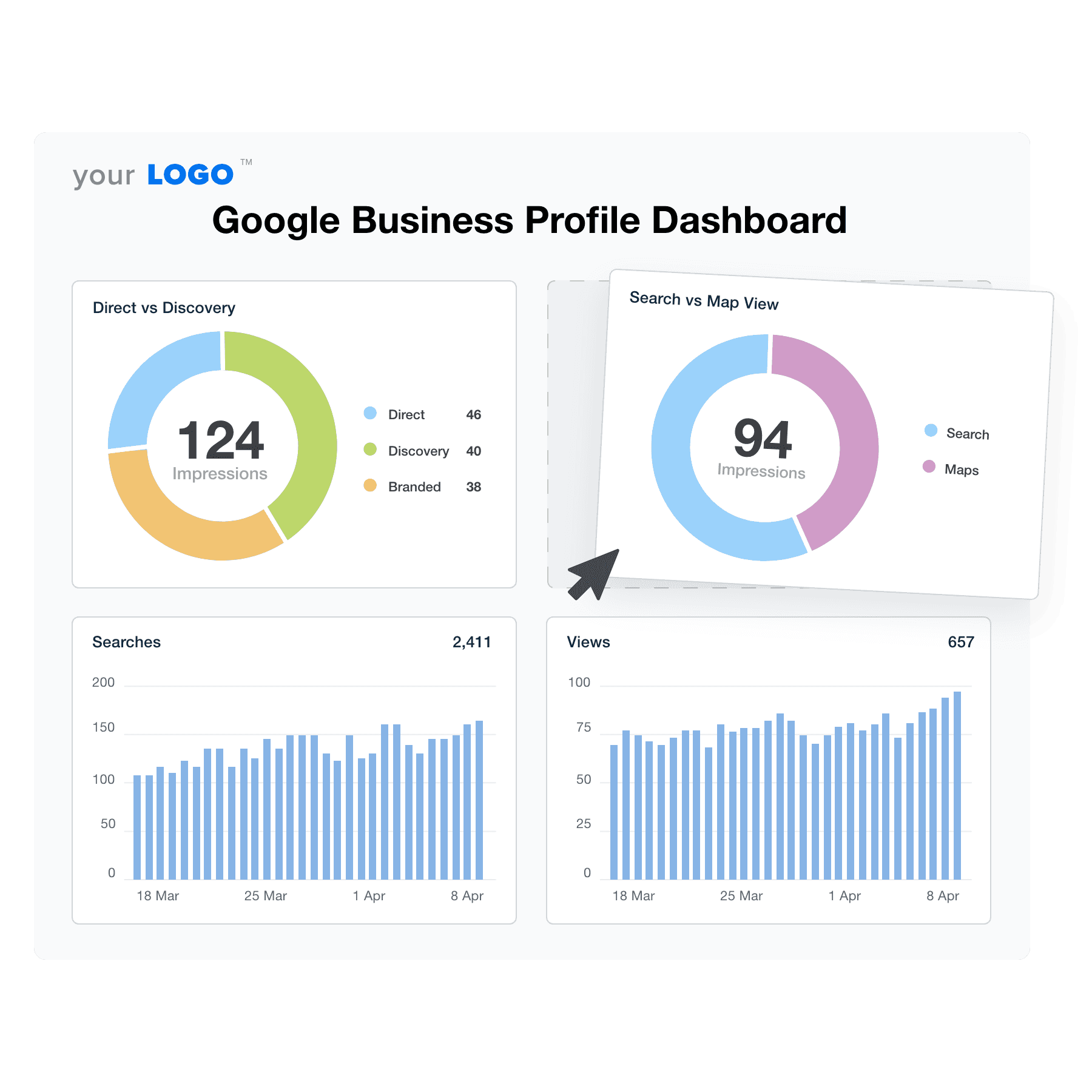

Create Professional Google Business Profile Dashboards in Minutes
An illustration of the drag-and-drop Google Business Profile dashboard builder for marketing agencies
Create Professional Google Business Profile Dashboards in Minutes

Easily Report on All Your Client's Google Business Profile Data

Start Your Free Trial

Custom Google Business Profile Dashboards as Unique as Your Agency

Seamless Integration

Instantly Access All Your Clients’ Google Business Profile Data

Effortlessly pull all your clients' Google Business Profile data from over 80+ marketing platforms, including Google Search Console, Google Ads, Facebook, and more into one report. Streamline data collection to provide a comprehensive overview of campaign performance. With all data points in a single view, you save time, reduce errors, and focus on creating winning strategies that drive client success.
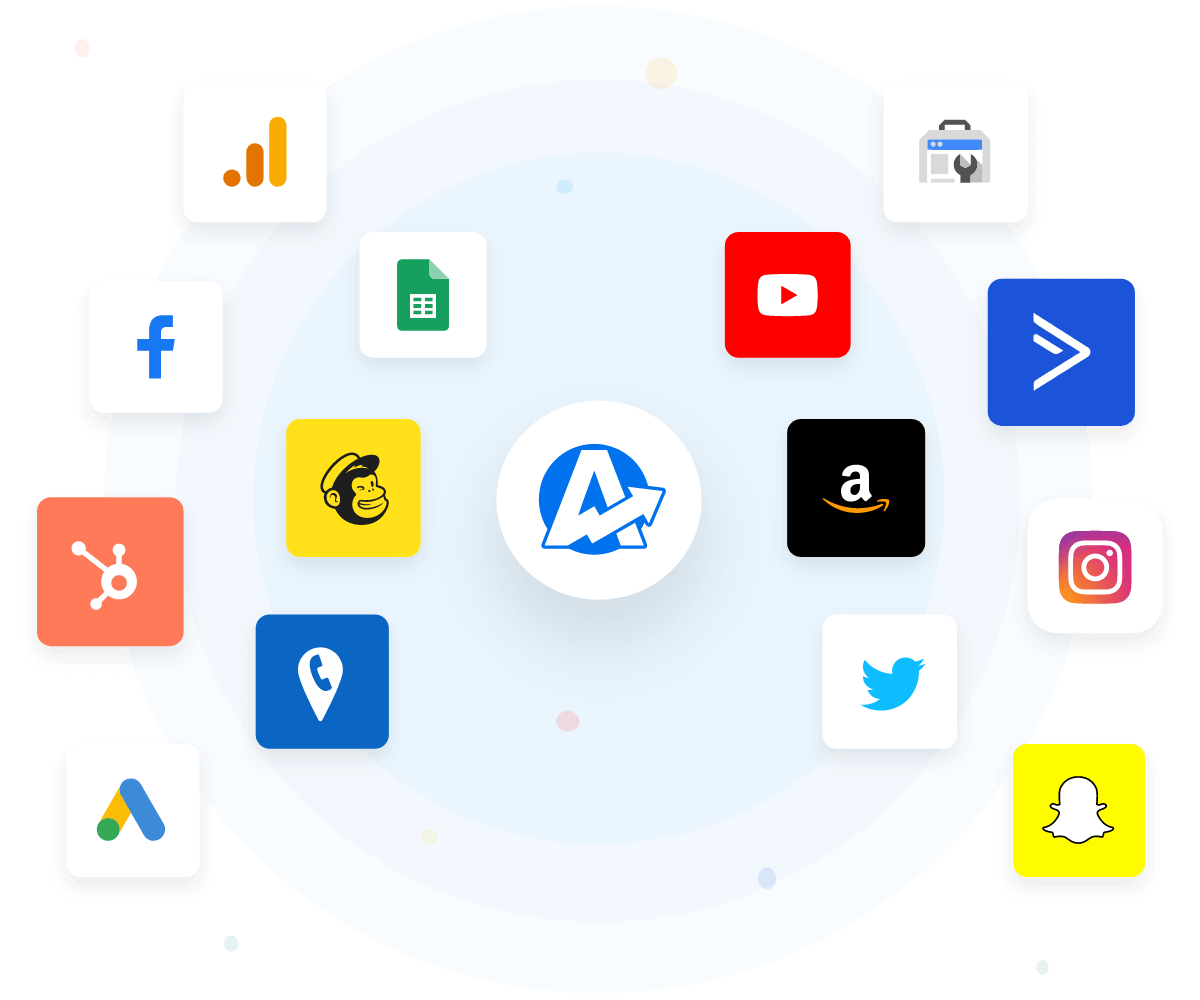
View All 80+ Integrations
An example of the available marketing platform integrations AgencyAnalytics offers to connect your clients' marketing data
View All 80+ Integrations
Customize With Confidence

White Label Your Google Business Profile Dashboards

Easily white label your Google Business Profile dashboards to reflect your agency’s unique branding. Present data with your logo and colors to create a seamless, professional look for clients. Personalizing dashboards enhances your agency’s image, builds stronger client relationships, and showcases your commitment to delivering tailored, high-quality reporting.
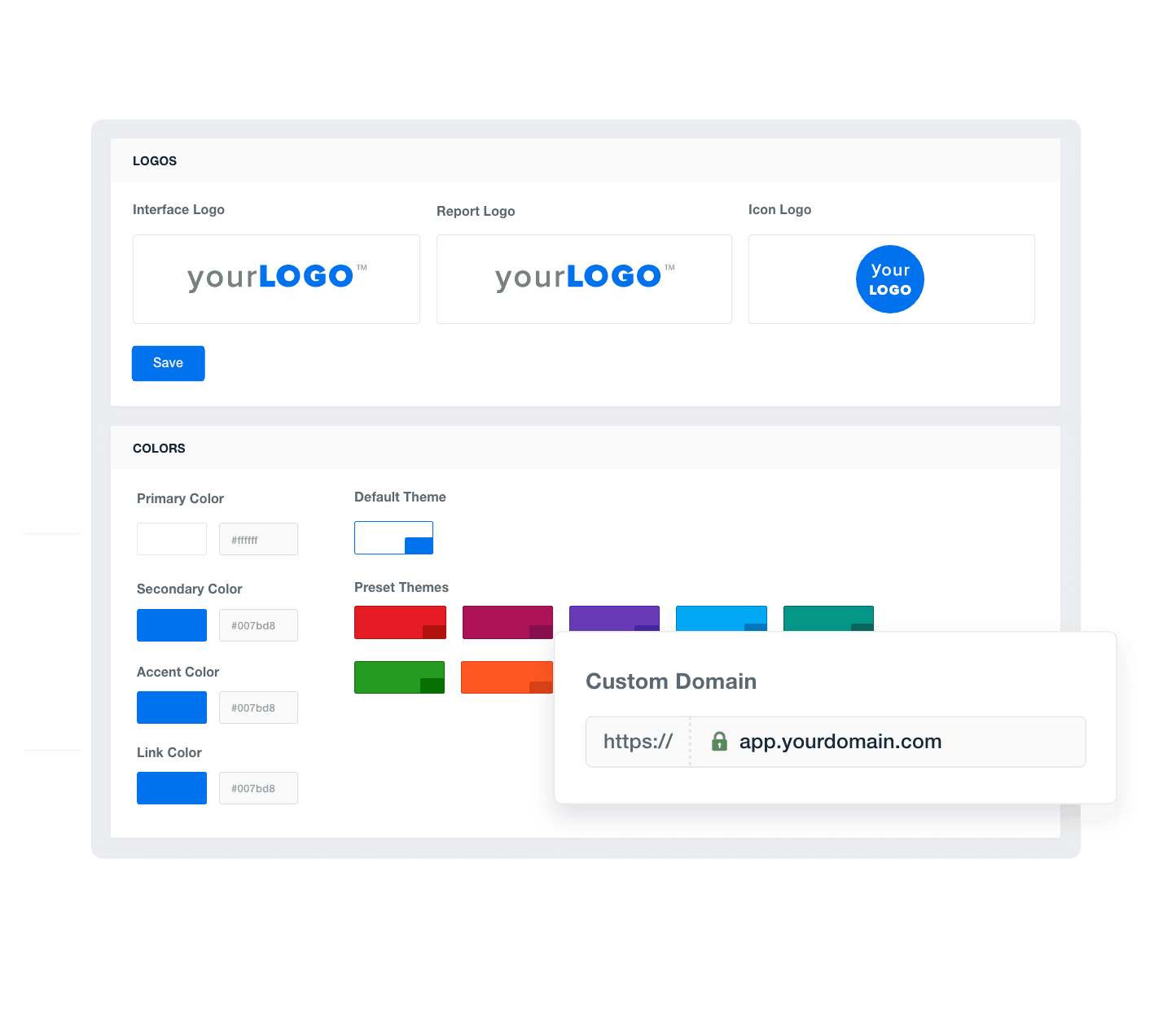
Add Your Agency's Branding
An example of how to add your marketing agency's branding to customizable marketing reporting software
Add Your Agency's Branding
Tailor Your Insights

Provide Granular Insights With Custom Metrics

Elevate your reporting with custom metrics that combine data points from 80+ integrations. Blend various data sources into unique metrics tailored to each client's needs. By providing the most detailed and relevant insights, you gain a better understanding of client performance, optimize campaigns more effectively, and showcase your agency’s ability to deliver truly personalized and impactful results.
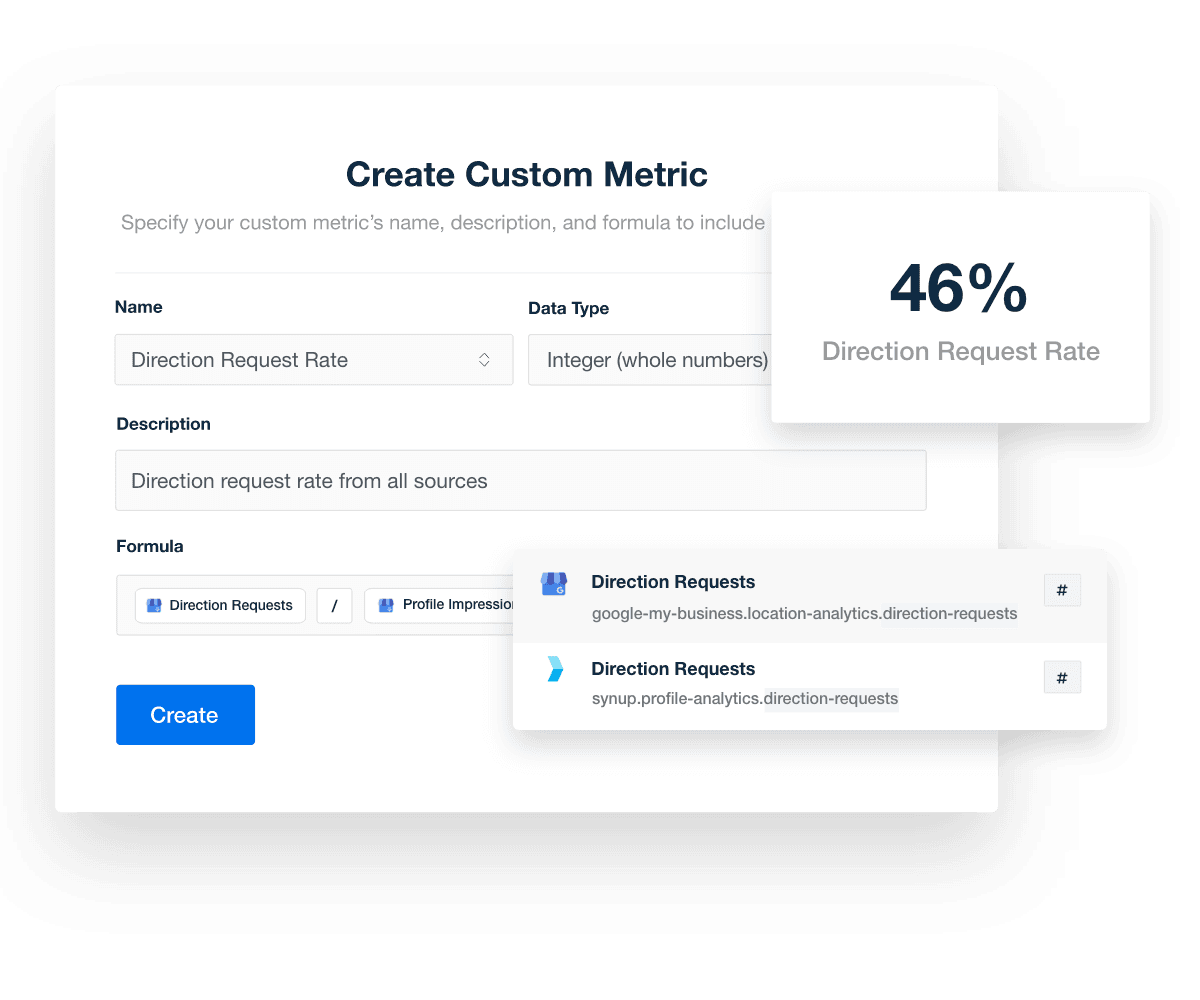
Explore Custom Metrics
GBP dashboard custom metrics
Explore Custom Metrics
Streamline Your Reporting

Monitor All of Your Clients at a Glance

Build custom dashboards that consolidate crucial metrics and data for all your clients in one place. Monitor and compare performance across multiple accounts, save time, and simplify client management. By having a comprehensive view of all client metrics, you’ll quickly identify trends, optimize strategies, and demonstrate the value of your services with clear, impactful reporting.
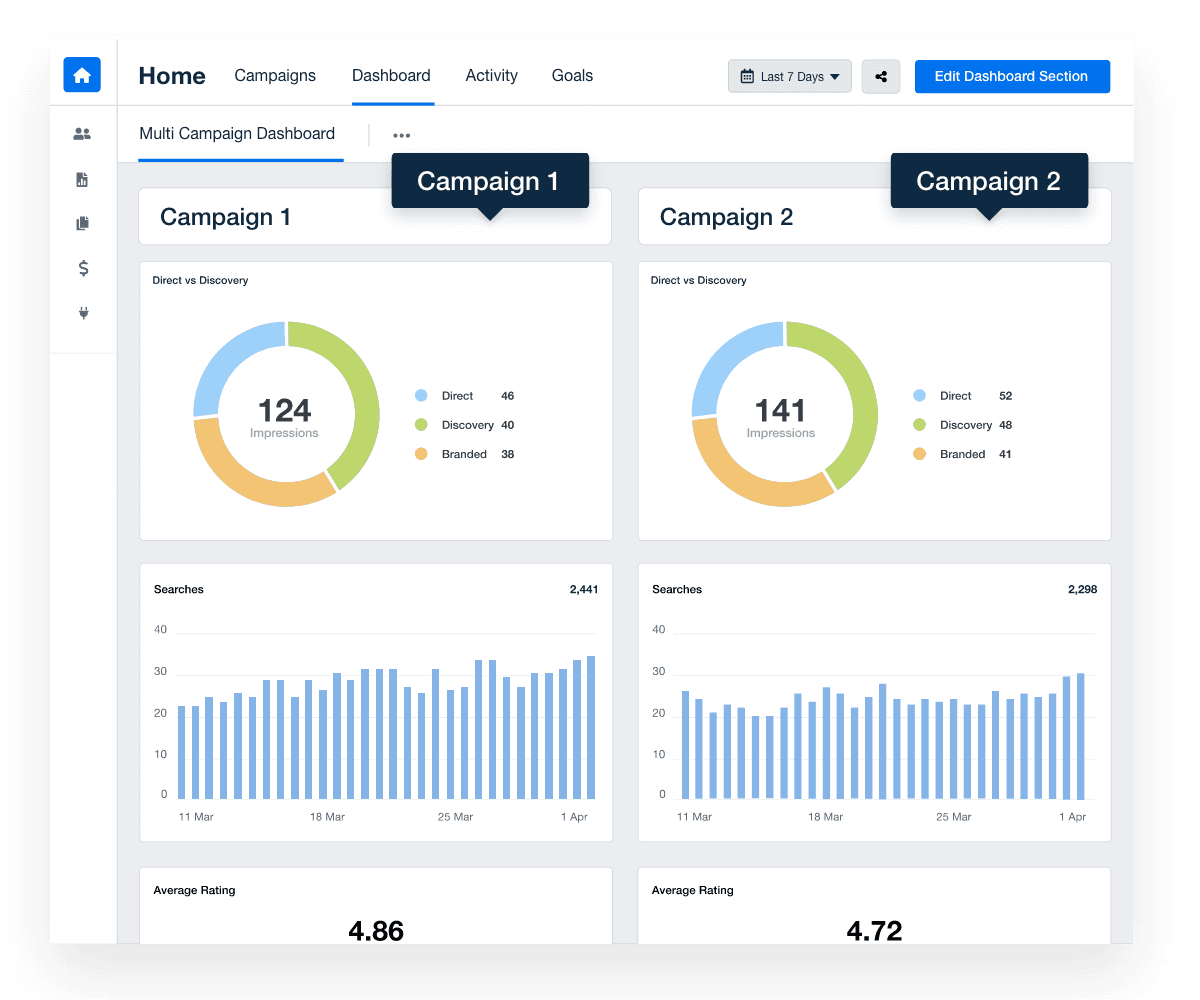
Discover Multi-Client Dashboards
GBP multi campaign dashboard
Discover Multi-Client Dashboards
Always Here For You

Customer Support is Our Top Priority

AgencyAnalytics prioritizes your agency’s needs with 24/5 live chat support. Our team is ready to assist you, with response times under 3 minutes, ensuring your questions are answered quickly. With a satisfaction rate consistently above 95%, our support team excels in helping you create Google Business Profile dashboards and more, ensuring your agency delivers outstanding services to your clients.

You care about your client's success. We care about yours. 
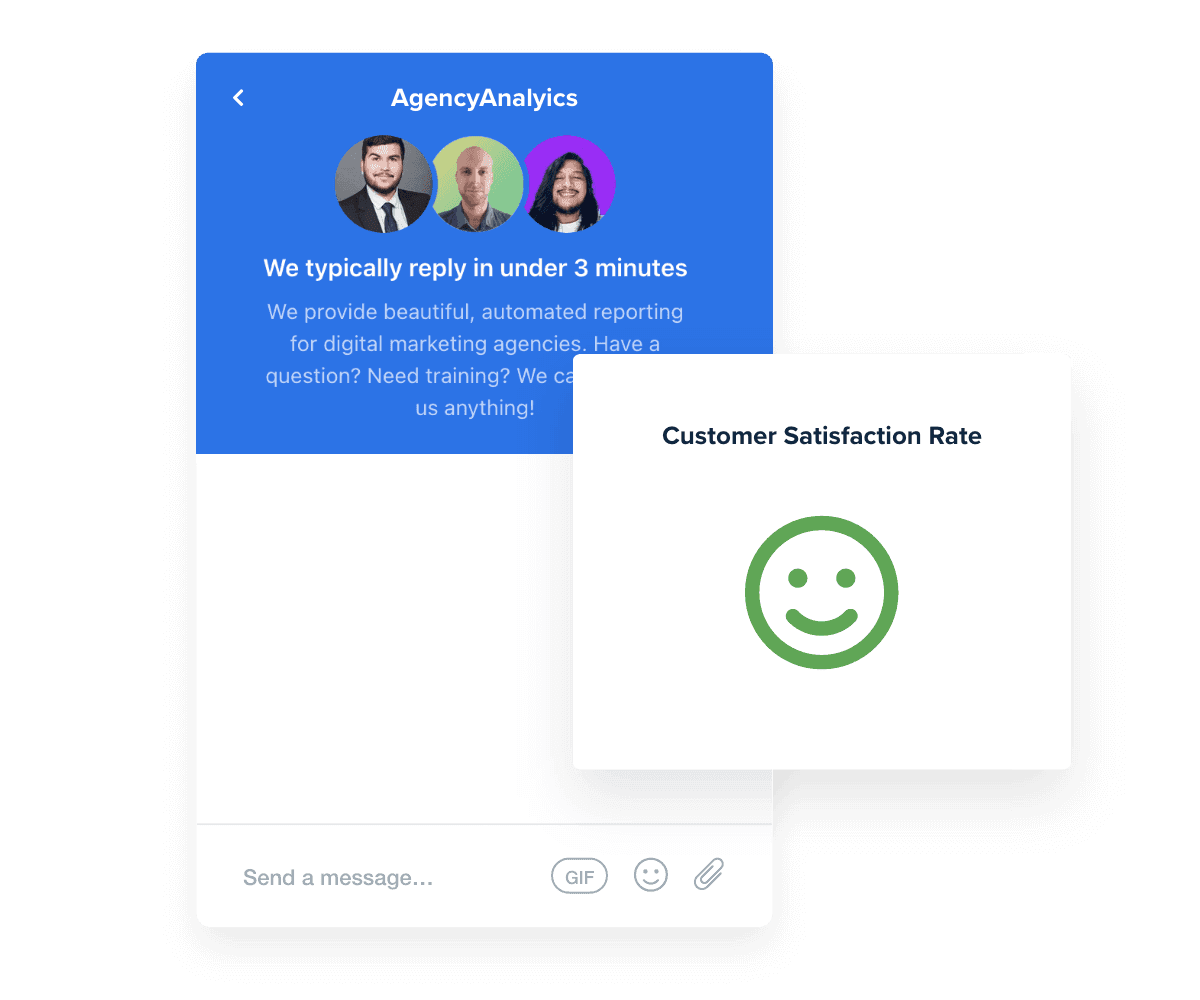
Read Reviews
Best in Class Customer Support for Marketing Agencies
Read Reviews
Give Your Agency Time To Grow

Streamline Reporting and Focus On What Matters

Save time every month by automatically including the most critical Google Business Profile data and metrics from over 80 other sources in one platform.

Pull in key metrics from Google Analytics, Facebook, Google Maps, and more to give clients a complete picture of their local search success.

Customize each Google Business Profile dashboard and quickly clone them to speed up client onboarding. Use the time saved on reporting and data visualization to grow your agency.
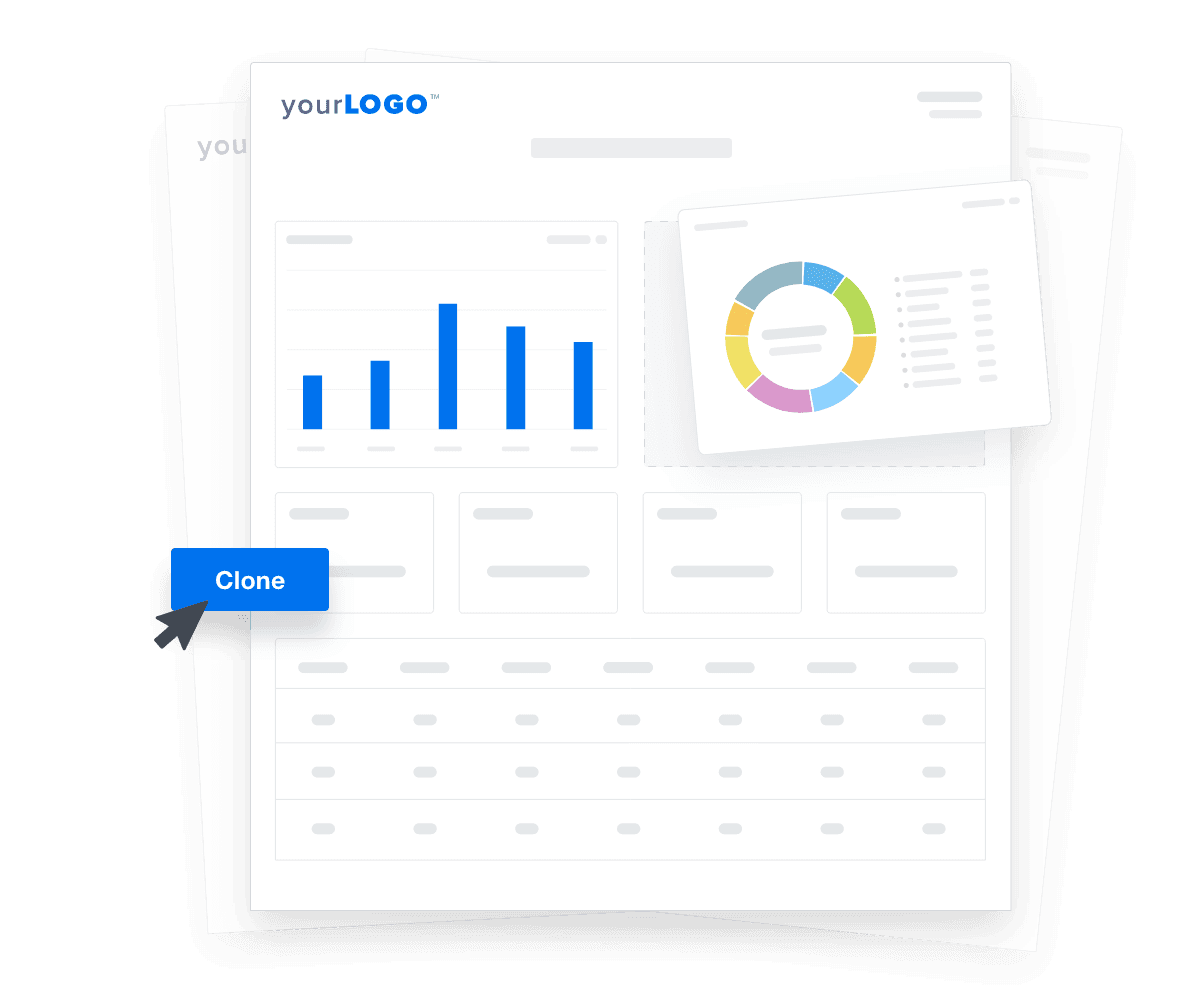

Automate Your Reporting
An illustration of cloning marketing reports and dashboards for faster client onboarding
Automate Your Reporting

Sign up for your free trial now!

No credit card required. No setup hassle. Just instant access to automated reporting, custom dashboards, and multi-channel insights.

Start Your Free Trial
An icon showing a user clicking to start a free trial
Start Your Free Trial

14 Sections To Include in a Google Business Profile Dashboard
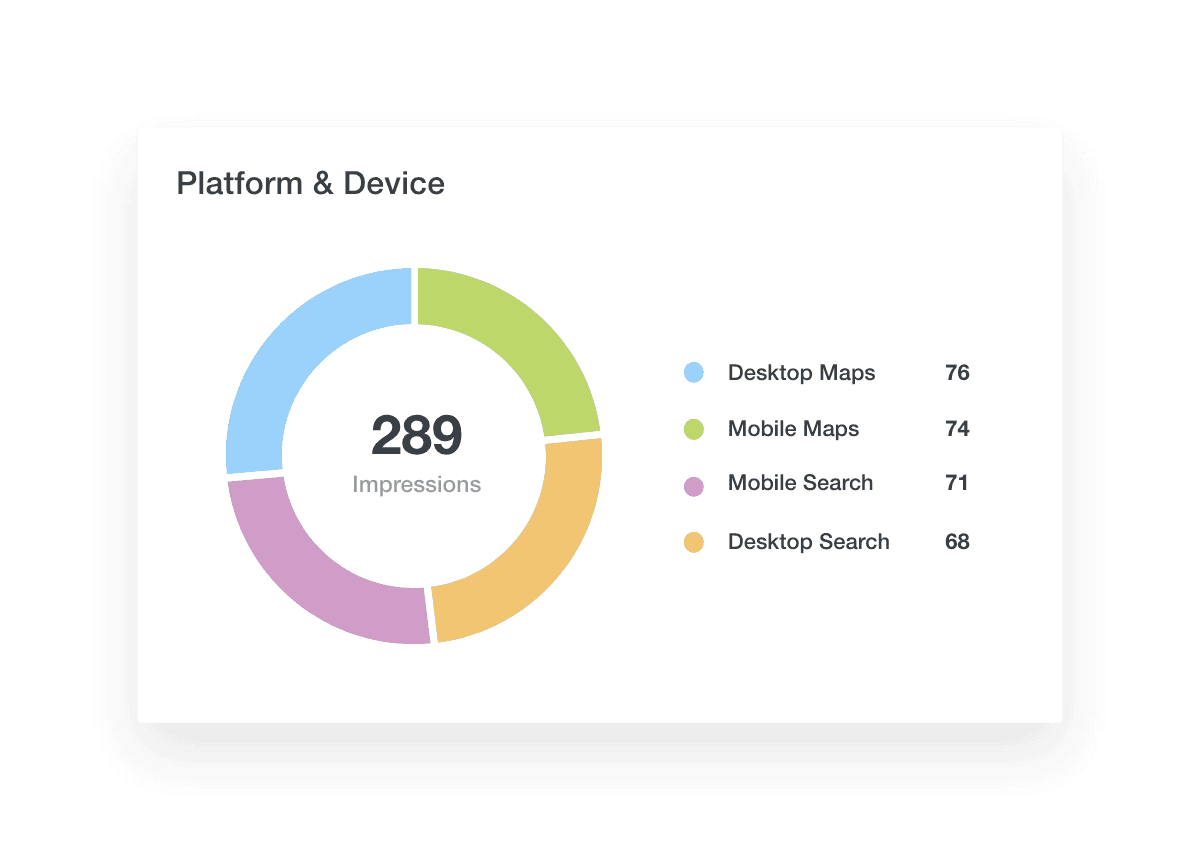
In a Google Business Profile (formerly Google My Business) dashboard, platform & device data shows where your client’s business listing is viewed—on mobile or desktop—and through which Google products like Google Maps. This insight gives clients a clear picture of how potential customers interact with their business information across different platforms.

Platform & device data reveals how and where customers engage with clients’ business listings, making it easier to optimize campaigns. For example, if you see a lot of mobile searches or direction requests on Google Maps, you know where to focus to attract more customers. With this information, you present a clear, concise snapshot of performance data, showing how you excel in managing business locations across Google products.

In a Google Business Profile dashboard, the Desktop vs. Mobile data shows how a client's business listing is viewed on different devices. After all, depending on the mobile-friendliness of a client’s website, the same user could have a completely different experience on different devices. This insight reveals whether potential customers find the business on their phones or desktop computers.

This data shows where customers engage with your clients' business listings, helping you optimize campaigns for better results. If mobile searches are high, you know where to focus to attract more customers.

Search vs. maps data within your Google Business Profile dashboard shows how customers find your client's business through Google Search or Google Maps. This insight gives a clear view of how people interact with the business.

Search vs. maps data pinpoints where customers engage with your clients' listings, helping you fine-tune campaigns. For example, if Google Maps shows a lot of direction requests, you know to focus efforts there to draw in more customers.

Business Profile impressions data shows how often a client's business listing appears in search results or Google Maps. This metric is key to understanding how visible the business is to potential customers.

Business Profile impressions offer valuable insights into a client's visibility. High impressions on a Google business page means that more potential customers see the business listing, but if these search views don’t lead to customer interactions like website visits, phone calls, or direction requests, there's room for improvement. The listing may need to be optimized, and descriptions, photos, and business information may need to be refined to make it more engaging.

To complement impressions, Business Profile interactions data tracks how potential customers interact with a client's business listing to demonstrate customer engagement.

High interaction rates mean the business listing is attracting and engaging viewers. If interactions are low despite high impressions, it indicates a need for optimization. Improving descriptions, updating photos, or ensuring accurate business information will make the listing more appealing. By analyzing the data, agencies will adjust strategies to boost engagement, turn views into actions, and drive more customers to the business.

The average rating metric shows the overall rating of a client's business based on customer reviews as well as the total number of reviews the business received. This gives a quick snapshot of the business's reputation and customer satisfaction, and can impact how the business appears online.

Average rating is a key indicator of how well customers perceive a client's business. A high average rating attracts more potential customers, while a low rating will turn them away. Improving the average rating might involve responding to reviews, resolving complaints, and encouraging happy customers to leave positive feedback to ensure a client’s business maintains a strong, positive online presence.

A higher number of 5-star reviews typically indicates a strong customer base and active engagement, positively influencing potential customers. Monitoring this metric helps agencies understand how well their strategies are working to encourage customer feedback and identify opportunities to boost customer interaction and enhance the business's online presence.

The calls metric shows the total number of phone calls made by customers directly from a client's business listing, providing insight into how effectively the listing converts views into direct customer interactions.

A high number of calls indicates that potential customers are finding the business and are motivated to reach out. Regularly reviewing this metric ensures that the business listing remains an effective tool for converting interest into customer actions.

GBP dashboard platform and device metrics widget

Build automated Google Business Profile dashboards that deliver results

Save time and impress clients with a powerful, results-driven dashboard template. Access the free Google Business Profile dashboard template today!

Preview the Dashboard
Illustration of a user at a marketing agency trying the client reporting features from AgencyAnalytics
Preview the Dashboard

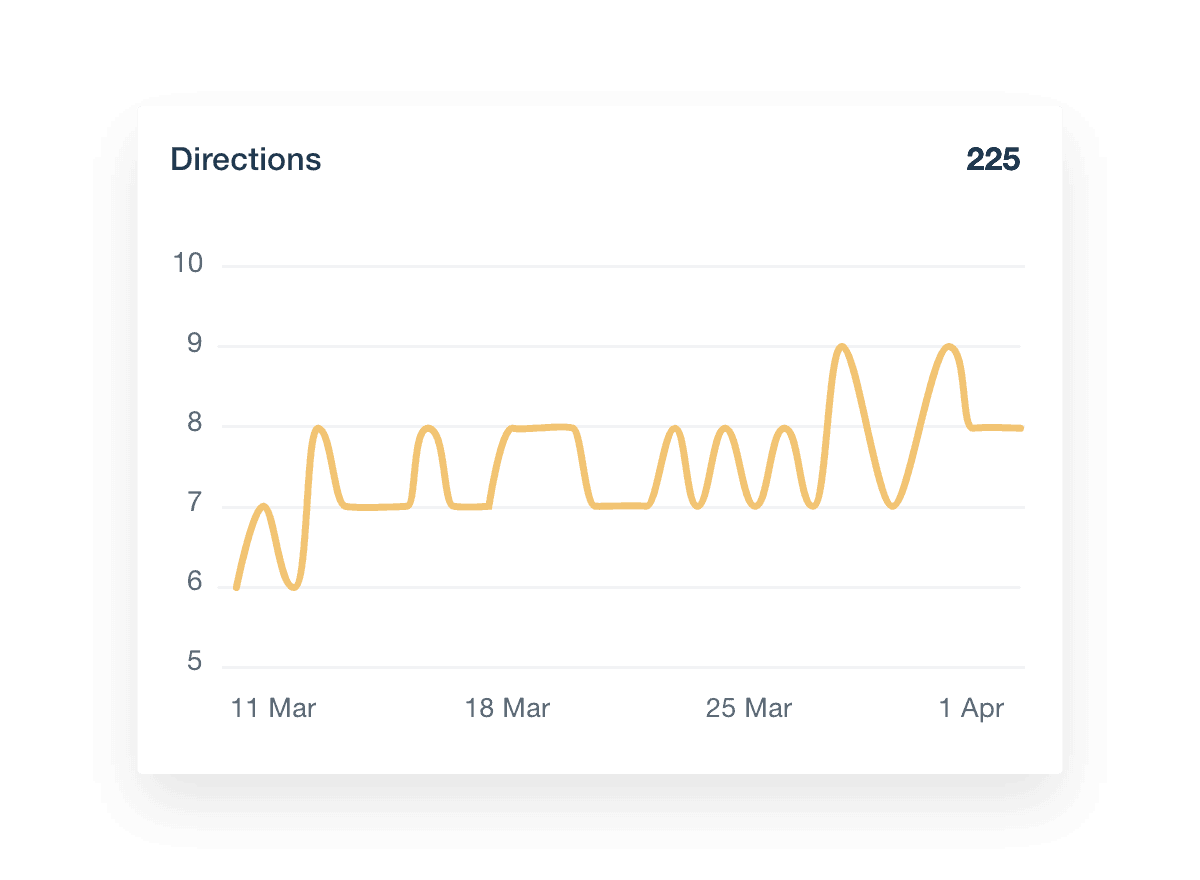
The directions metric shows the total number of requests for directions to a client's business location. This data highlights how many potential customers plan to visit the business in person.

This metric helps agencies gauge the effectiveness of their efforts in driving foot traffic, as it shows that the user viewed detailed directions to a physical location. By analyzing direction request data, agencies identify patterns and optimize listings to attract more in-person visitors.

The Website Clicks metric tracks how often potential customers click through to a client's website link from their business listing. This data provides insight into online interest and engagement.

This metric helps agencies measure the success of their efforts to drive web traffic. By examining website click data, agencies spot trends and adjust their strategies to boost online visits.

The messages metric tracks the total number of messages sent to a client's business through their Google Business Profile during a given time period.

This metric helps agencies evaluate their strategies' effectiveness in encouraging direct interaction by target users. By reviewing message data, agencies identify common customer concerns and refine responses or provide additional information in the business listing to address these issues.

The bookings metric shows the total number of appointments or reservations made through the business listing. This data highlights how effectively businesses convert interest into scheduled visits or services.

Just as messages reveal direct customer engagement, bookings provide insight into how well a business converts interest into tangible actions. High booking numbers indicate strong customer interest and effective conversion strategies. This metric helps agencies refine their strategies to boost bookings, ensuring clients see real value in their services. Start tracking bookings on the dashboard to demonstrate how well your strategies drive customer actions within a given period.

The food orders metric tracks the number of orders placed through the business listing. Like messages and bookings, food orders offer key insights into customer engagement for food services clients.

Tracking food orders is essential for marketing agencies to see how well their strategies work. By analyzing this data, agencies tweak their approaches to drive more orders, showing value to restaurant and food service business clients.

Posts tracks the performance of content or related resources shared through the business listing. This includes updates, promotions, events, and other relevant content that engages customers.

Just like reviews and food orders, posts offer critical insights into customer engagement. High engagement on posts indicates that the content resonates well with the audience, driving more interaction. The data is vital to understand what types of content work best. Regularly monitoring post engagement ensures that the business listing remains dynamic and relevant, showcasing the agency’s ability to manage and optimize content effectively.

Incorporating goal tracking into a Google Business Profile dashboard is a game-changer for showing progress toward client objectives. It displays how local searches, customer interactions, and business engagement align with targets, allowing agencies to spotlight their impact, tweak strategies on the fly, and ensure their efforts hit the mark.

Setting effective KPI goals helps agencies demonstrate value and drive client success. Here are three best practices:

  • Align With Client Objectives: Ensure KPIs reflect the client's overall business goals.

  • Be Specific and Measurable: Clearly define success and how it will be measured.

  • Regularly Review and Adjust: Continuously monitor progress and make necessary adjustments to stay on track.

GBP dashboard directions metrics

FAQs About Custom Google Business Profile Dashboards

Still have questions about how to create and use custom Google Business Profile Dashboards? Don’t worry, we’ve got you covered.

  • A Google Business Profile Dashboard is a reporting tool that consolidates performance data from your client’s Google Business Page. It provides insights into how the business appears online in search results and maps, helping agencies monitor local search presence and customer engagement metrics.

  • To create a white label Google Business Profile Dashboard, connect your client’s Google Business Account to a reporting platform like AgencyAnalytics, select a dashboard layout, and apply your agency’s branding. On select plans, the dashboard can be fully branded with your logo, color scheme, and domain, allowing you to manage multiple Google Business Profiles across various business locations.

  • Track key metrics such as profile views, search queries, direction requests, phone calls, and website clicks. These insights help assess a business's visibility in search results and its local search presence, providing valuable data on customer interactions with the business location.

  • By presenting data on how customers discover and interact with a business, the dashboard enables agencies to refine local SEO strategies. Understanding metrics like search impressions and customer actions informs decisions to enhance the business's presence in a popular search engine.

  • Yes. Customize the dashboard by selecting relevant metrics and adjusting the layout to focus on specific areas such as service area performance or customer engagement trends. Tailoring the dashboard ensures it aligns with each client's business category and reporting priorities.

  • Agencies often rely on the web analytics dashboards to manage web analytics data, the PPC dashboard to analyze PPC results, and the SEO reporting dashboard to report on SEO performance. They also use the social media dashboards for social media campaign summaries and the digital marketing reporting dashboards to monitor digital marketing engagement.

More templates

Call Tracking Dashboard template example

Call Tracking Dashboard

Track and analyze call data from platforms like WildJar, Twilio, CallSource, and WhatConverts in a fully customizable dashboard. Monitor call volume, duration, and lead quality while providing clients with live insights that enhance transparency and decision-making. Analyze call analytics in real-time, quickly spot sales bottlenecks, and make informed campaign decisions while your clients stay informed.
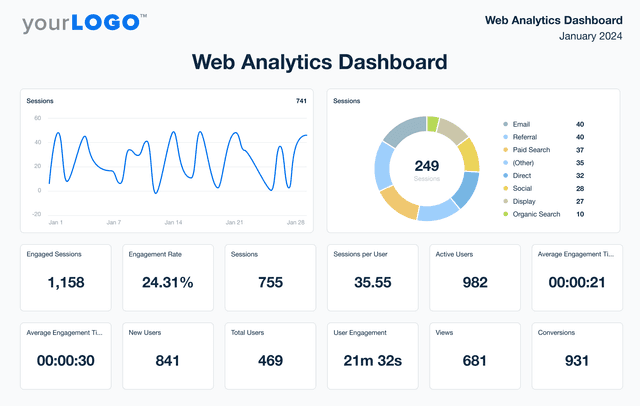
An example of AgencyAnalytics' Web Analytics Dashboard template

Web Analytics Dashboard

Unify web analytics from platforms like Google Analytics, Matomo, and 80+ marketing channels in a single dashboard. Monitor live engagement metrics, optimize campaign performance, and present insights in a client-friendly format that reflects your agency’s brand. Give your agency the edge to make smarter marketing decisions and improve results.
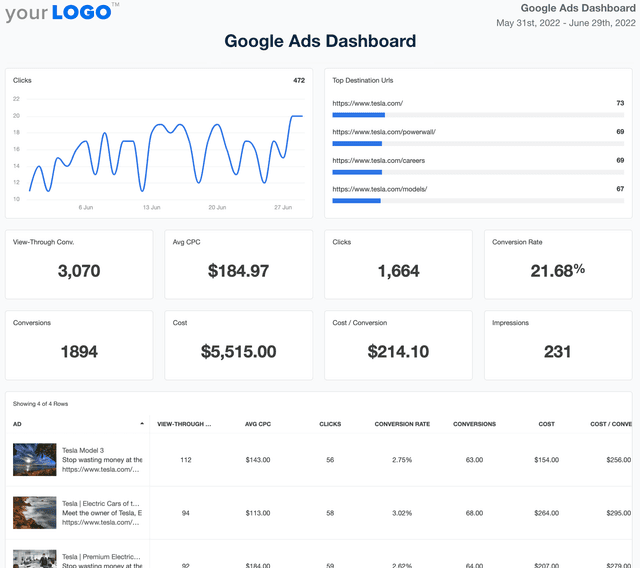
Google Ads Dashboard Template Example

Google Ads Dashboard

Track ad spend, conversions, and ROI in a fully customizable Google Ads dashboard. Consolidate multiple accounts in one place, automate reporting, and provide clients with live insights that optimize ad performance and budget allocation.
View All Templates

See how 7,000+ marketing agencies help clients win

Start Your Trial Now

Free 14-day trial. No credit card required.

Callout Get StartedSwoosh
Logo
G2 Users Love Us
AgencyAnalytics - G2 Leader Winter 2026
AgencyAnalytics - G2 Momentum Leader Winter 2026
G2 Crowd

4.7 out of 5

Capterra

4.8 out of 5

Product
Platform features
Agency solutions
Data integrations
Compare platforms
Reviews
Pricing
Company
About
Careers
Hiring
Media Kit
Contact
Get Started
Start Free Trial
Book a Demo
Quick Start Guide