AgencyAnalytics
AgencyAnalytics
  • Pricing
  • Login
  • Start Trial

Google Lighthouse Report Template for Faster, Data-Driven Insights

Technical site audits shouldn’t feel like decoding a foreign language. The customizable Google Lighthouse Report Template organizes Core Web Vitals and site performance data into an easy-to-share report that helps clients make smarter optimization decisions.
Preview TemplateStart Your Free Trial
Google Lighthouse Report Template Example

Customizable Google Lighthouse Report Templates That Clarify Technical SEO

Transform detailed Lighthouse site audits into polished, client-ready reports that highlight what matters most—Core Web Vitals, performance scores, accessibility, and SEO best practices. Customize layouts, apply your agency’s branding, and pull in live data automatically, so there’s no need to manually compile complex audit results.

Deliver clear, actionable insights that help clients understand site performance and reinforce your agency’s expertise in technical SEO.
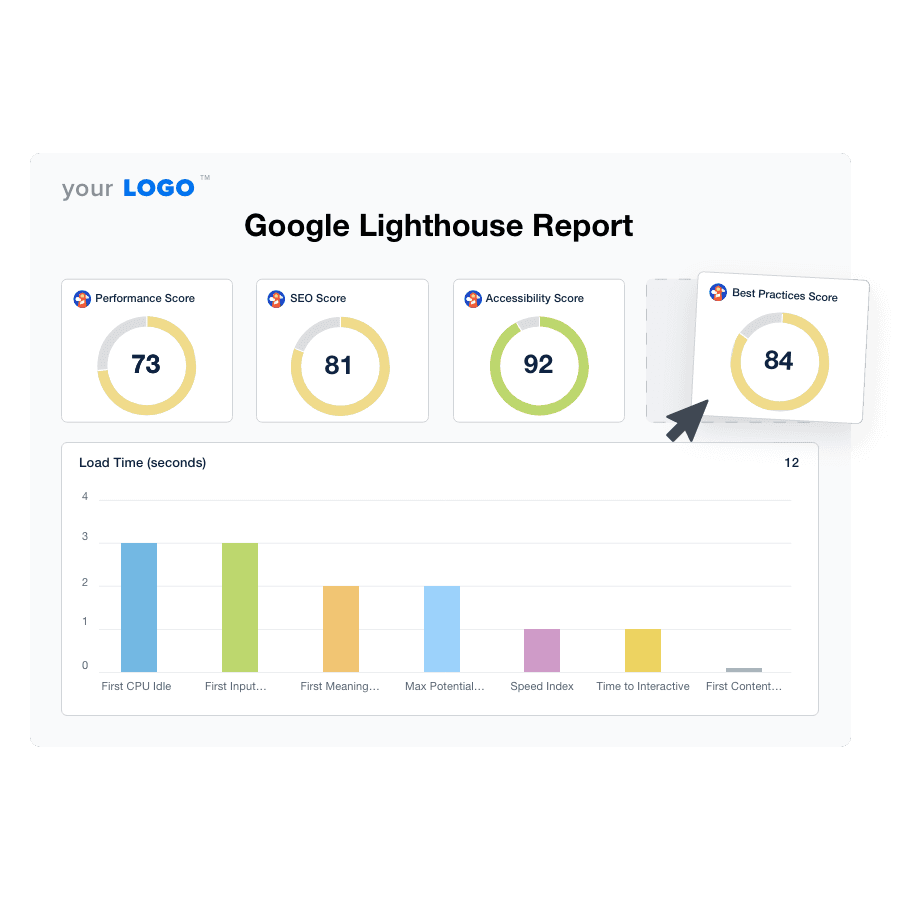

Create Professional Google Lighthouse Reports in Minutes
An illustration of the drag-and-drop Google Lighthouse report template builder
Create Professional Google Lighthouse Reports in Minutes

Easily Report on Your Client's Google Lighthouse Scores

Start Your Free Trial

Custom Google Lighthouse Reports as Unique as Your Agency

Accelerate Reporting With Precision

Create SEO Reports in Minutes–Not Hours

Experience the dual benefits of time savings and increased accuracy with automated report templates and data retrieval. 

This streamlined process ensures that your agency delivers precise, error-free reports faster than ever. Meet deadlines with ease and maintain a high standard of quality in every client interaction.
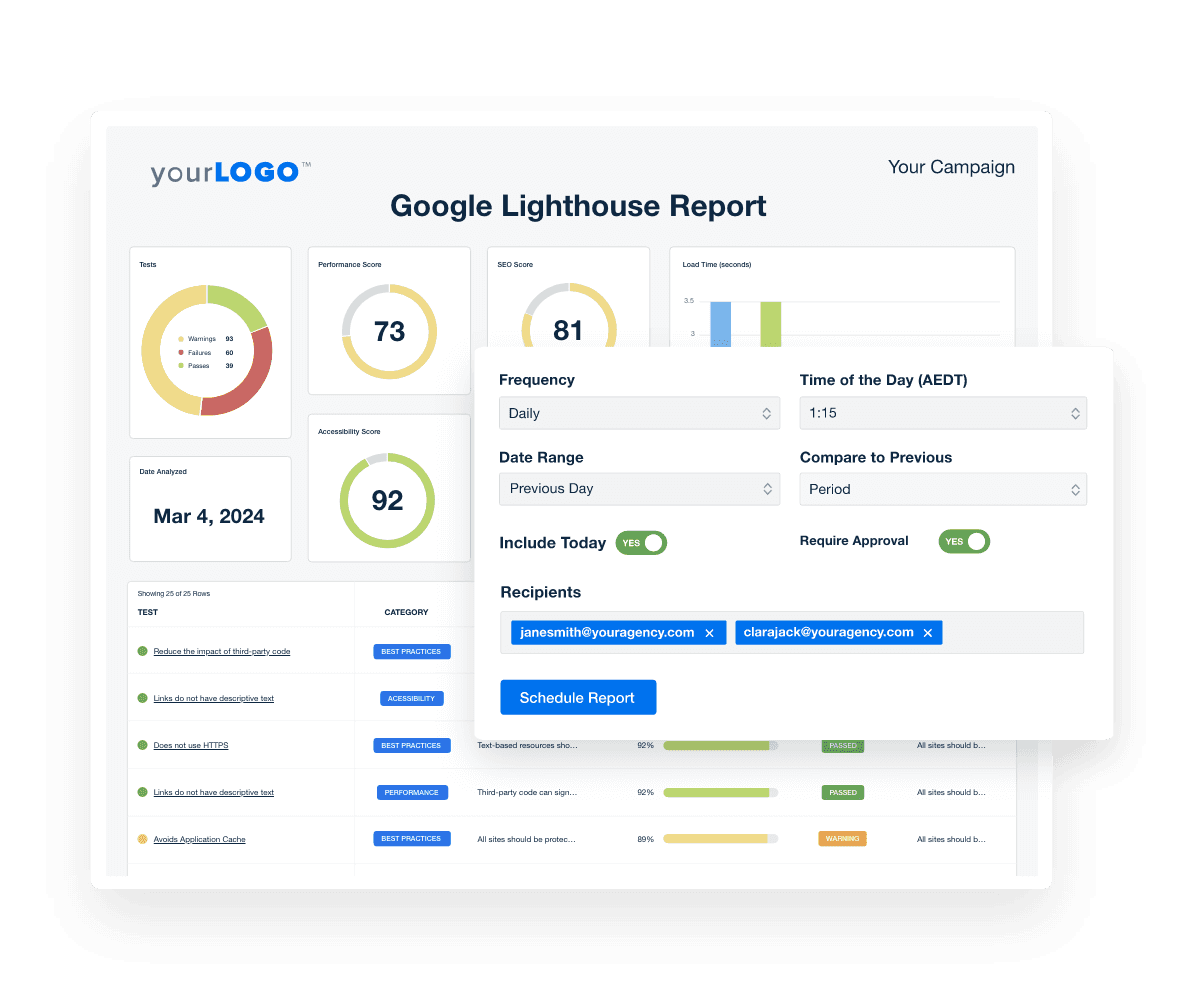
Get Started With Automated Reporting
Automated Google Lighthouse Reports
Get Started With Automated Reporting
Centralize Your Client’s Marketing Data

Instantly Access Data From 80+ Marketing Platforms

Effortlessly pull diverse data streams into a single dashboard. Simplify analysis, enhance reporting accuracy, and deliver comprehensive insights across all of your clients’ marketing channels. 

Streamlining data management frees up your team to focus on strategy and client engagement, amplifying your campaign effectiveness and client satisfaction.
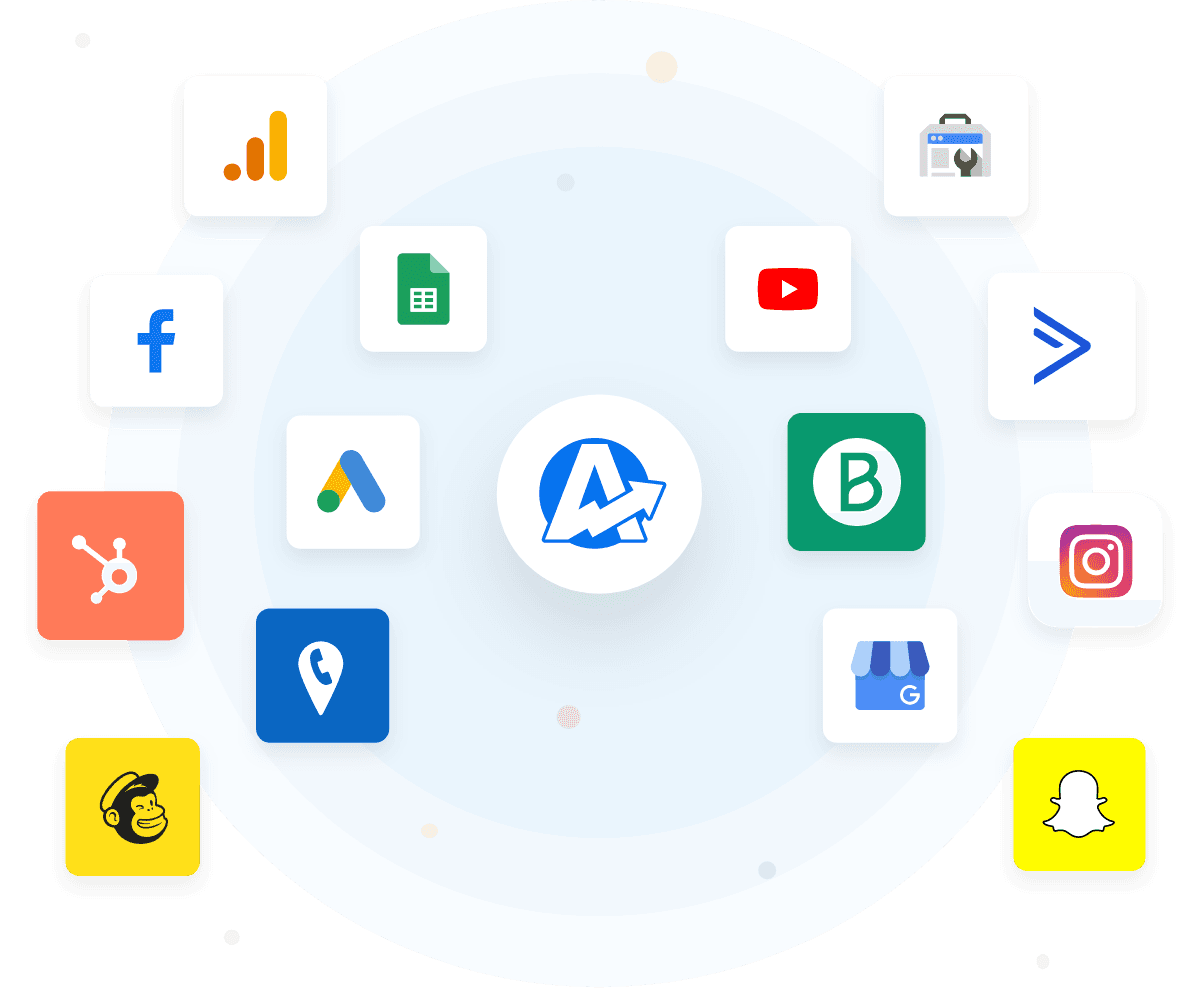
View All 80+ Integrations
Marketing Platform Reporting Integrations
View All 80+ Integrations
Elevate Your Agency’s Brand

White Label Google Lighthouse Reports

Seamlessly integrate your agency logo and branding into every report, creating a cohesive and personalized client interaction. 

This subtle touch strengthens brand recognition and positions your agency as a premium, client-centric service provider.
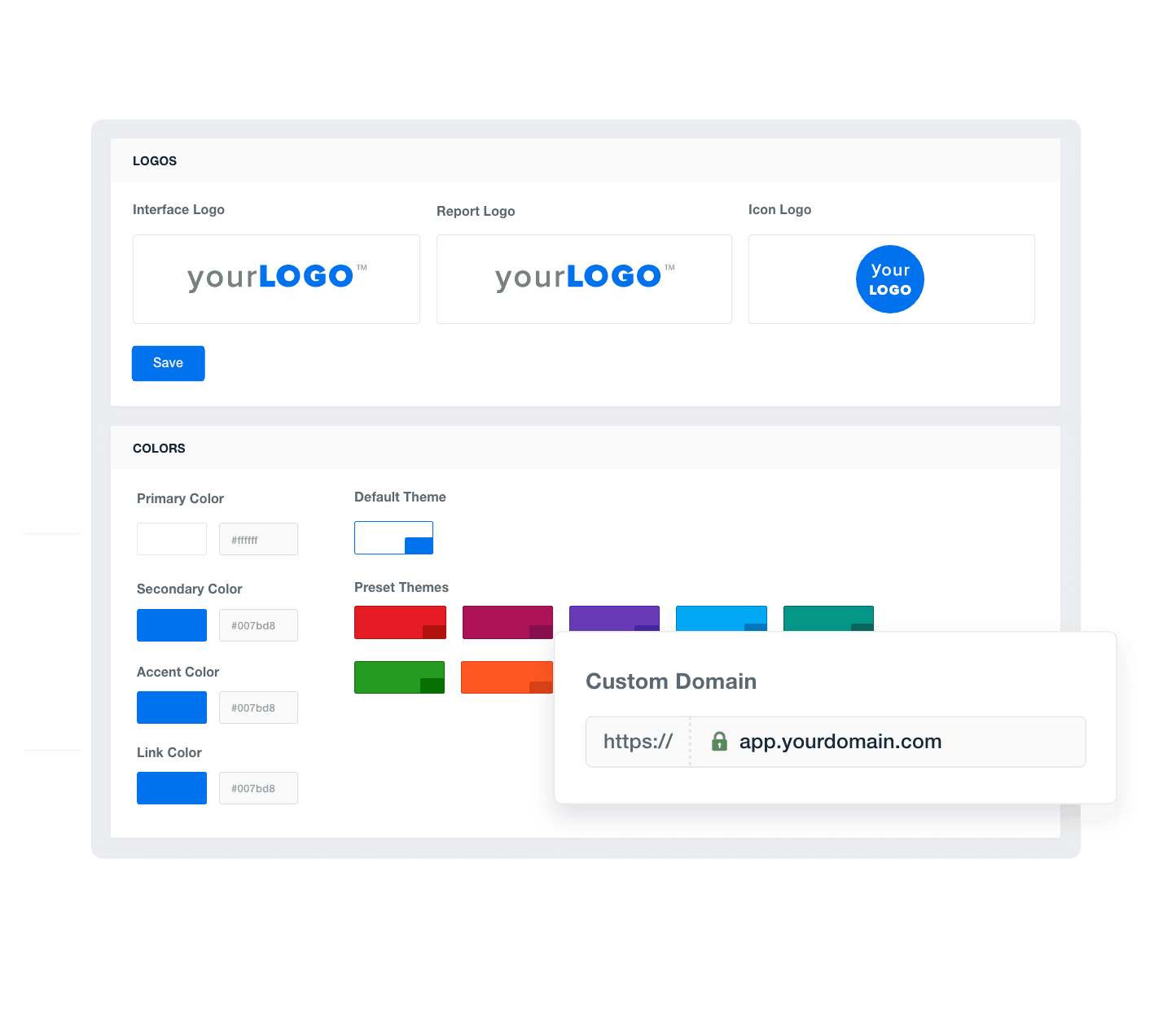
Add Your Agency's Branding
An example of how to add your marketing agency's branding to customizable marketing reporting software
Add Your Agency's Branding
Goal-Driven Insights

Set SEO Goals and Hit Targets

Pinpoint progress and celebrate wins with custom goals and annotations. Set clear objectives, monitor real-time advancement, and highlight key achievements directly in your reports. 

This level of transparency showcases your agency’s commitment to tangible results and solidifies your reputation as a results-driven partner.
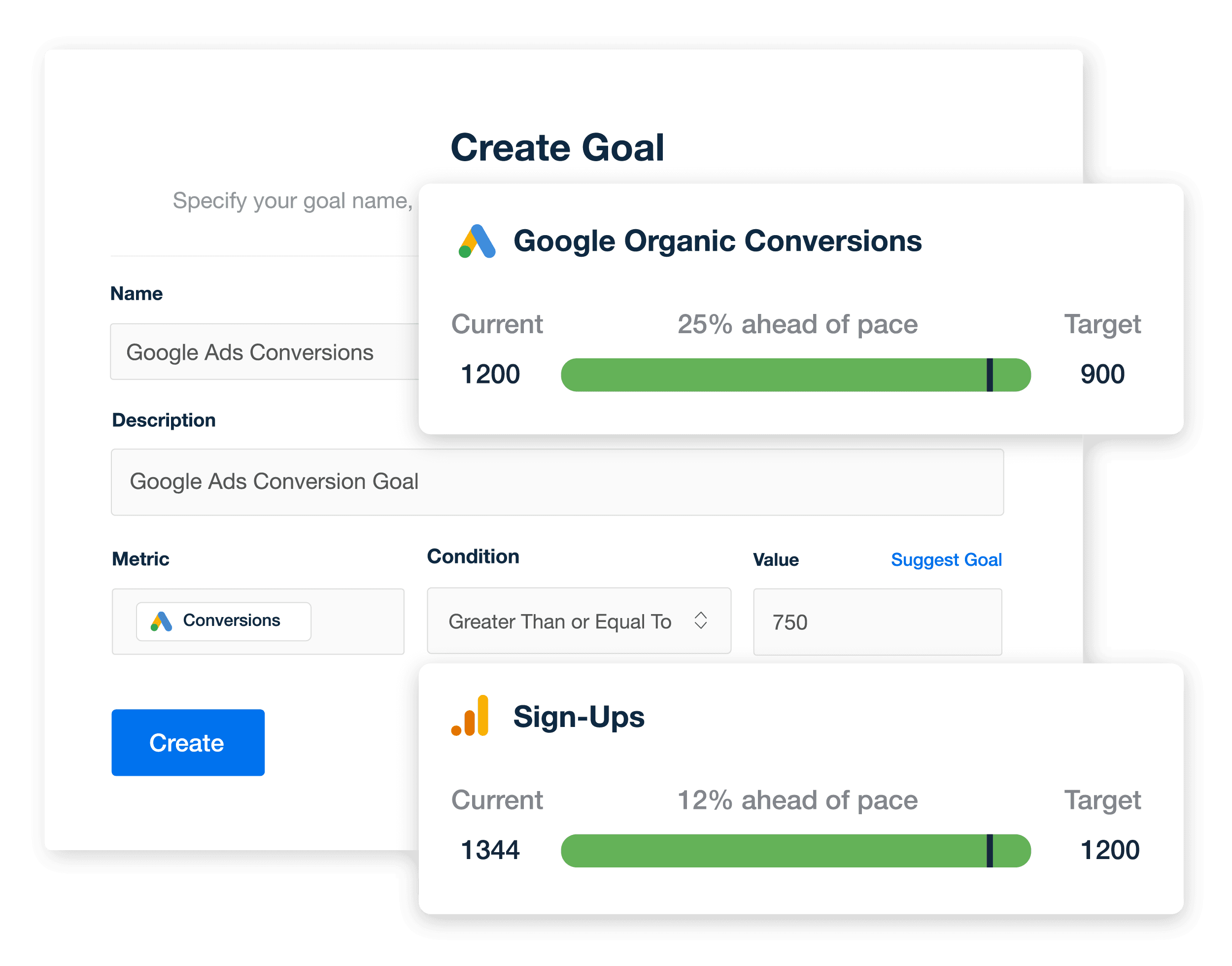
Explore Goal & Budget Tracking
An example of how marketing agencies track SEO performance using custom goals within white labeled SEO reports and dashboards
Explore Goal & Budget Tracking
Client Reports That Are Always on Time

Put Your SEO Reporting on Autopilot

Scheduled client reports mean that your agency never misses a deadline, maintaining consistent, timely communication with your clients. 

This systematic approach builds trust through reliability. Plan ahead and distribute insightful reports exactly when your clients need them, keeping your service proactive and your client relationships strong.
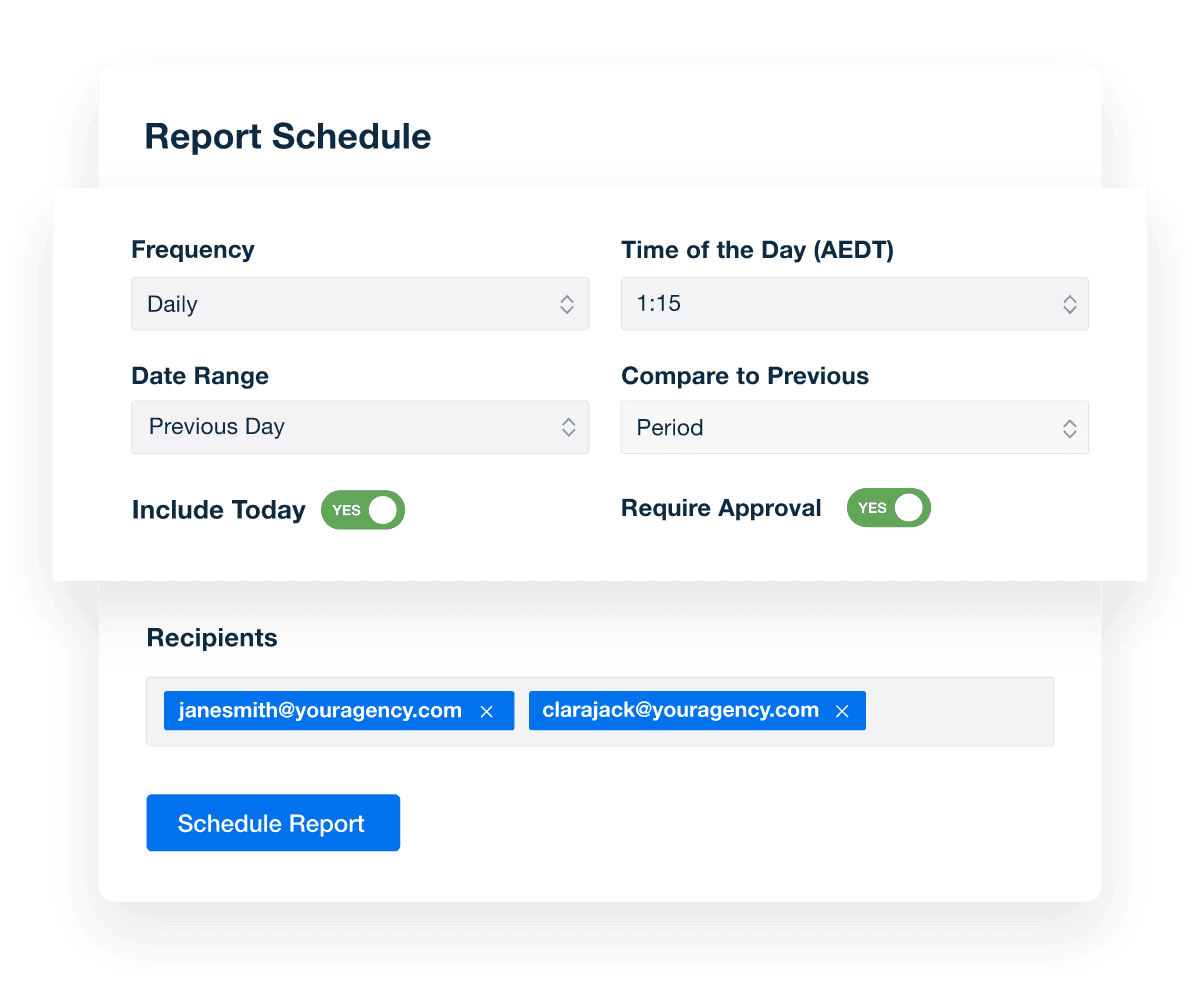
Automate Your Reporting
An illustration of how to schedule marketing reports to be sent automatically
Automate Your Reporting
Report Smarter. Not Harder.

Automate Reporting and Focus On What Matters

An automated tool consolidates crucial SEO data and metrics from over 80 sources, including Google Analytics, Lighthouse, Google Search Console, and more. Turn hours of data gathering into seconds, and focus more time on analysis and insights. 

Customize and clone report templates and dashboards effortlessly, accelerating client onboarding and streamlining report generation. Enhance your agency’s efficiency and impress clients with comprehensive, insightful reports in a fraction of the time.
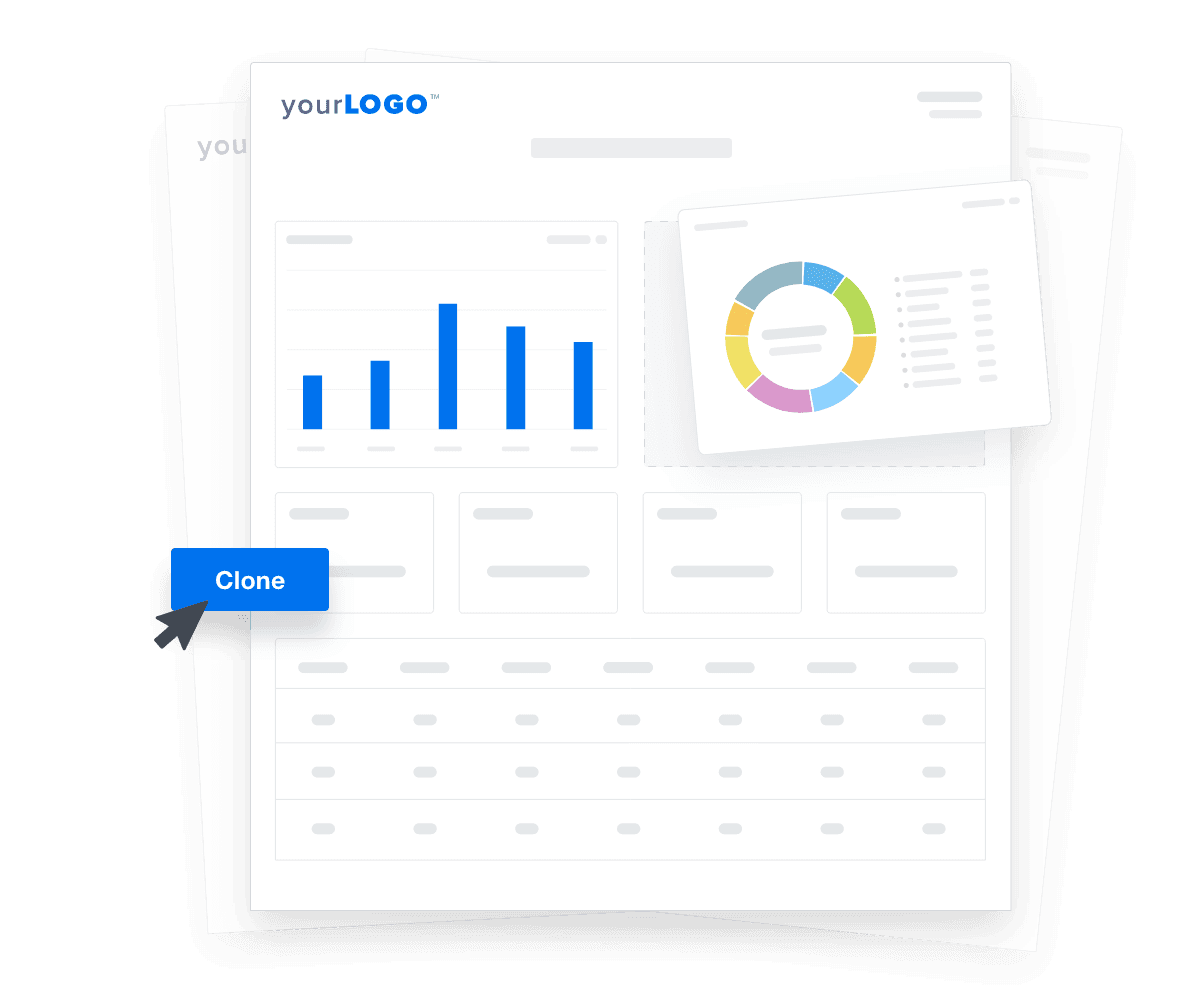

Create Custom Dashboards
An illustration of cloning marketing reports and dashboards for faster client onboarding
Create Custom Dashboards

Sign up for your free trial now!

No credit card required. No setup hassle. Just instant access to automated reporting, custom dashboards, and multi-channel insights.

Start Your Free Trial
An icon showing a user clicking to start a free trial
Start Your Free Trial

8 Key Sections Included in the Customizable Google Lighthouse Report Template
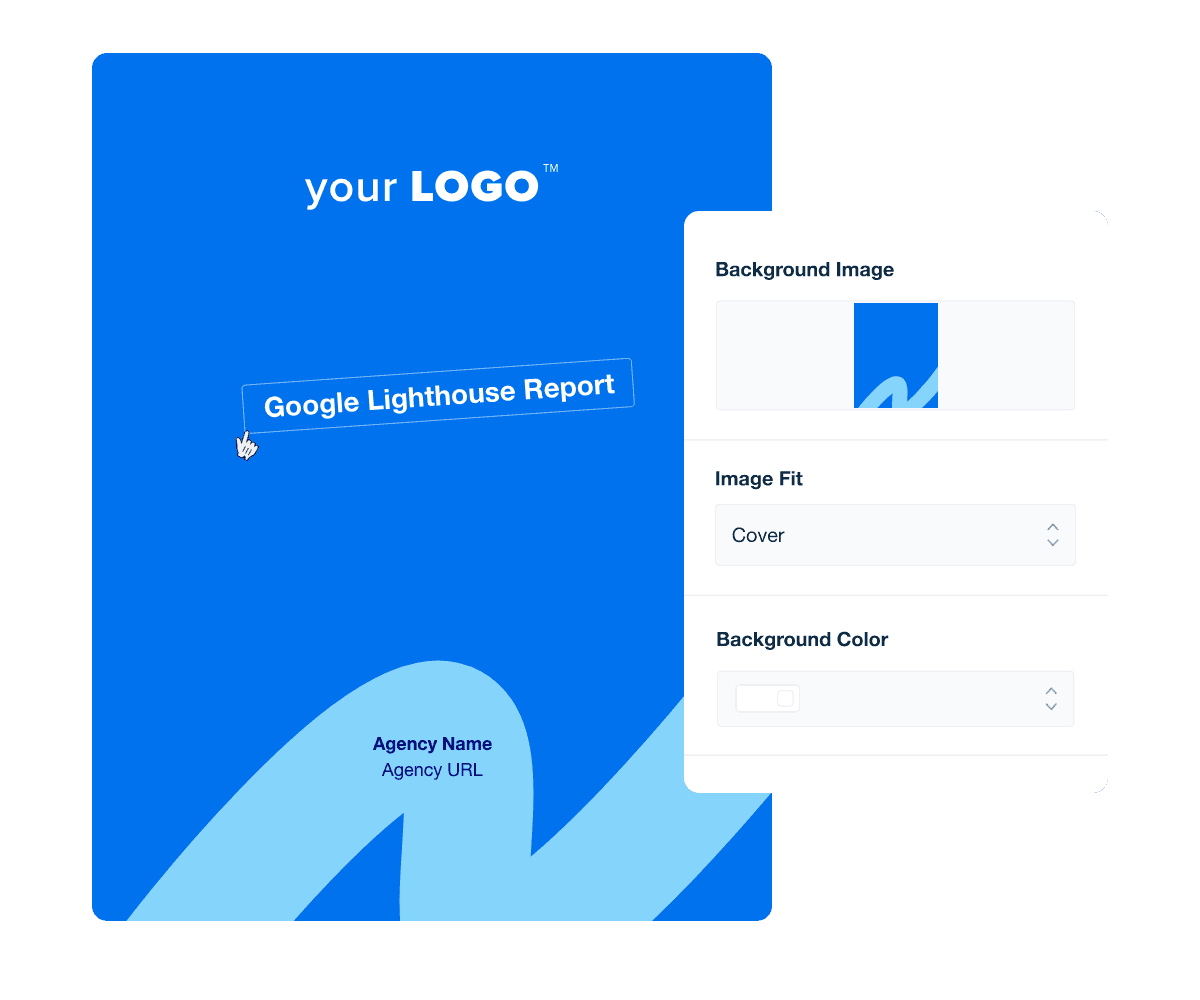
Creating a professional-looking, branded report cover page sets the stage for impactful client communication, immediately establishing your agency's identity and professionalism.

A well-designed cover not only captures attention but also reinforces your brand's credibility and expertise. This critical first impression ensures clients feel confident in your data-driven insights and strategic recommendations, making every report a testament to your agency’s meticulous attention to detail and SEO skills.

Add dates to indicate the reporting period the data is covering, whether weekly, monthly or pertaining to a specific campaign.

An executive summary at the beginning of a report template distills complex data into key insights and takeaways, making it easy for clients to grasp the essence of the report at a glance.

This summary not only saves time for busy executives but also highlights your agency’s ability to prioritize and communicate the most relevant information, enhancing decision-making and reinforcing the strategic value your agency brings to every project.

Crafting an effective Google Lighthouse report summary requires focus and simplicity to communicate key insights.

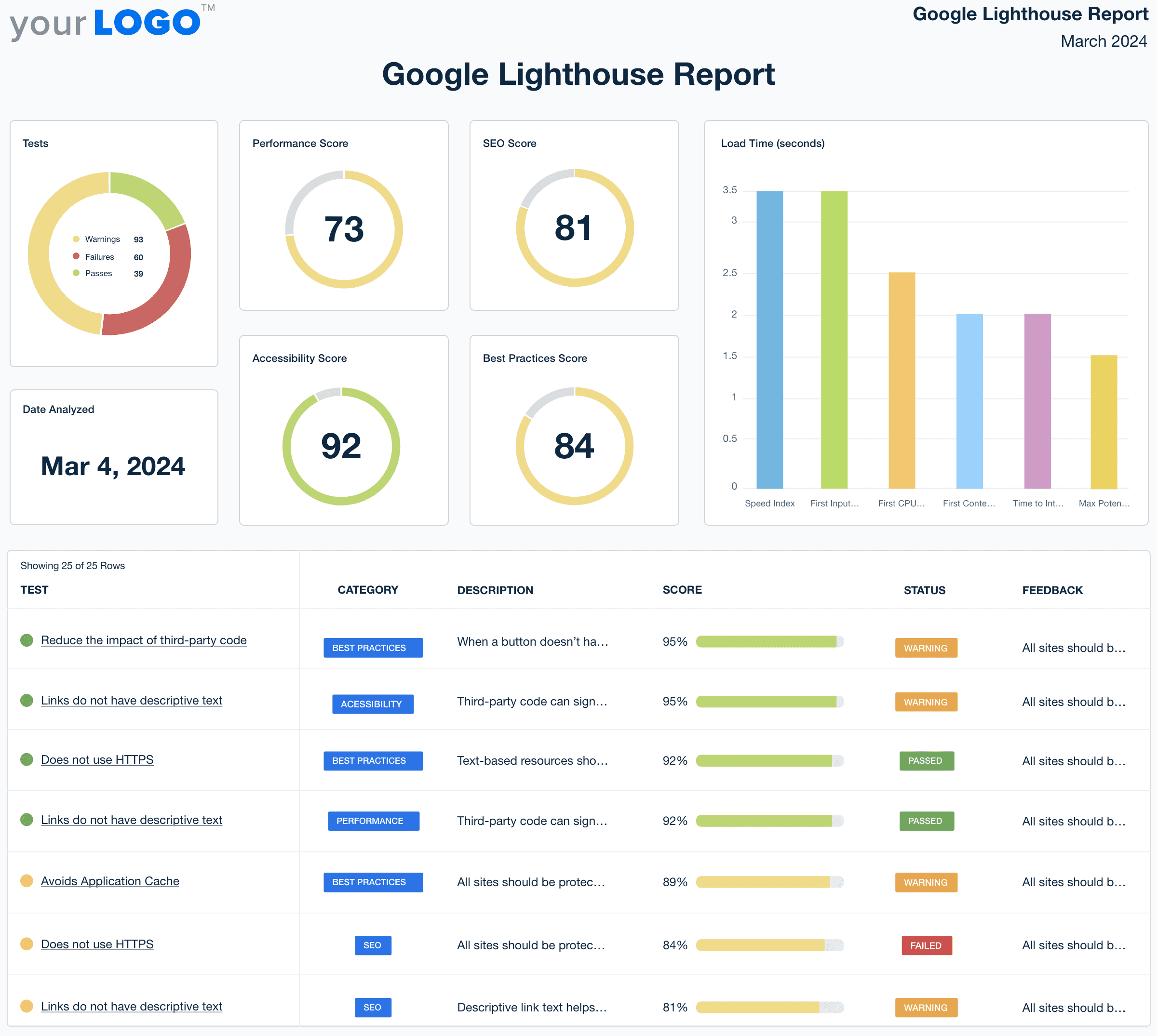
The Performance Score in Google Lighthouse serves as a comprehensive indicator of a site’s usability and speed. It quantifies critical aspects like first contentful paint and time to interactive, reflecting how users experience the site.

Including the overall performance score illustrates how strategic enhancements to a site's technical foundations drive improvements. It demonstrates the agency’s role in optimizing client websites, making a direct link between technical SEO efforts and improved user experiences.

The SEO Score metric provided by Google Lighthouse measures how well a page is optimized to be found and ranked by search engines. It checks for elements like meta tags, descriptive link text, and HTTP status codes to ensure visibility.

This is one of the most important performance scores to include in Google Lighthouse reporting. This single metric captures the culmination of meticulous optimizations, from on-page elements to structured data implementation. By presenting this score, agencies not only demonstrate their technical SEO expertise but also underline the tangible improvements made in making clients' pages more discoverable.

Google Lighthouse Report Template Cover Page Example

Build custom Google Lighthouse reports that deliver results

Save time and impress clients with a powerful, results-driven report template. Access the free Google Lighthouse report template today!

Preview the Template
Illustration of a user at a marketing agency trying the client reporting features from AgencyAnalytics
Preview the Template

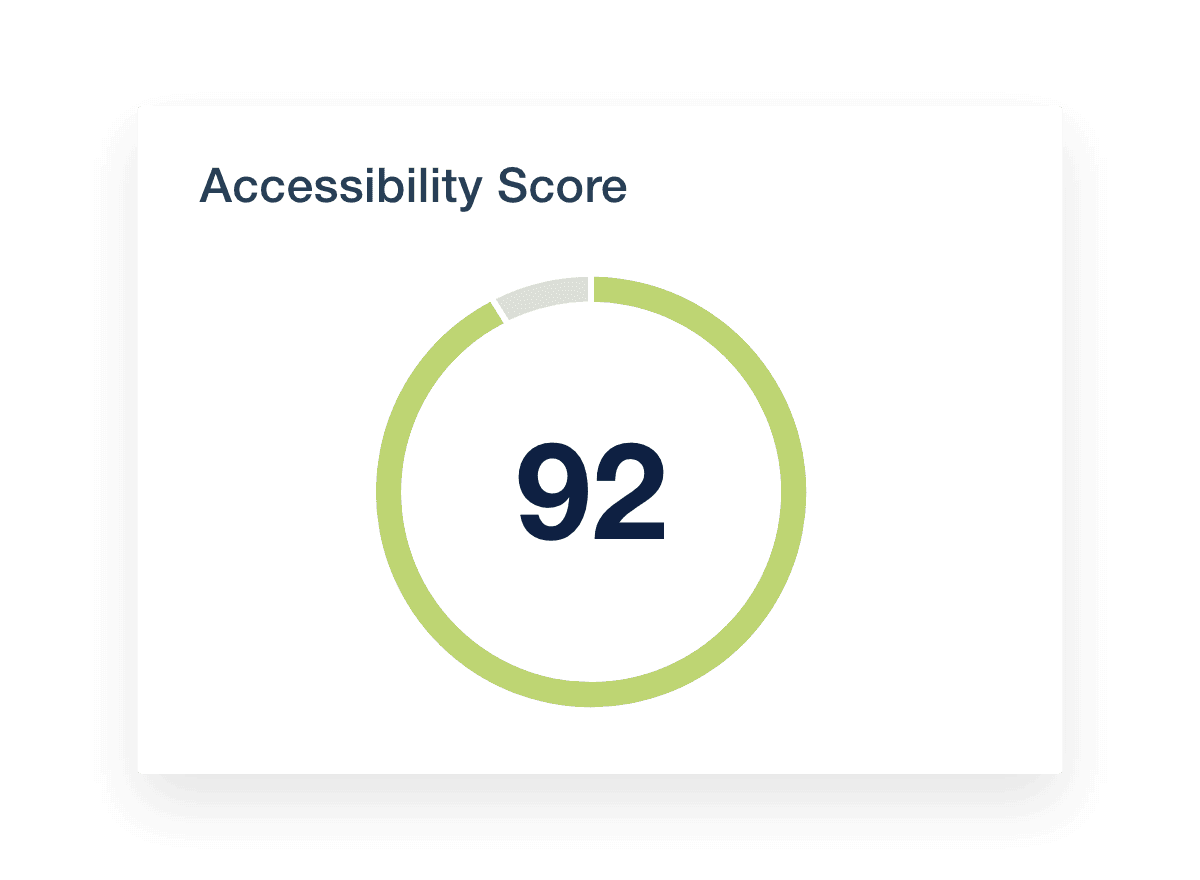
The Accessibility Score in Google Lighthouse gauges how well a site can be navigated and understood by all users, including those with disabilities. It assesses criteria like color contrast, keyboard accessibility, and ARIA attributes for inclusivity.

Showcasing improvements in this area not only demonstrates technical compliance but also promotes a positive brand image. By prioritizing accessibility, marketing agencies prove their strategic foresight and ethical responsibility, making their services indispensable in crafting websites that cater to every user.

For marketing agencies, presenting the Best Practices Score in client reports underscores their commitment to delivering cutting-edge and secure online experiences. This score validates an agency’s technical acumen, proving its capability to implement forward-thinking solutions that enhance a website’s functionality and security.

Demonstrating high scores in best practices not only reassures clients of their investment in top-tier technical expertise but also positions the agency as a leader in delivering high-quality, dependable digital environments. By focusing on these metrics, agencies communicate their dedication to excellence and their strategic role in advancing clients' web presence.

Building on the foundation of best practices, examine how these impact real-world performance, specifically through metrics like page load time. This measure directly influences user experience and satisfaction.

Reports that highlight improvements in load time demonstrate an agency's capability to leverage technical SEO best practices, such as the effective use of a progressive web app. These improvements are vital as they contribute to better performance in Google Chrome, the browser of choice for a vast majority of internet users.

Shifting the focus to the foundation of site usability, let's dive into the Core Web Vitals, key components that Google Lighthouse evaluates to gauge user experience quality.

Core Web Vitals in Google Lighthouse are essential tests that measure the real-world experience of a site’s visitors. They focus on three main aspects: loading performance, interactivity, and visual stability, which include metrics like First Contentful Paint, Largest Contentful Paint, and Cumulative Layout Shift. This section will also call out other issues discovered every time Lighthouse runs tests, including those that would normally appear in the Lighthouse panel.

Google Lighthouse Accessibility Score

FAQs About Custom Google Lighthouse Report Templates

Still have questions about how to create and use custom Google Lighthouse Report Templates? Don’t worry, we’ve got you covered.

  • A Google Lighthouse report template organizes website performance data into an easy-to-read report for your clients. It pulls insights from Lighthouse audits, including performance score, SEO score, and core web vitals metrics, to help agencies demonstrate how client web pages perform across speed, accessibility, and search engine optimization.

  • A comprehensive Google Lighthouse report should include key performance indicators (KPIs) your client’s overall performance score along with detailed metrics like SEO score, load speed, and visual stability. Tracking cumulative layout shift and other core web vitals metrics helps agencies explain the user experience and highlight the technical improvements that impact site speed and search visibility.

  • This report helps agencies identify technical SEO issues holding back their client’s website performance. By showing how Lighthouse evaluates web pages, agencies pinpoint issues like slow load speed or poor visual stability. Using these insights, build a strategy to boost SEO performance and improve how your client’s site ranks on search engines.

  • Yes. With AgencyAnalytics, agencies automate Lighthouse reporting by pulling all the data directly from the Google Lighthouse reporting integration into client-ready reports. Whether you're tracking site speed or monitoring performance metrics over time, automation saves valuable hours and keeps reporting consistent for every client.

  • Lighthouse reports make it easier to show clients exactly how their website is performing. By bringing all the key metrics together—like page speed, core web vitals, and Lighthouse score—you give clients a clear picture of what’s working and where to improve. It’s a simple way to prove your technical SEO work is making a difference.

  • Yes. The Google Lighthouse report template is fully customizable using the drag-and-drop report and dashboard builder and white label branding to create custom marketing dashboards and automate client reporting. Agencies adjust layouts, visuals, and key metrics to match client preferences.

    Whether you need to spotlight performance score, core web vitals, or page speed, customization ensures your Lighthouse report delivers the insights that matter most to your clients.

  • Popular choices among agencies include the social media analytics report template for tracking social media metrics, the SEO performance report for SEO performance, and the PPC monthly report template for PPC advertising. Comprehensive digital reports are built with the digital marketing monthly report, and website activity is detailed in the web analytics report template.

More templates
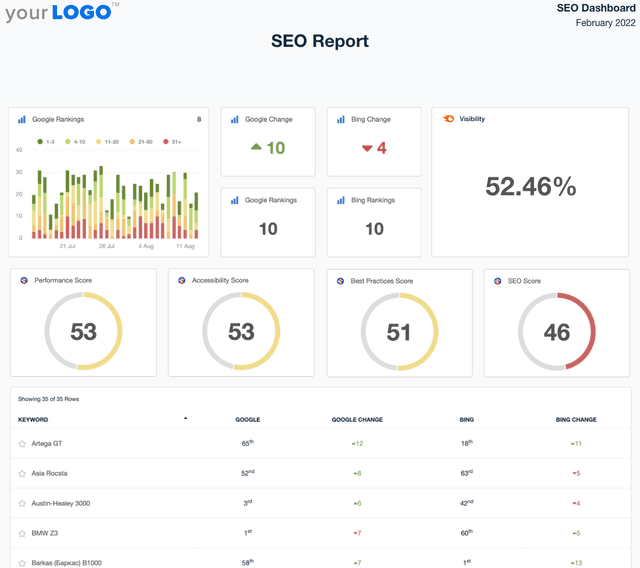
A screenshot of an example SEO Report template

SEO Report

Sending SEO reports shouldn’t mean spending your Friday night formatting screenshots in a PDF. Use a client-ready SEO report template to summarize rankings, traffic, backlinks, and key wins—then export and share in minutes.
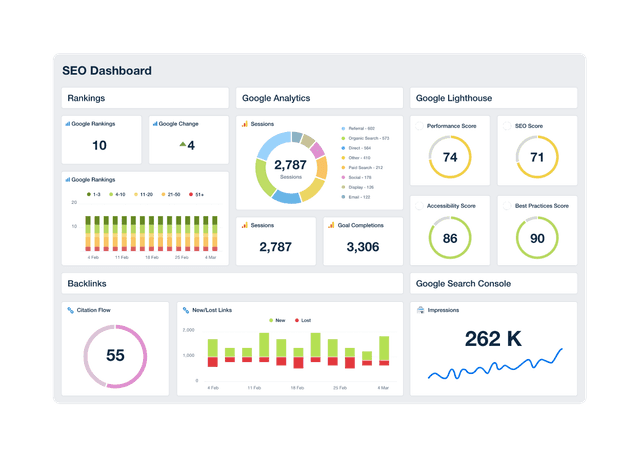
An example of a professional and customizable SEO dashboard template

SEO Dashboard

Track keyword rankings, organic traffic, backlinks, and goal completions in a customizable SEO reporting dashboard. Automate reporting, give clients live access to campaign data, and use up-to-date insights to improve performance and prove ROI. Join over 7,000 satisfied customers and experience the benefits of using an SEO dashboard!
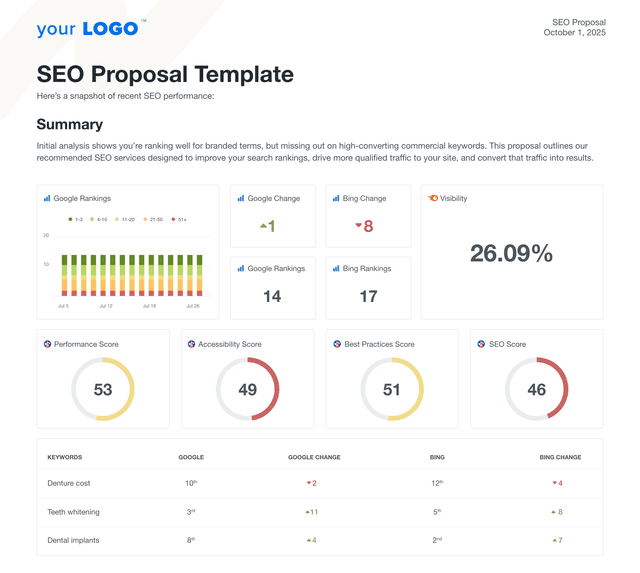
An example of a custom SEO proposal using the AgencyAnalytics professional template.

SEO Proposal

Create client-ready SEO proposals in minutes. This customizable SEO proposal template helps agencies pitch strategy, deliverables, and results without starting from scratch. Whether you're targeting local businesses, ecommerce brands, or enterprise accounts, this template gives you the structure to close deals with confidence.
View All Templates

See how 7,000+ marketing agencies help clients win

Start Your Trial Now

Free 14-day trial. No credit card required.

Callout Get StartedSwoosh
Logo
G2 Users Love Us
AgencyAnalytics - G2 Leader Winter 2026
AgencyAnalytics - G2 Momentum Leader Winter 2026
G2 Crowd

4.7 out of 5

Capterra

4.8 out of 5

Product
Platform features
Agency solutions
Data integrations
Compare platforms
Reviews
Pricing
Company
About
Careers
Hiring
Media Kit
Contact
Get Started
Start Free Trial
Book a Demo
Quick Start Guide