AgencyAnalytics
AgencyAnalytics
  • Pricing
  • Login
  • Start Trial

Client Report Template for Efficient, Insightful Updates

Skip the tedious report-building. The customizable Client Report Template automatically pulls key metrics, giving you a polished, easy-to-share update that keeps clients informed—without wasting your team’s time.
Preview TemplateStart Your Free Trial
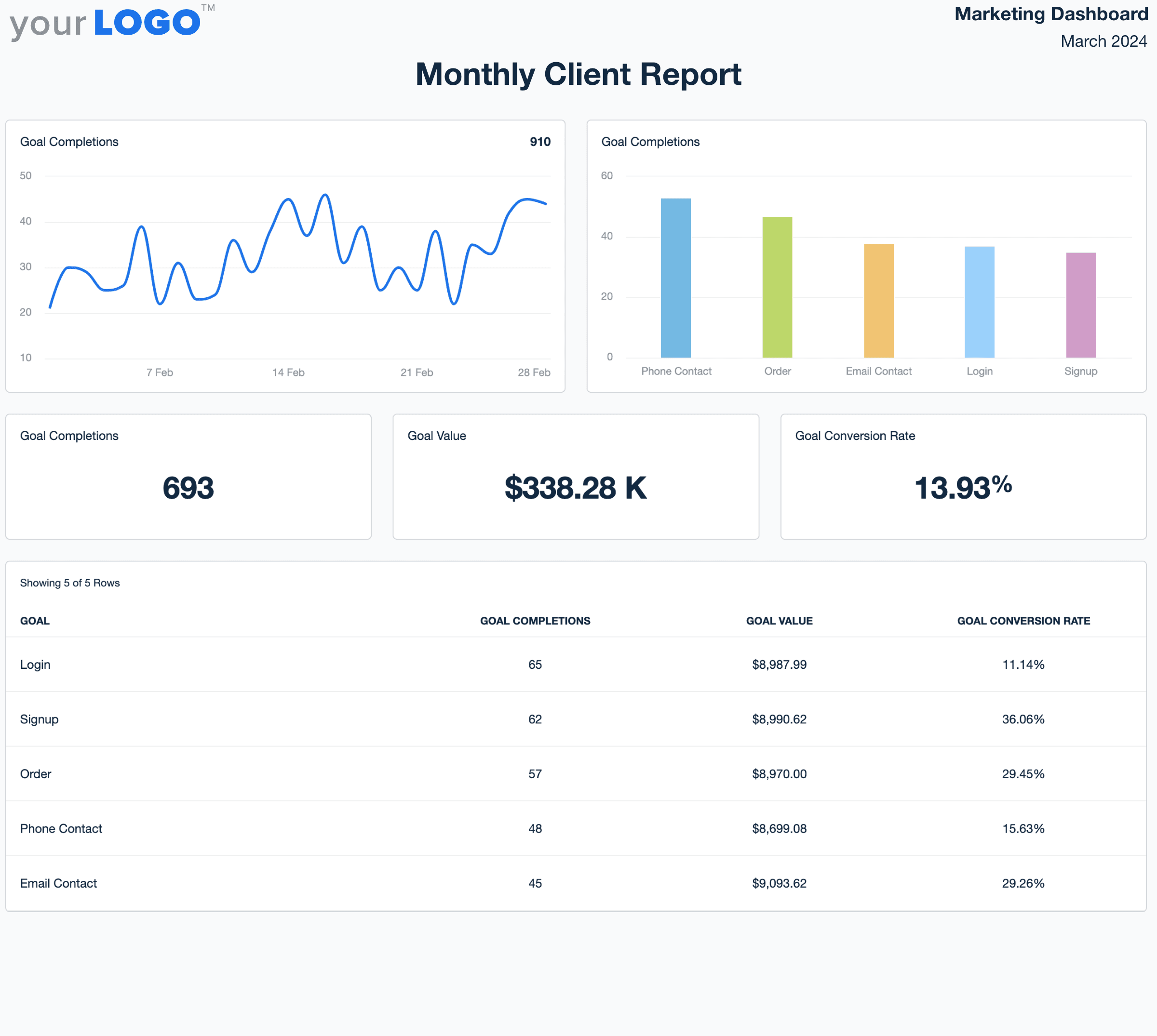
Client Report Template Example

Customizable Client Report Templates Designed for Agencies

Streamline reporting with templates built to save time and scale client communications. Use drag-and-drop tools to customize layouts, surface key metrics, and apply your agency’s branding for a polished, professional look.

Templates connect directly to live data from 80+ marketing platforms, eliminating manual work and making it easy to tailor each report to your client’s goals. Deliver clear, consistent reports that reinforce your agency’s value—and free up your team to focus on strategy, not spreadsheets.
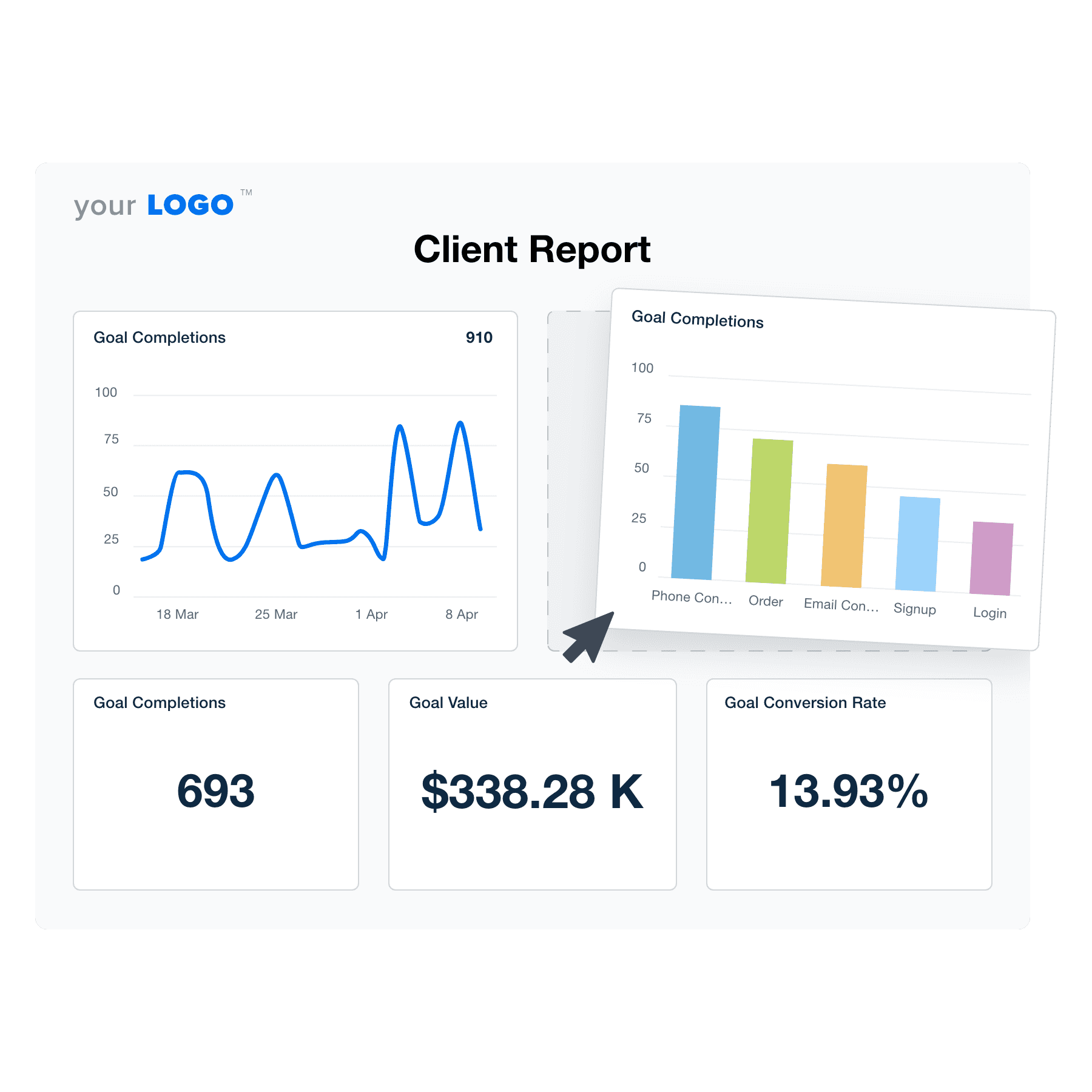

Create Professional Client Reports in Minutes
Illustration of the Drag-and-Drop Client Report Template Builder from AgencyAnalytics
Create Professional Client Reports in Minutes

Easily Report on Your Client's Campaign Performance

Start Your Free Trial

Custom Client Reports as Unique as Your Agency
Effortless Efficiency

Create Client Reports in Minutes–Not Hours

Save the hours wasted on manual reporting, ensure accuracy, and free your team to focus on what matters: strategic brilliance and client relationships. Scale your agency with reports that work as hard as you do.

Get Started With Automated Reporting
Automate Your Client Reporting in Minutes
Get Started With Automated Reporting
Stop Data Silos in Their Tracks

Seamless Integration with 80+ Marketing Platforms

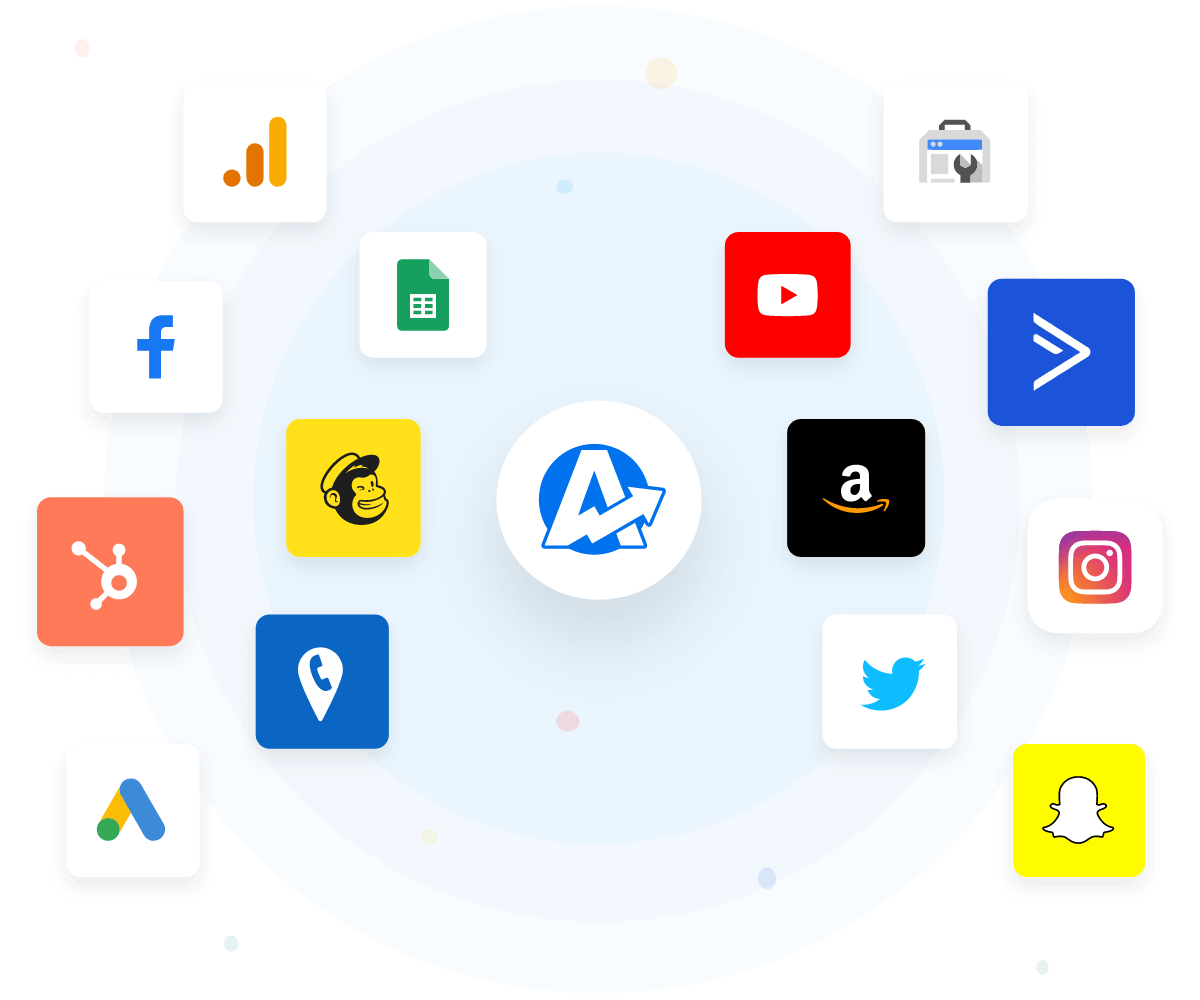
AgencyAnalytics integrates with 80+ marketing platforms, pulling data into powerhouse client reports. Save time, gain deeper insights, and impress clients with comprehensive SEO, PPC, social, and email metrics. Showcase the full impact of your marketing efforts, solidify your value, and become your clients' indispensable partner in success.
View All 80+ Integrations
An example of the available marketing platform integrations AgencyAnalytics offers to connect your clients' marketing data
View All 80+ Integrations
Your Agency’s Brand, Your Success

White Label Your Client Reporting

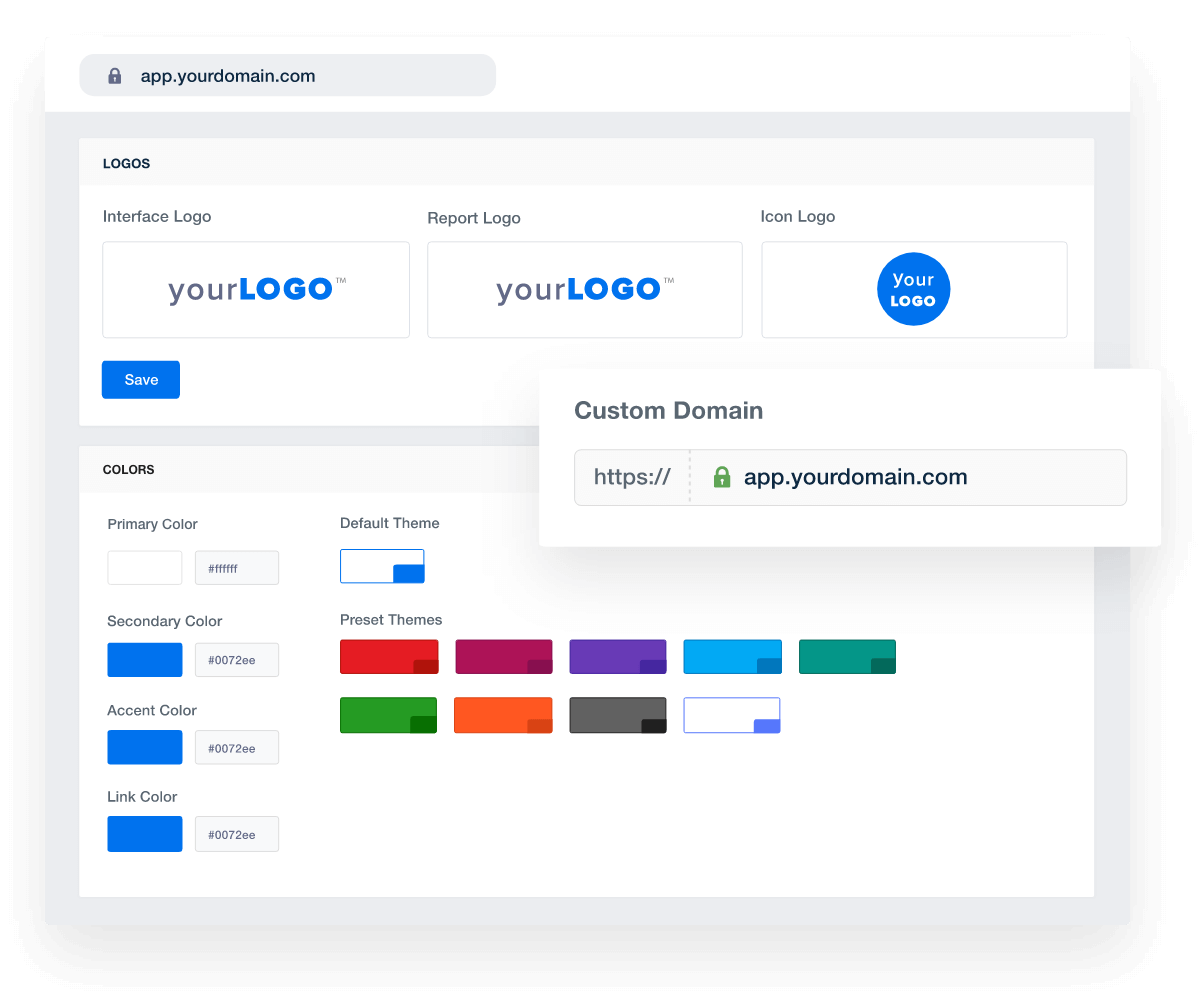
With white label report templates, customize reports with your agency’s branding for a professional, cohesive experience. More than just data, it's trust and recognition in every report. Showcase your agency's unique value proposition and strengthen client relationships–all while maintaining a consistent brand image.
Add Your Agency's Branding
An example of how to white label marketing agency dashboards and client reports
Add Your Agency's Branding
Timely Insights, Every Time

Put Your Client Reporting Process on Autopilot

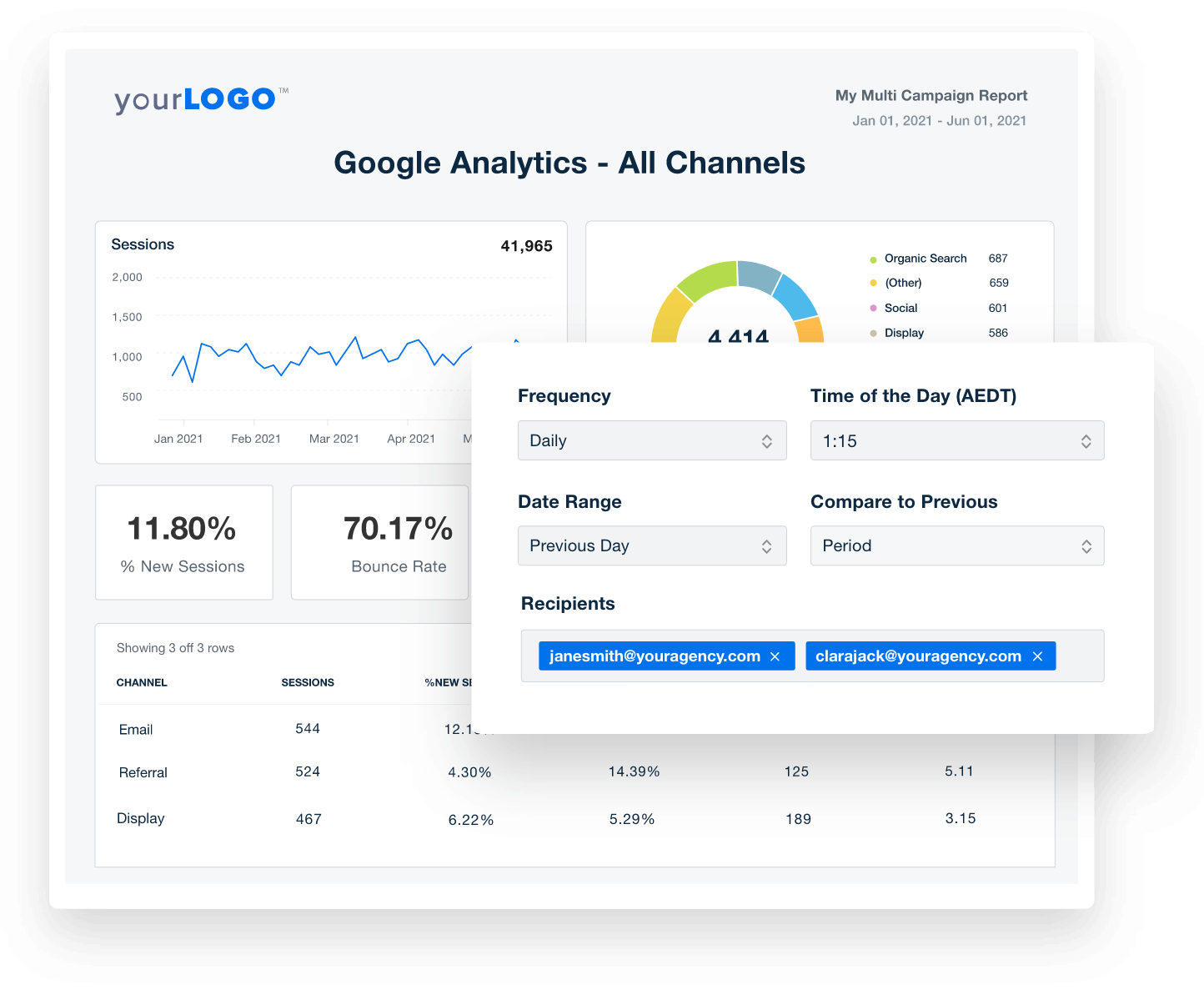
Keep clients informed with scheduled client reports. Automatic creation and delivery of marketing reports keep clients in the loop with timely insights.  Boost client transparency, trust, and satisfaction. Spend less time sending reports, and more time building strong client relationships.
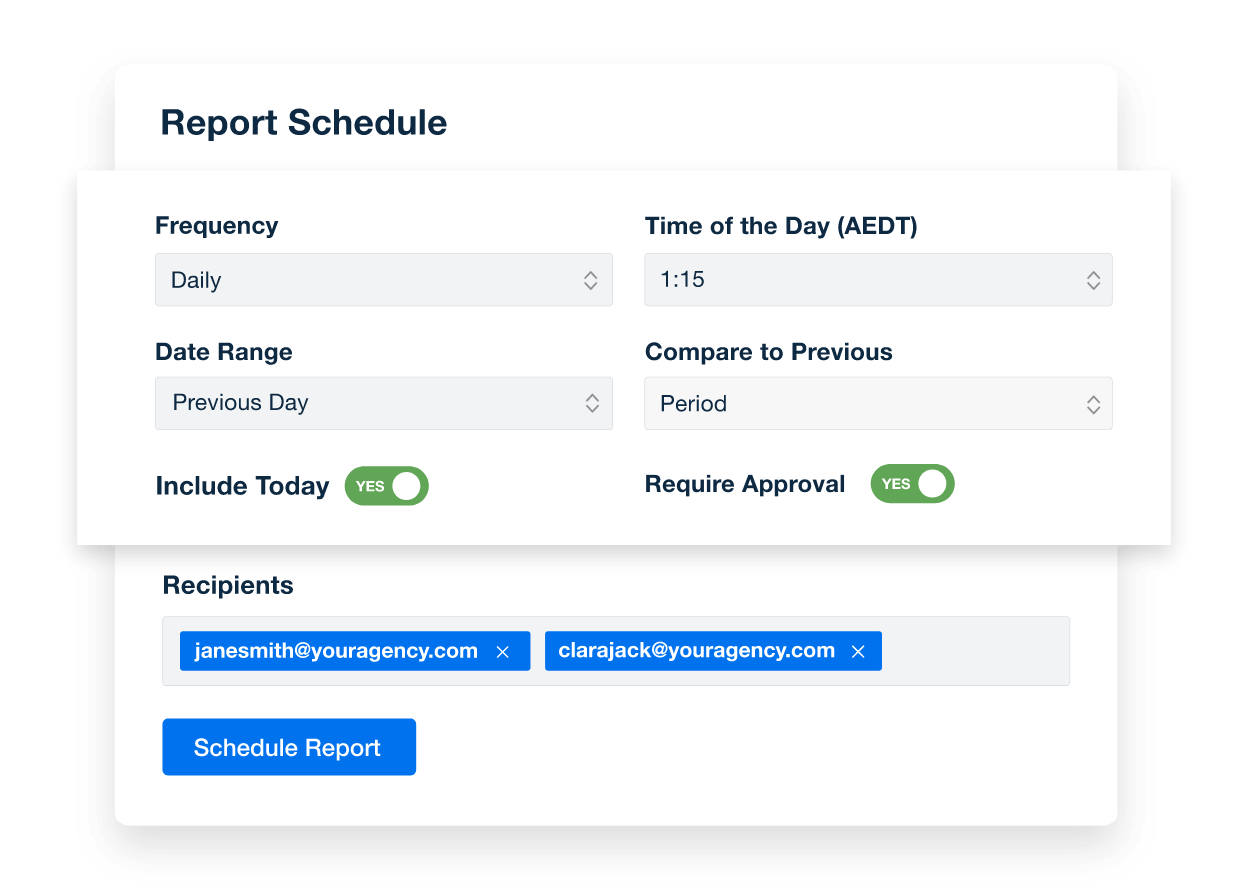
Create Custom Dashboards
An example of how to schedule automated marketing reports for marketing agency clients
Create Custom Dashboards
Target Achieved, Success Defined

Track Progress and Demonstrate Value

Custom goals track progress against what matters most to your clients.  Visually highlight every milestone achieved and tie them to real business outcomes. Connect marketing efforts directly to client goals, making your agency a hero in their journey.
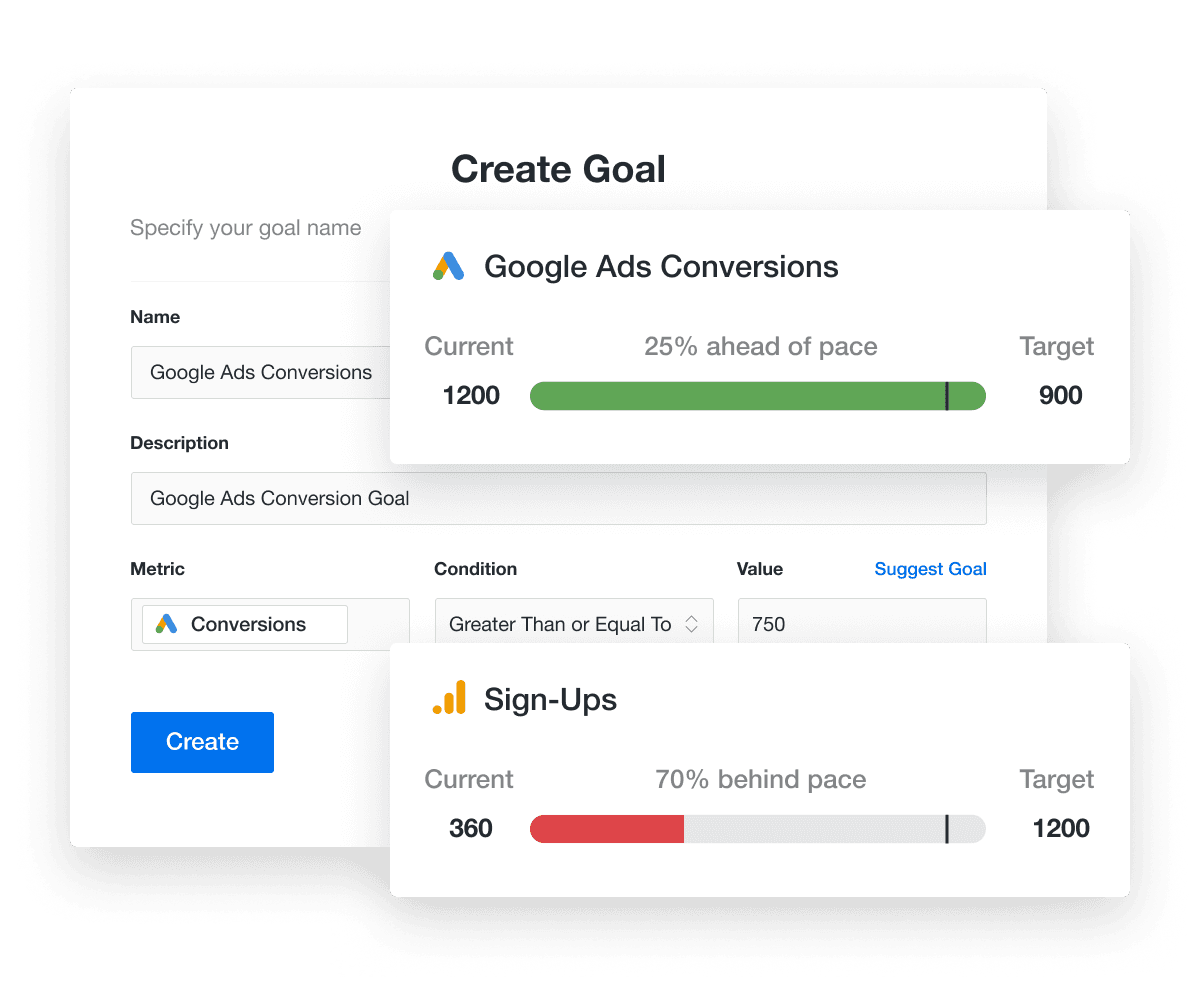
Explore Goal & Budget Tracking
An example of how to highlight progress in marketing campaigns by tracking performance goals
Explore Goal & Budget Tracking
New Client Reports in an Instant

11-Second Smart Reports

Revolutionize report creation with 11-Second Smart Reports, automatically generating new templates tailored to each client's connected integrations. This cutting-edge feature helps marketing agencies deliver personalized insights with just a few clicks, aligning reports precisely with client needs. Eliminate guesswork and ensure that each report reflects the unique data points and platforms relevant to the client. 
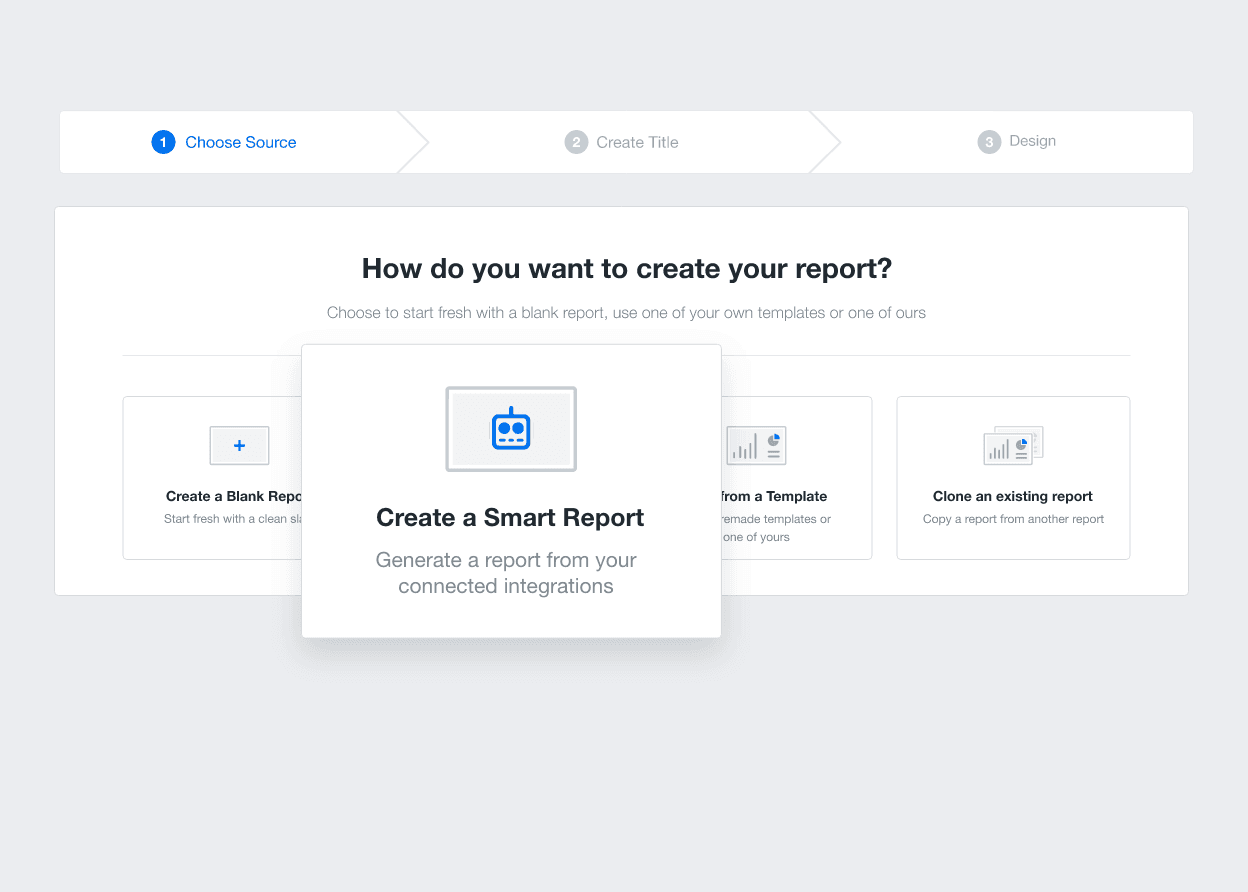
Report Smarter in Seconds
Automatically build complete marketing reports in seconds with Smart Reports
Report Smarter in Seconds

Sign up for your free trial now!

No credit card required. No setup hassle. Just instant access to automated reporting, custom dashboards, and multi-channel insights.

Start Your Free Trial
An icon showing a user clicking to start a free trial
Start Your Free Trial

11 Key Sections Included in a Client Report Template

A client report template prioritizes clarity, ensuring clients of all technical backgrounds grasp their marketing progress at a glance. No need to decipher complex information–they'll see results loud and clear. With the drag-and-drop editor, it's easy to tailor templates to each client's specific needs, then quickly clone them for onboarding new clients. Save time and impress every step of the way.
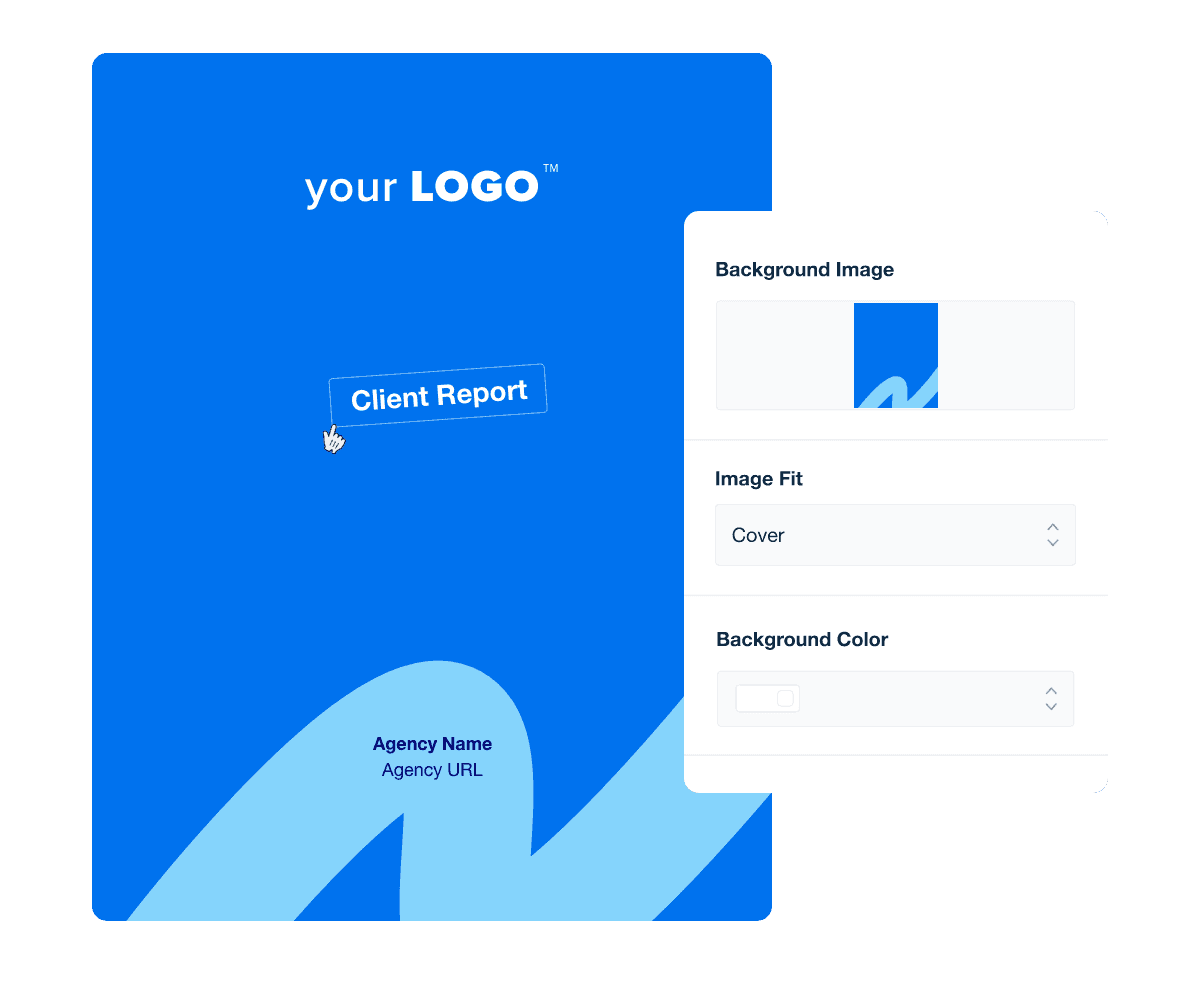

A professional-looking and branded report cover page is your first handshake with the reader, setting the tone for what's to come. It’s a powerful branding tool that conveys the professionalism of your agency’s efforts. A well-designed cover page grabs attention, establishes credibility, and creates an emotional connection, all before the first page is turned.

With an easy-to-use cover page builder, your agency quickly designs and saves professional, branded report covers that reflect your unique identity and set you apart from competitors. Save custom templates to streamline workflows and infuse each report with your agency’s brand for instant recognition. Boost engagement, maximize impact, and make your brand voice heard–all with minimal effort.

Incorporating an executive summary at the beginning of a weekly or monthly report template (or whatever reporting cadence you choose) is a mainstay in the client reporting process. This concise overview helps readers grasp the essence of your agency’s findings quickly and it ensures the time spent to create client reports yields maximum impact.

An executive summary enhances understanding and engagement by setting the stage for what's ahead, making it a key element of effective performance reports.

This section of professional client reports distills complex information into digestible insights, ensuring clients grasp the key takeaways without needing to wade through the entire document.

Understanding traffic and awareness metrics like Google Search Console impressions and clicks or Google Analytics website traffic is essential for gauging the reach and engagement of marketing campaigns. These metrics offer a quantitative look at how potential customers interact with your client’s brand online, providing a foundation for measuring campaign effectiveness.

Incorporating these metrics into your client report template turns abstract numbers into understandable, actionable insights. Paint a clear picture of a campaign's performance, spotlight areas of success, and identify opportunities for improvement–all in a fraction of the time it takes to manually assemble client reports.

Simply connect the Google Analytics or Matomo integrations, included on every reporting plan, and watch your client's website analytics automatically populate into attractive data visualizations.

Website conversion metrics quantify the effectiveness of a campaign in turning visitors into leads or customers. These include metrics like conversion rate, cost per conversion, leads, and sales. They are key to assessing how well a marketing strategy translates online traffic into tangible business results.

Use this section of your client reports to offer a granular view of how well digital marketing campaigns drive actions, from signing up for newsletters to purchasing. They're essential for data-driven decision-making, allowing agencies to refine strategies and optimize performance.

Highlight these metrics using data visualization techniques to reinforce the strategic value agencies add to the client’s bottom line.

Lead generation metrics track the quantity and quality of potential customers attracted by marketing efforts each month. These metrics, including the number of new leads and the lead-to-customer conversion rate, are key to understanding the effectiveness of lead acquisition and nurturing strategies.

Using a client reporting tool to present this data is a testament to your agency’s ability to reach, effectively engage, and guide the target audience down the sales funnel. Easily demonstrate your strategic value and offer a clear view of how campaign strategies translate into business growth opportunities.

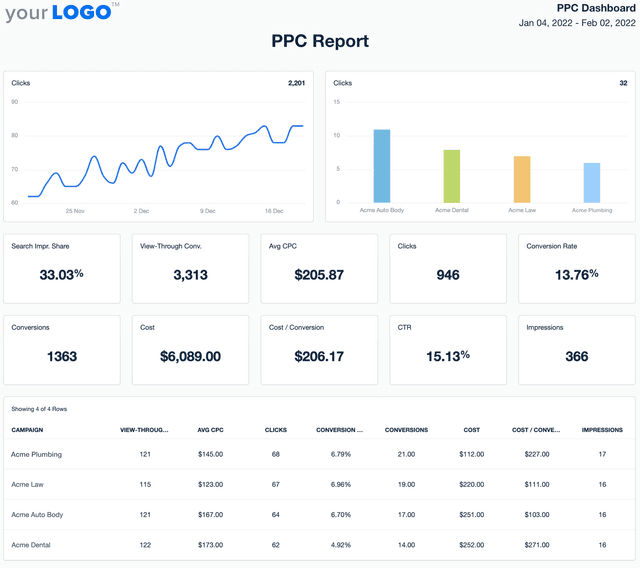
A PPC and paid ads overview offers a concise snapshot of a client's paid marketing campaign performance, specifically within platforms like Google Ads, Facebook Ads, LinkedIn Ads, and more.

This section breaks down key metrics such as click-through rates, cost per click, and overall expenditure, providing a clear picture of how paid strategies are translating into return on ad spend.

This overview highlights the strategic allocation of the advertising budget and provides actionable insights into opportunities for optimization within a client's marketing campaigns. For clients, understanding the performance of Google Ads, Facebook Ads, LinkedIn Ads, and other paid channels is essential for evaluating the ROI of their marketing spend.

Client report template cover page example

Build custom client reports that deliver results

Save time and impress clients with a powerful, results-driven report template. Access the free client report template today!

Preview the Template
Illustration of a user at a marketing agency trying the client reporting features from AgencyAnalytics
Preview the Template

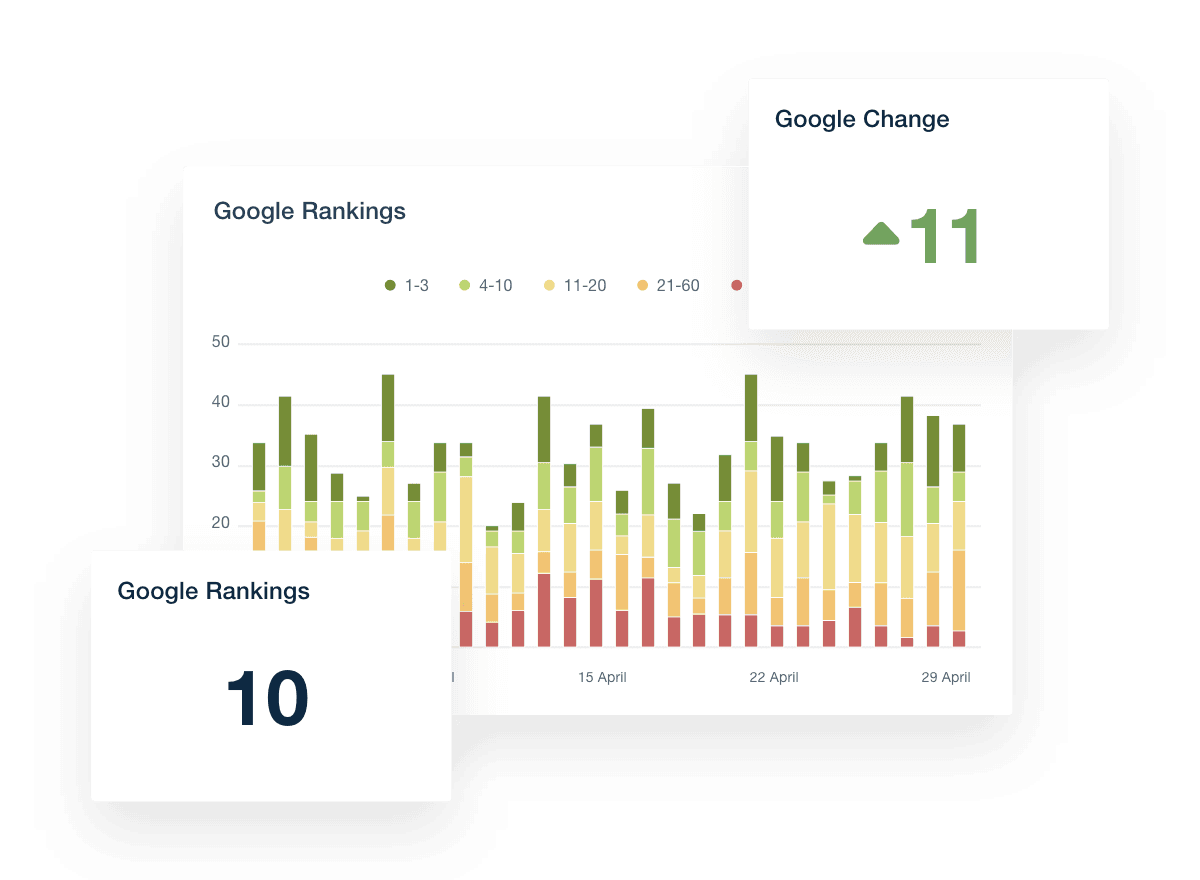
An SEO overview highlights the organic performance of a website across search engines. This section dives into metrics such as keyword rankings, organic traffic volume, and the website's visibility on search engine results pages (SERPs).

Presenting this data reinforces your agency’s role in enhancing the client's web presence and driving growth through strategic SEO best practices. Include this data in client reports to underline your agency’s commitment to transparency, showcasing ongoing efforts and achievements in organic search.

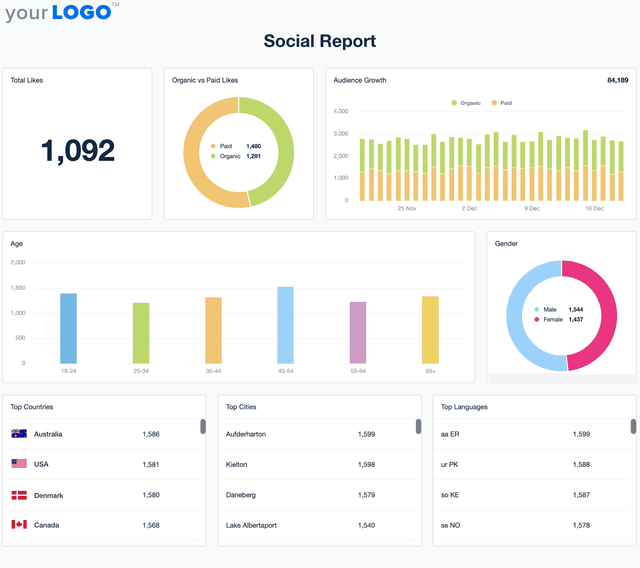
This section highlights key metrics from top social media channels, including Facebook, Instagram, TikTok, and LinkedIn. Highlight engagement rates, follower growth, and content reach to offer a panoramic view of how a brand's social media strategy resonates with its audience.

This overview, powered by up-to-date social media analytics, provides agencies and their clients with a clear snapshot of social performance, identifying which content sparks conversation, builds community, and drives engagement.

Email marketing metrics highlight how well a brand’s messaging resonates with its audience, gauging the impact of personalized content delivered straight to their inboxes.

Include this data in client reports to showcase the effectiveness of direct communication efforts through key metrics such as open rates, click-through rates, and conversion rates from email campaigns

Provide a snapshot of a brand's online reputation and customer feedback across various platforms. This section includes data on overall rating trends, review volumes, and sentiment analysis, offering insights into how consumers perceive the brand and its products or services.

Analyzing ratings and reviews guides future strategies for customer engagement and satisfaction, providing a roadmap for maintaining and elevating brand reputation.

Goal tracking and budget pacing offer a clear and holistic view of how closely a campaign aligns with the predefined objectives and how efficiently the budget is utilized over time. Include an easy-to-understand snapshot of progress towards goals, making it easy to spot any adjustments needed to stay on course.

This data guarantees that the agency-client relationship remains strong, with both parties staying well-informed about the campaign's progress toward its goals and the careful management of the budget.

SEO Rank Checker Dashboard Widget Example

FAQs About Automated Client Report Templates

Still have questions about how to create and use automated Client Report Templates? Don’t worry, we’ve got you covered.

  • A Client Report Template is a customizable document used by agencies to present the results of a client’s marketing campaigns in a clear and professional format. It pulls data from tools like Google Analytics, Facebook, Google Search Console, Salesforce, Google Ads, and more, giving clients visibility into their campaign performance across all marketing channels.

  • A well-rounded client marketing report includes campaign objectives, progress reports, and a summary of monthly results. Key metrics to include are website traffic, click-through rate, engagement rate, total sales, and traffic sources. It’s also helpful to visualize data with elements like a pie chart or display board, making insights easier for clients to understand.

  • Automated reporting saves agencies time while keeping clients consistently informed. By connecting platforms like Google Analytics and Google Search Console, agencies provide real-time updates without manual work. This builds trust by showing transparency and consistent communication throughout the client’s marketing campaigns.

  • Yes, client reports can be fully customized using custom marketing dashboards. Agencies add logos, brand colors, and tailored sections to reflect each client’s unique needs. This creates a professional communication tool that not only presents data but also reinforces the agency’s brand in every client interaction.

  • Start by including the most important KPIs that align with the client’s business goals. Add written commentary to explain results, whether positive or negative, and connect data to actionable insights. Include visual summaries like a pie chart to make the data easier to digest. Don’t overlook social media reporting—use insights from platforms like LinkedIn Ads, Instagram Ads, and Facebook Ads to give a full view of performance across every social media channel.

  • Client reports create a consistent feedback loop that builds trust. By openly sharing wins, challenges, and next steps in every monthly report, agencies help clients make informed decisions. Including insights from digital marketing platforms, PPC report data, and cross-channel performance metrics shows clients that their investment is being monitored and optimized.

  • Tracking social media campaigns is easy with the social media analytics report template. SEO progress is highlighted in the SEO monthly report template, while ad performance is captured using the PPC reporting template. The digital marketing report combines results from multiple channels, and the web analytics report focuses on website analytics.

More templates
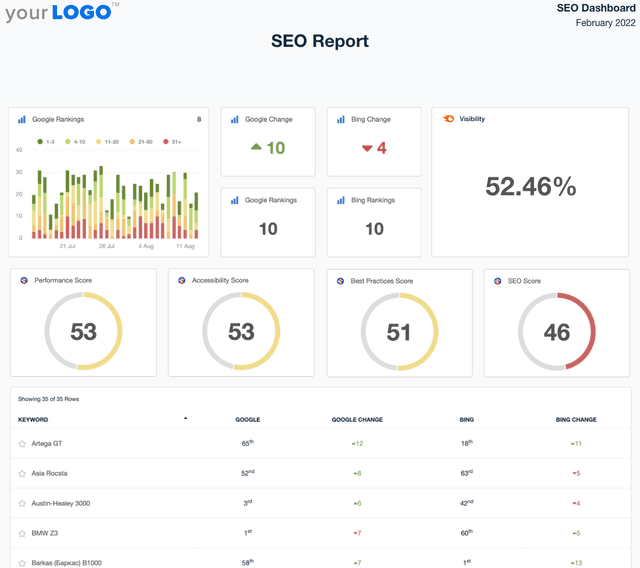
A screenshot of an example SEO Report template

SEO Report

Sending SEO reports shouldn’t mean spending your Friday night formatting screenshots in a PDF. Use a client-ready SEO report template to summarize rankings, traffic, backlinks, and key wins—then export and share in minutes.
Example of the Social Media Report Template from AgencyAnalytics

Social Media Report

Social media performance reporting shouldn’t slow you down. This customizable Social Media Report Template automatically tracks engagement, audience growth, and ad performance so that you deliver client updates without the extra work.
Screenshot of an example PPC Report Template

PPC Report

Monthly PPC reports shouldn't take all weekend. The customizable PPC Report Template gathers key metrics like cost-per-click, conversions, and ROI—so reporting takes minutes, not hours.
View All Templates

See how 7,000+ marketing agencies help clients win

Start Your Trial Now

Free 14-day trial. No credit card required.

Callout Get StartedSwoosh
Logo
G2 Users Love Us
AgencyAnalytics - G2 Leader Winter 2026
AgencyAnalytics - G2 Momentum Leader Winter 2026
G2 Crowd

4.7 out of 5

Capterra

4.8 out of 5

Product
Platform features
Agency solutions
Data integrations
Compare platforms
Reviews
Pricing
Company
About
Careers
Hiring
Media Kit
Contact
Get Started
Start Free Trial
Book a Demo
Quick Start Guide