AgencyAnalytics
AgencyAnalytics
  • Pricing
  • Login
  • Start Trial

Amazon Ads Report Template for Polished Insights, Faster

Manual reporting shouldn’t slow you down. The customizable Amazon Ads Report Template makes it easy to consolidate impressions, clicks, ad spend, and conversions in one place. Send client updates without wasting hours copying and pasting data.
Preview TemplateStart Your Free Trial
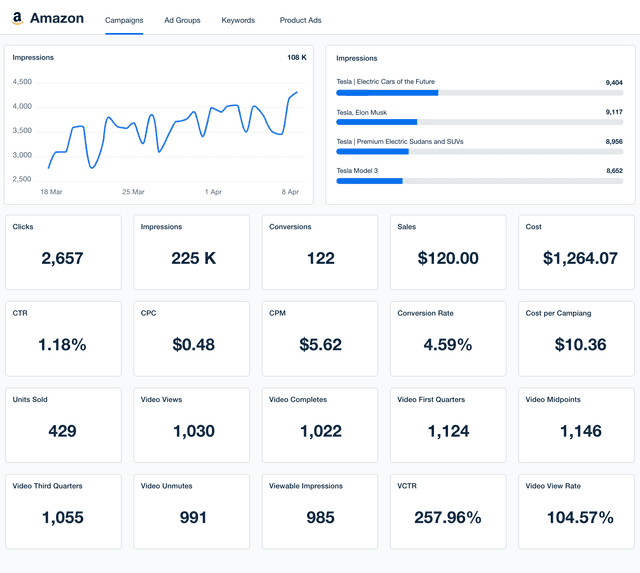
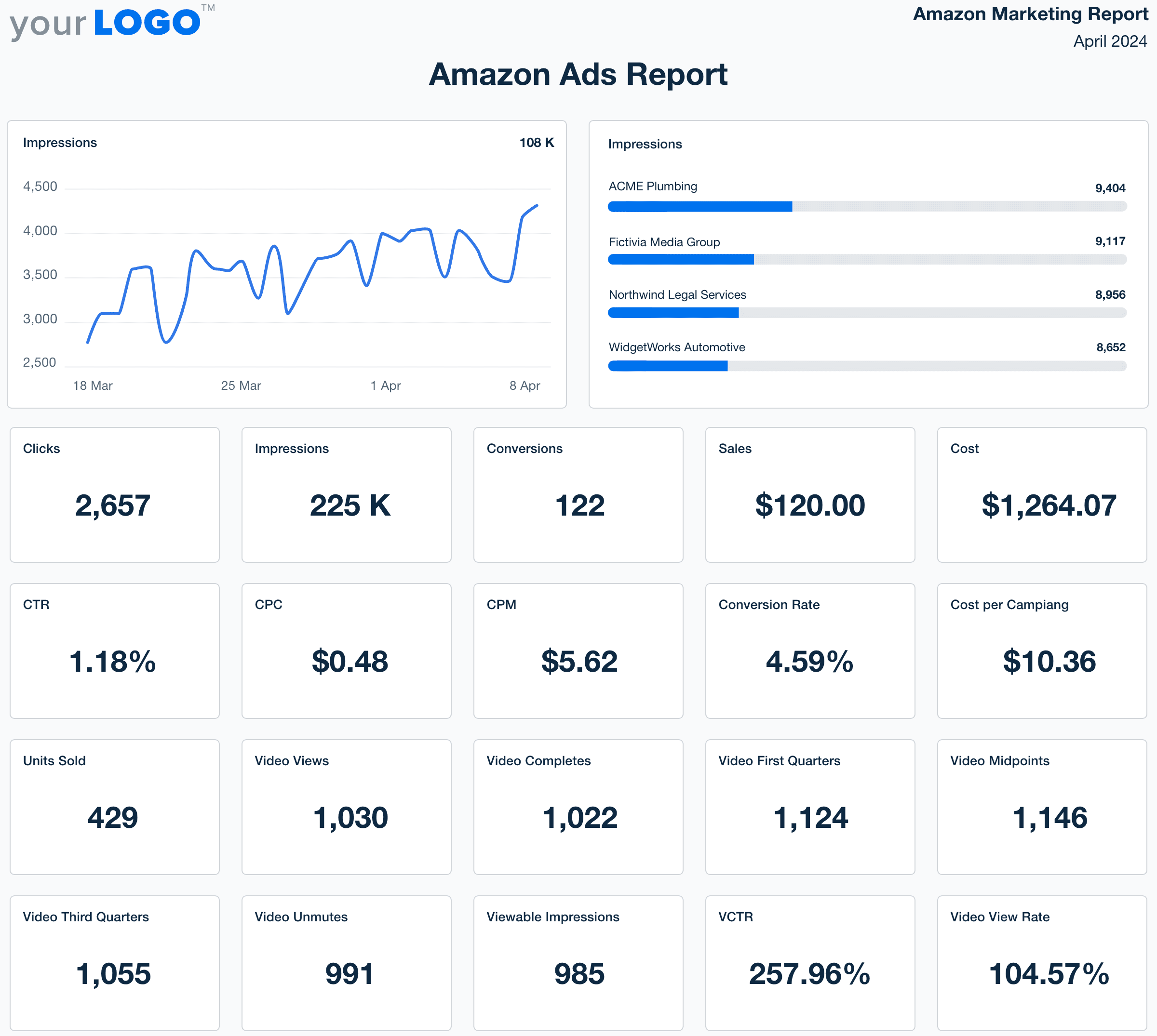
Amazon Ads report template example

Fully Customizable Amazon Ads Report Templates

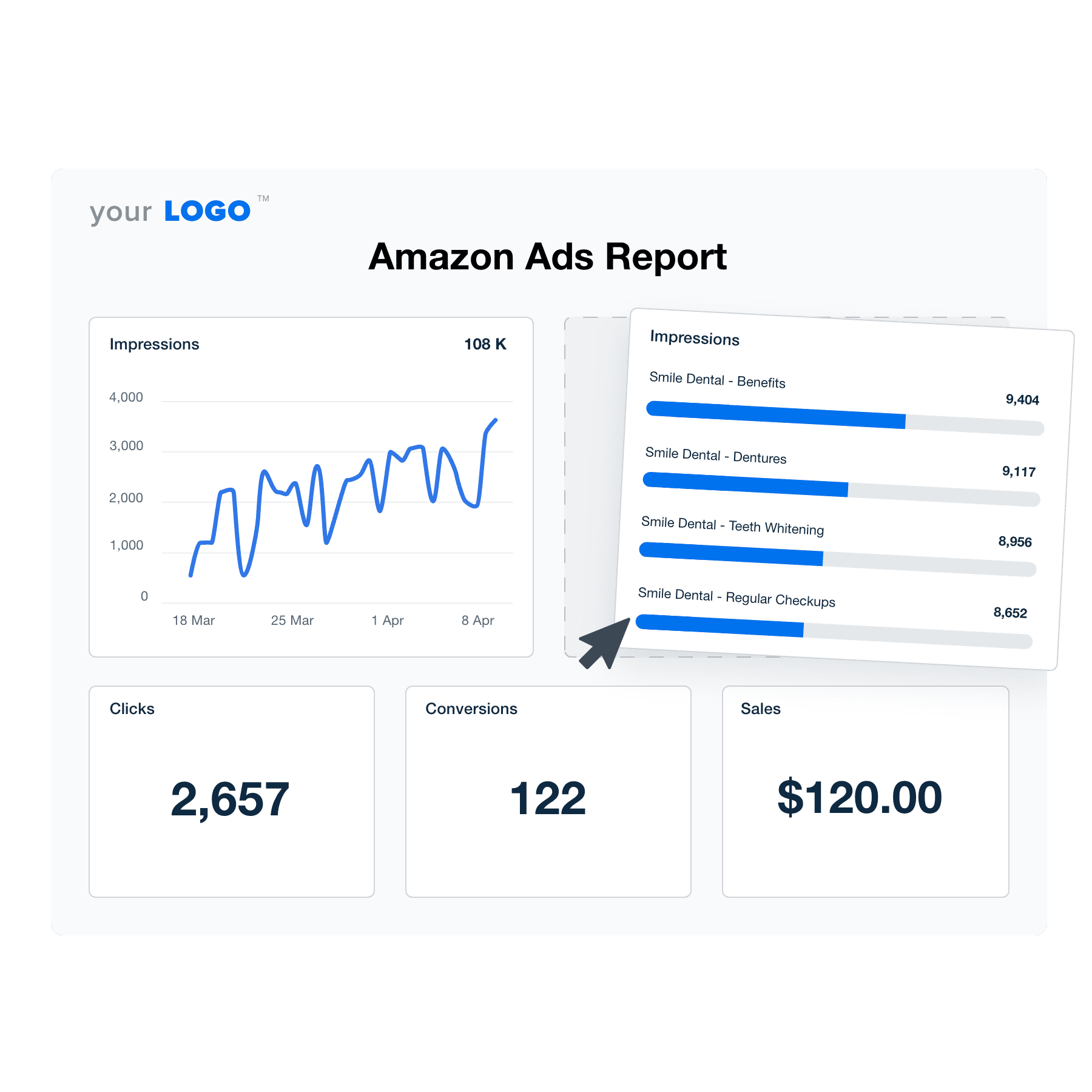
Tailor every report to fit each client’s needs. Add or remove metrics, adjust visualizations, and apply custom branding—all without rebuilding reports from scratch. Automate data pulls from Amazon Ads, streamline reporting workflows, and ensure clients get the insights they care about most.

Create Professional Amazon Ads Reports in Minutes
Illustration of the Amazon Ads Drag-and-Drop Report Template builder from AgencyAnalytics
Create Professional Amazon Ads Reports in Minutes

Easily Report on Your Client's Amazon Ads Performance

Start Your Free Trial

Custom Amazon Ads Client Reports as Unique as Your Agency
Efficiency Redefined

Create Amazon Ads Reports in Minutes–Not Hours

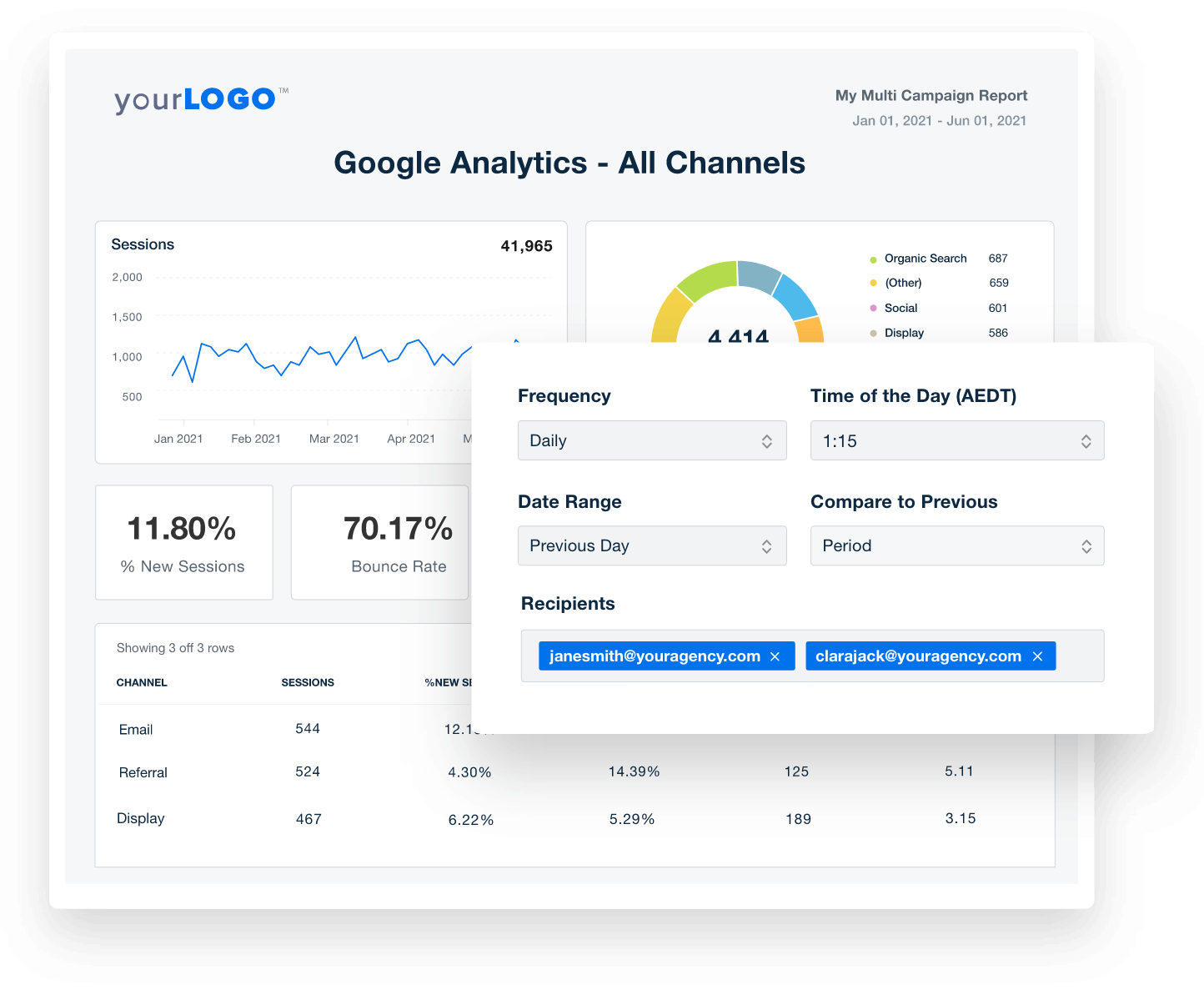
Ditch manual reports & wasted hours. With automatic data retrieval that populates pre-built templates, save your agency time and effort. Generate custom reports in seconds, schedule updates, and focus on strategy, not spreadsheets. 

Get Started With Automated Reporting
Automate Your Client Reporting in Minutes
Get Started With Automated Reporting
Seamless Integration at Your Fingertips

Instantly Access All Your Clients’ Marketing Data

Integrate with over 80 marketing platforms and pull everything into a single hub.  Stop wasting time chasing data from multiple platforms–gain deeper insights and impress clients with comprehensive reports.

View All 80+ Integrations
An example of the available marketing platform integrations AgencyAnalytics offers to connect your clients' marketing data
View All 80+ Integrations
Your Brand, Your Results

Elevate Your Agency With White-Label Reporting

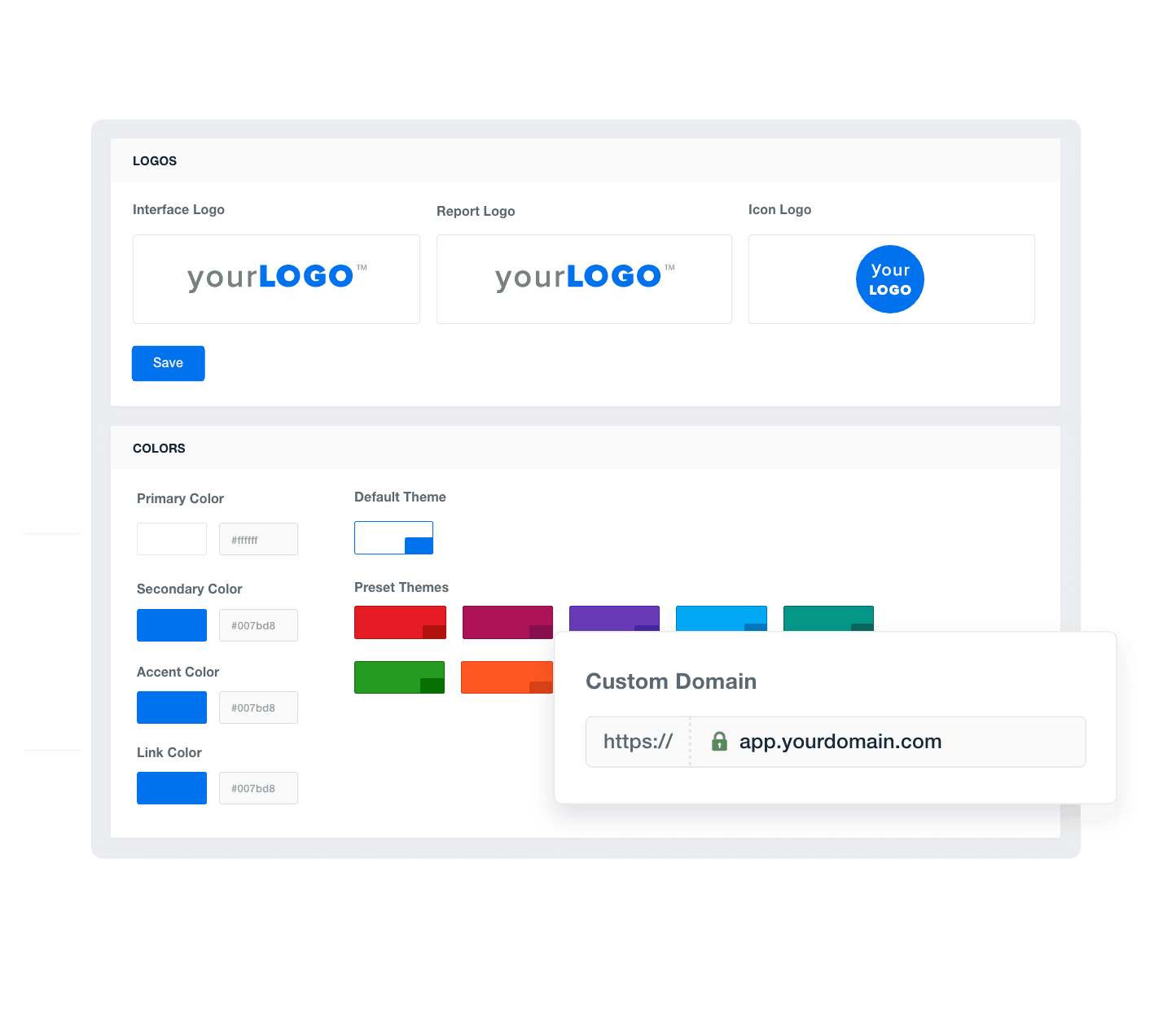
Own your client reports. Add your agency’s logo, brand colors, and even host the dashboards on a custom domain to deliver a professional, customized experience that builds trust and loyalty.

Add Your Agency's Branding
An example of how to add your marketing agency's branding to customizable marketing reporting software
Add Your Agency's Branding
Track and Optimize Campaigns

Clearly Highlight Your Successes

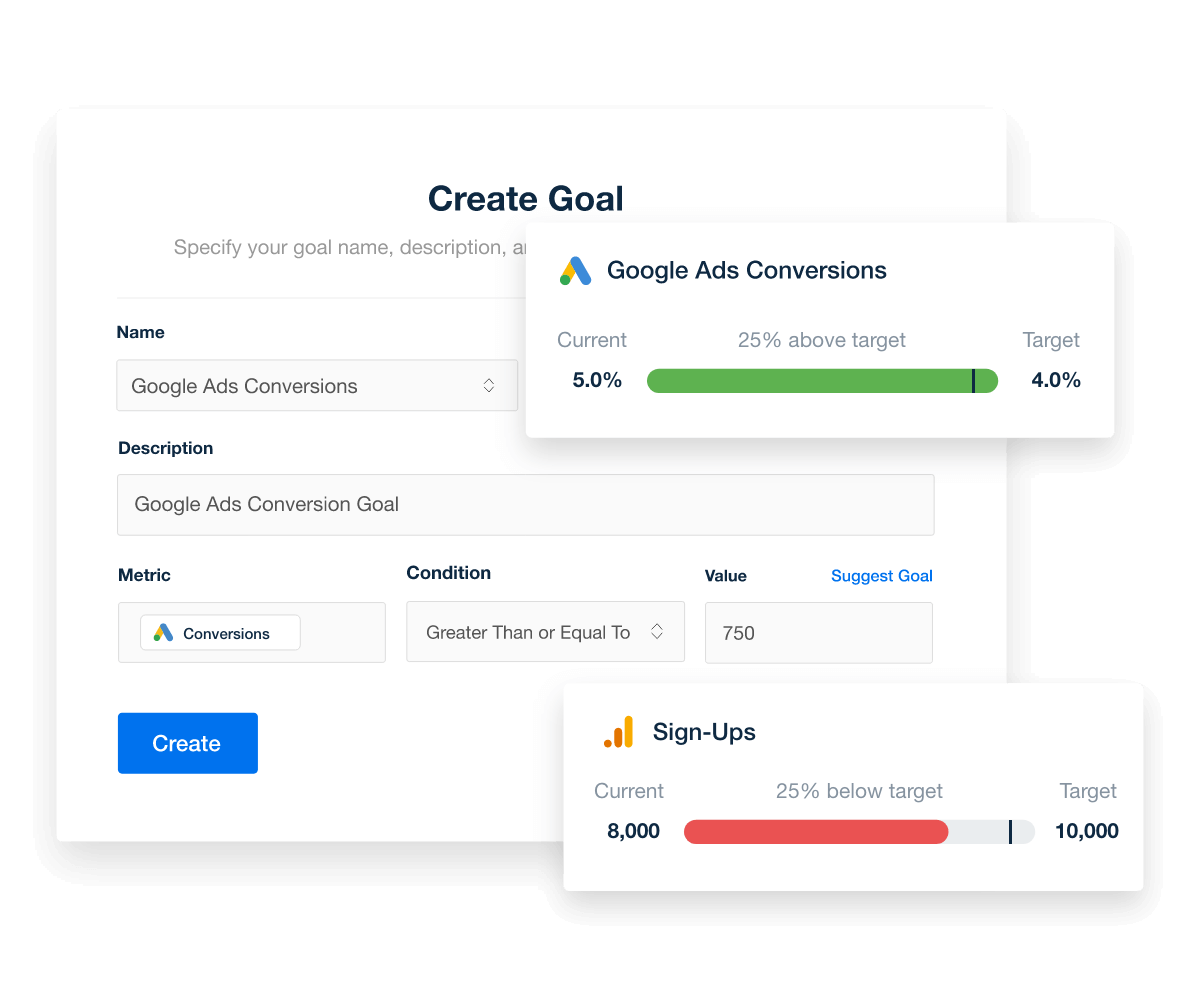
Custom goals make connecting campaign success with client needs easy, ensuring every action drives measurable progress. Add text-based annotations to highlight key wins and guide future optimizations.

Explore Goal & Budget Tracking
Set and automatically track marketing goals, thresholds, and campaign performance targets
Explore Goal & Budget Tracking
Streamline Reporting Workflows

Put Your Amazon Ads Reporting on Autopilot

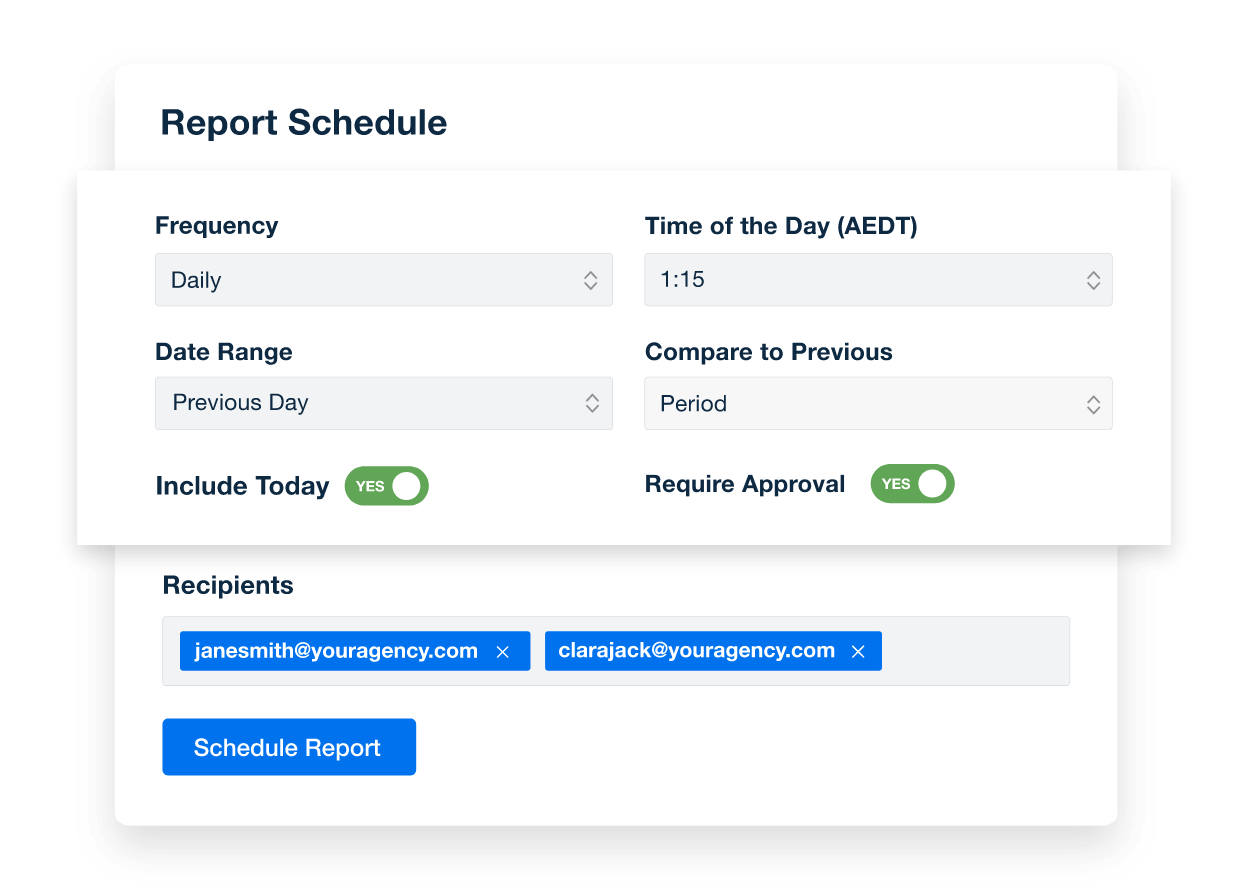
Maximize efficiency with scheduled client reports, ensuring timely and consistent communication without the manual hassle. Automating report delivery streamlines workflows, reduces overhead, and ensures clients are always equipped with the latest data.
Create Custom Dashboards
An example of how to schedule automated marketing reports for marketing agency clients
Create Custom Dashboards
Client Reporting, Simplified

Streamline Reporting and Focus On What Matters

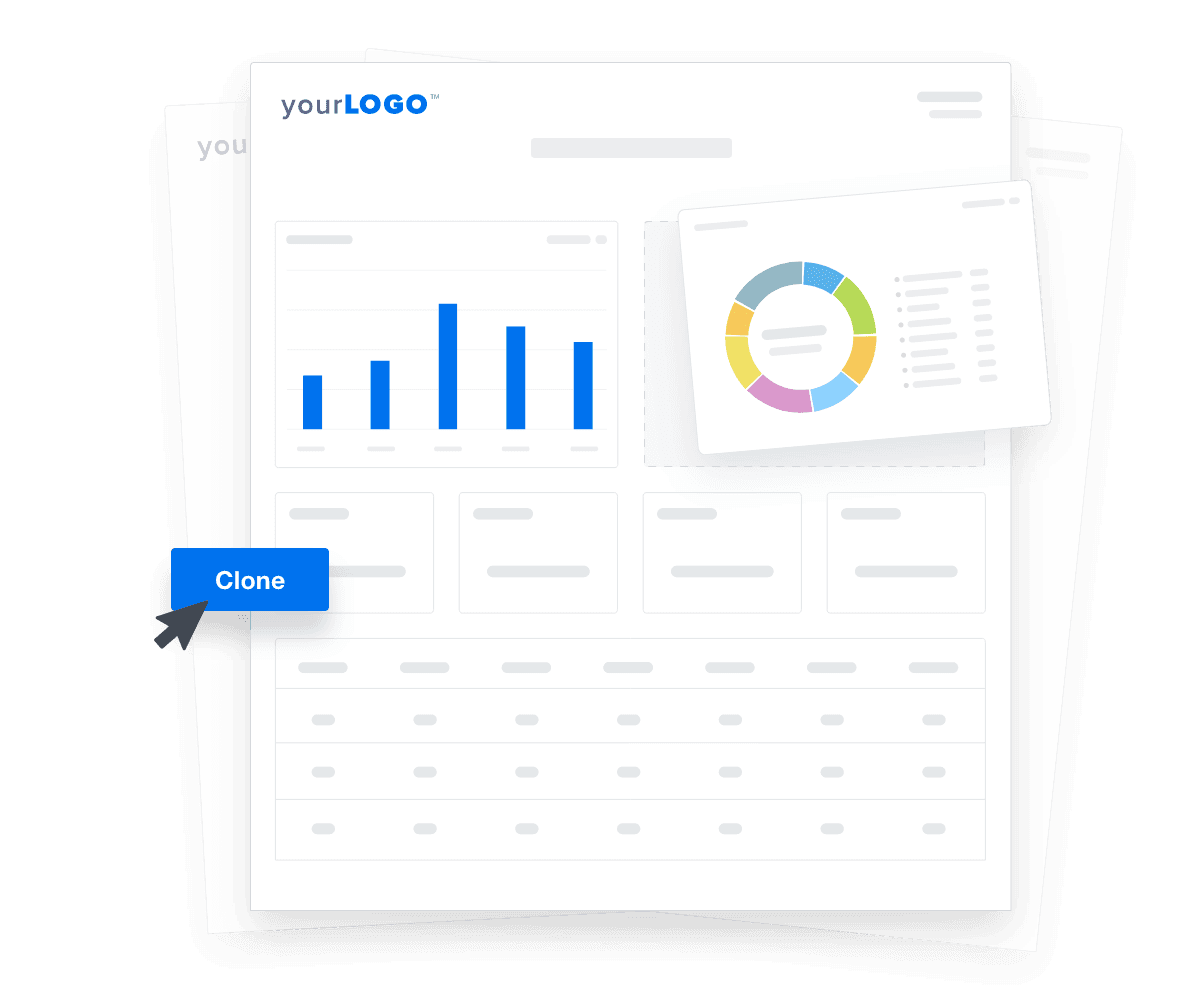
Customize pre-built templates and dashboards for rapid client onboarding and lightning-fast report generation. Save time, gain deeper insights, and wow clients with a holistic view of their marketing success.

Automate Your Reporting
An illustration of cloning marketing reports and dashboards for faster client onboarding
Automate Your Reporting

Sign up for your free trial now!

No credit card required. No setup hassle. Just instant access to automated reporting, custom dashboards, and multi-channel insights.

Start Your Free Trial
An icon showing a user clicking to start a free trial
Start Your Free Trial

14 Key Sections Included in the Free Amazon Ads Report Template
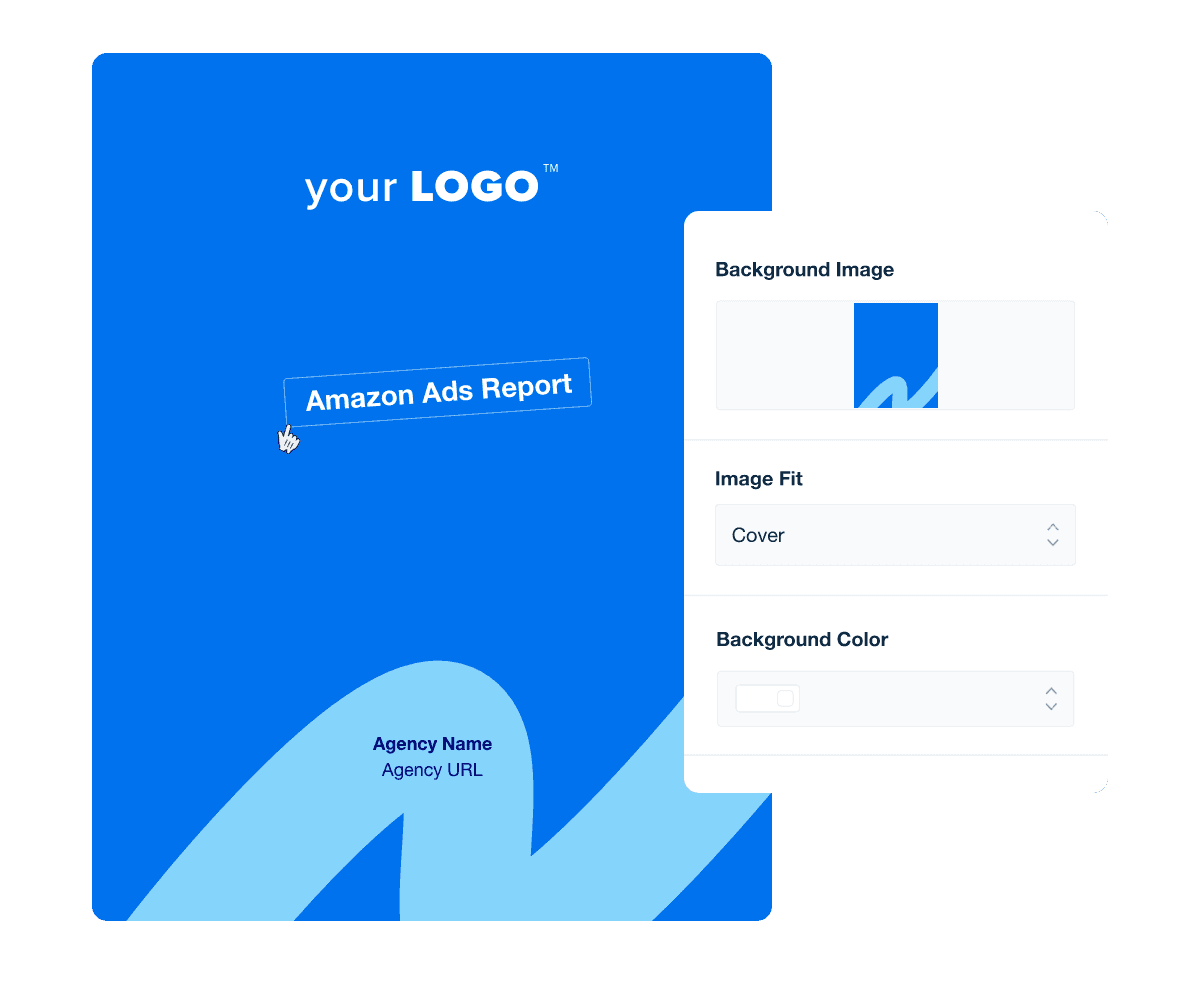
By crafting a customized cover page, agencies immediately convey professionalism and attention to detail, fostering trust and respect from the outset. This vital first impression influences how the report's insights are perceived and valued.

A professional, branded report cover page sets the tone for the following content and significantly enhances brand recognition. It acts as a visual handshake, introducing the brand's aesthetic and ethos in a compelling way.

Each cover page should clearly indicate the content of the report–whether it’s a dedicated report on Amazon sponsored brands ads performance or a broader ecommerce report–as well as the date range it covers (e.g. monthly, quarterly, or campaign-specific).

Save designs as custom templates and offer unparalleled consistency and efficiency. A uniform presentation across all client reports streamlines the report creation process, ensuring that each report maintains a high branding standard and professional appearance.

An executive summary at the start of a report template distills complex information into a digestible, one-page overview. This section quickly informs readers about the key findings, recommendations, and the essence of the report without delving into the full details.

Creating an effective Amazon Ads report summary involves clear communication and strategic data presentation. Here are some best practices to follow:

  • Highlight Key Metrics: Focus on critical metrics such as click-through rates, conversion rates, and sales figures to quickly convey campaign success.

  • Use Concise Language: Keep updates brief yet informative to maintain clarity without overwhelming clients with details.

  • Organize Logically: Arrange information in a logical flow, starting with the most impactful data to guide the reader through the report’s findings.

Accurate and comprehensive reporting on Amazon Ads metrics at each level—campaigns, ad groups, keywords, and product ads—is essential for optimizing advertising strategies and maximizing ROI. These metrics offer granular insights that influence decision-making processes and campaign adjustments.

  • At the campaign level, track overall spend and sales to gauge the general effectiveness of advertising efforts and adjust budgets accordingly.

  • Ad group metrics reveal how clusters of similar products or themes are performing, helping refine targeting and promotional tactics.

  • Keyword-level data focuses on search term relevance and consumer intent, enabling agencies to optimize bids and improve ad relevance.

  • Finally, metrics for product ads offer insights into individual product performance, informing product positioning and pricing strategies.

This layered approach ensures that each campaign component contributes to the overall goals and helps identify underperforming areas that need strategic realignment or enhancement.

Amazon Ads impression data quantifies how often your client's ads are displayed, serving as a foundational piece of marketing data.

Within an Amazon PPC report, this metric helps agencies evaluate the effectiveness of audience targeting strategies and identify potential visibility issues. Using this data, agencies quickly adjust their approaches to maximize exposure and ensure that the ads connect with the most relevant audiences.

Clicks data measures user interactions with the ads, key to assessing engagement levels. Including clicks data in an Amazon Ads report provides clear evidence of how effectively ads engage targeted audiences.

This insight helps agencies refine ad content and targeting strategies, ensuring that ads reach and resonate with potential buyers. High click rates often correlate with increased interest and higher conversion potential, making this metric a key performance indicator for campaign success.

Click-through rate (CTR) tracks the percentage of clicks per Amazon Ad impression, reflecting both relevance and engagement. It directly illustrates the effectiveness of ad creatives and targeting.

Reporting on CTR helps agencies optimize ad strategies to improve engagement and increase the likelihood of conversions, maximizing campaign performance and the client’s return on investment.

Conversions data from Amazon Ads measures the number of successful customer actions, such as purchases, resulting from ad clicks, essential for evaluating the bottom-line impact of a campaign.

This metric helps agencies assess the effectiveness of their ad strategies in driving sales, providing a clear measure of ROI. Agencies leverage this data to refine ad content and targeting to better meet consumer needs and preferences, ultimately boosting conversion rates and enhancing client satisfaction.

Amazon Ads Client Report Cover Page Example

Build Amazon Ads reports that deliver results

Save time and impress clients with a powerful, results-driven report template. Access the free Amazon Ads report template today!

Preview the Template
Illustration of a user at a marketing agency trying the client reporting features from AgencyAnalytics
Preview the Template

Analyzing conversion rate data is essential for agencies managing a client’s Amazon Ads account to optimize sponsored products campaigns based on current trends.

This metric offers a clear view of how effectively the PPC campaign converts interest into sales. By monitoring the conversion rate data, agencies adjust their strategies in real time, enhancing ad relevancy and shopper engagement, and boosting the overall performance and profitability of each campaign.

Sales data from Amazon Ads quantifies the total revenue generated from ad-driven purchases, showcasing the direct financial outcomes of advertising efforts.

Agencies use these insights to adjust bidding, targeting, and content strategies, ensuring that each campaign element is fine-tuned to maximize sales. This focus helps achieve client goals and reinforces the agency’s role in driving profitable growth through data-driven decision-making.

Total cost data from Amazon Ads covers the entire expenditure on ad campaigns, which is critical for evaluating financial efficiency and informing budget allocation.

By monitoring total costs, agencies optimize ad spend, adjust campaign strategies, and ensure that budgets are used effectively to achieve the best possible financial returns. Comparing the cost and ROI across multiple channels, such as Google Ads, LinkedIn Ads, Instagram Ads, and TikTok Ads, provides a unified perspective on which channels and campaigns drive the most value for a client.

Amazon Ads cost per conversion data goes beyond just dollars spent to reveal the exact investment driving each sale in your client’s sponsored campaigns. This intel helps your agency pinpoint the most efficient campaigns, maximize return, and keep the marketing budget laser-focused on success.

By monitoring and adjusting based on this data, agencies continually enhance campaign performance, optimize budget allocations, improve ROI, and ensure that every dollar spent is an investment toward achieving more profitable conversions.

It's important for marketing agencies to include CPC data in Amazon Ads reports to track the direct cost implications of ad clicks. This metric helps agencies–and their clients–assess how competitive the ad environment is and whether the bids they are placing are cost-effective.

This insight is essential for maintaining an efficient balance between spend and campaign outcomes, optimizing the financial health of client advertising endeavors.

CPM data reflects the cost to display an ad on Amazon one thousand times, which is key when evaluating exposure and awareness costs.

By monitoring CPM, agencies optimize the ad placements and targeting to ensure they are not only reaching a broad audience but doing so in a cost-effective manner.

Amazon Ads video performance data measures video engagement metrics such as views, clicks, and conversions, providing insights into viewer interaction.

Integrate video performance data into your Amazon advertising reports to dive deep into how content captivates viewers and drives sales. Track and analyze metrics like view duration and click-through rates, giving your agency the insights needed to optimize video strategies.

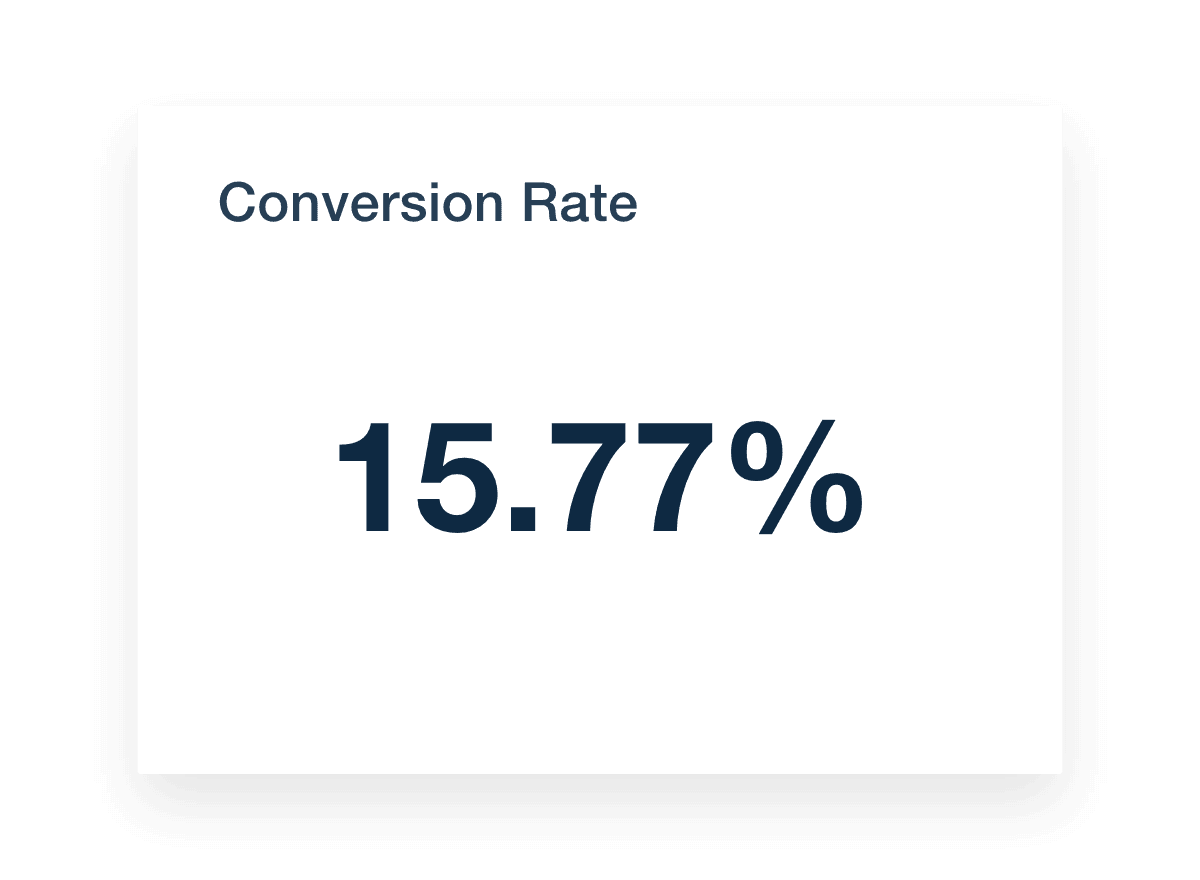
Amazon Ads report template conversion metric

FAQs About Custom Amazon Ads Report Templates

Still have questions about how to create and use custom Amazon Ads Report Templates? Don’t worry, we’ve got you covered.

  • An Amazon Ads report template is a pre-built reporting framework that pulls data points from Amazon ad campaigns, including product ads performance and conversion data. It helps agencies track key metrics and measure the success of their advertising efforts in one comprehensive view.

  • An Amazon Ads Report Template should include essential metrics such as impressions, clicks, click-through rates, cost per click, total ad spend, sales generated, and return on ad spend. Tracking these key metrics helps evaluate the impact of your advertising strategies across Amazon ad campaigns.

  • By providing a clear view of conversion data and ad performance, an Amazon Ads Report Template helps marketing teams make data driven decisions. It highlights what’s working and what’s not, so they can refine ad creatives and optimize future ppc campaign strategies.

  • Yes, with AgencyAnalytics, agencies automate Amazon Ads reporting alongside platforms like Google Ads and LinkedIn Ads, eliminating the need to manually gather data from tools like Google Sheets or Google Looker Studio.

  • Using an Amazon Ads Report Template streamlines reporting, saves time, and improves client communication. It organizes key performance indicators into a monthly report, allowing agencies to present clear insights that validate advertising efforts across product ads and other digital channels like Google Ads or TikTok Ads.

  • Yes, the drag-and-drop report and dashboard builder makes it easy for agencies customize the Amazon Ads Report Template by adding client branding, choosing specific data points, and tailoring the layout to highlight the most relevant ad campaigns and key metrics for each client.

  • Starting with the social media analytics report to showcase engagement metrics, agencies then present website performance using the web analytics report. Paid campaigns are highlighted with the PPC reporting template, and SEO progress is delivered through the SEO monthly report template. All of this is combined in the digital marketing monthly report template.

More templates
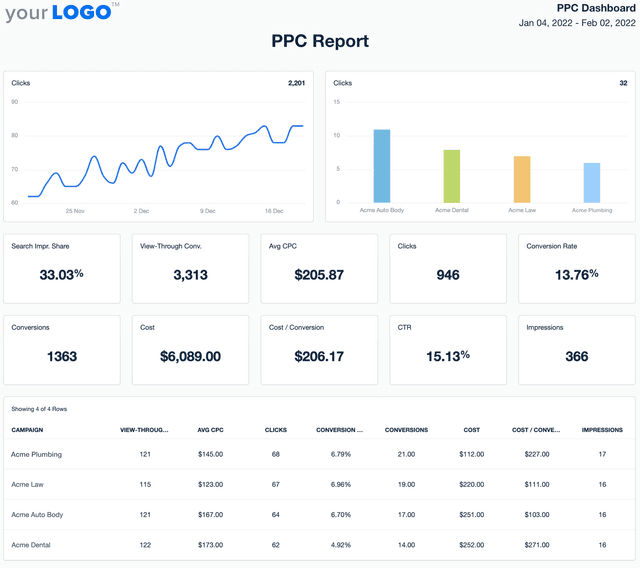
Screenshot of an example PPC Report Template

PPC Report

Monthly PPC reports shouldn't take all weekend. The customizable PPC Report Template gathers key metrics like cost-per-click, conversions, and ROI—so reporting takes minutes, not hours.
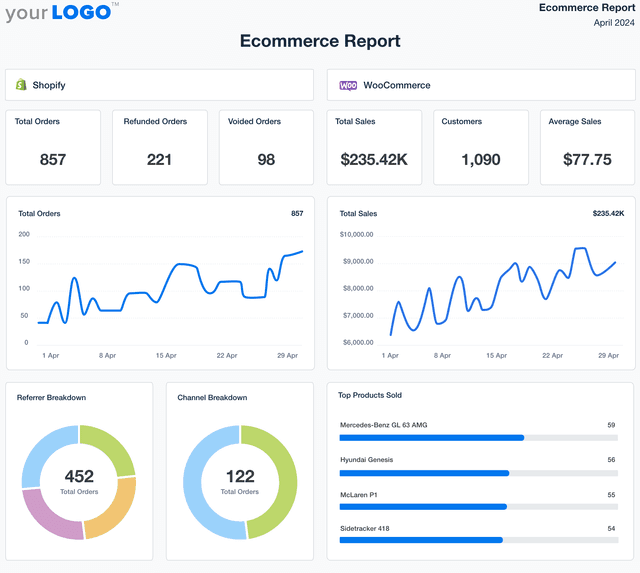
Ecommerce Report Template Example

Ecommerce Report

Revenue trends, conversion rates, and customer insights—all in one place. The customizable Ecommerce Report Template takes the guesswork out of ecommerce reporting, helping you present sales data in a way that drives smarter decisions.
Amazon Dashboard Template Example

Amazon Ads Dashboard

Deliver up-to-date Amazon Ads performance data in a fully customizable dashboard. Track ad spend, conversion rates, and ROAS while providing clients with a live, transparent view of campaign results. Optimize performance faster and reinforce trust with real-time access to key advertising metrics.
View All Templates

See how 7,000+ marketing agencies help clients win

Start Your Trial Now

Free 14-day trial. No credit card required.

Callout Get StartedSwoosh
Logo
G2 Users Love Us
AgencyAnalytics - G2 Leader Winter 2026
AgencyAnalytics - G2 Momentum Leader Winter 2026
G2 Crowd

4.7 out of 5

Capterra

4.8 out of 5

Product
Platform features
Agency solutions
Data integrations
Compare platforms
Reviews
Pricing
Company
About
Careers
Hiring
Media Kit
Contact
Get Started
Start Free Trial
Book a Demo
Quick Start Guide